Marketing Budget

The Marketing Budget tab is used to input your Targeted Marketing Spend, CPA, and ROAS for your Marketing Vendors, to compare against the Actuals in Daasity.

circle-info

Contact [email protected] if you do Not have access to your BSD Sheet

Access Your Marketing Budget

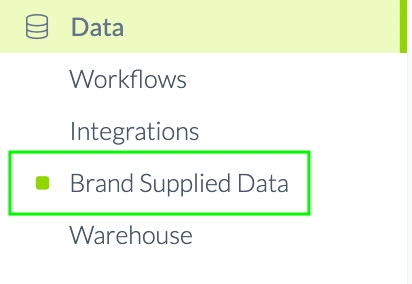
Click Brand Supplied Data in your Left-Side Menu Bar
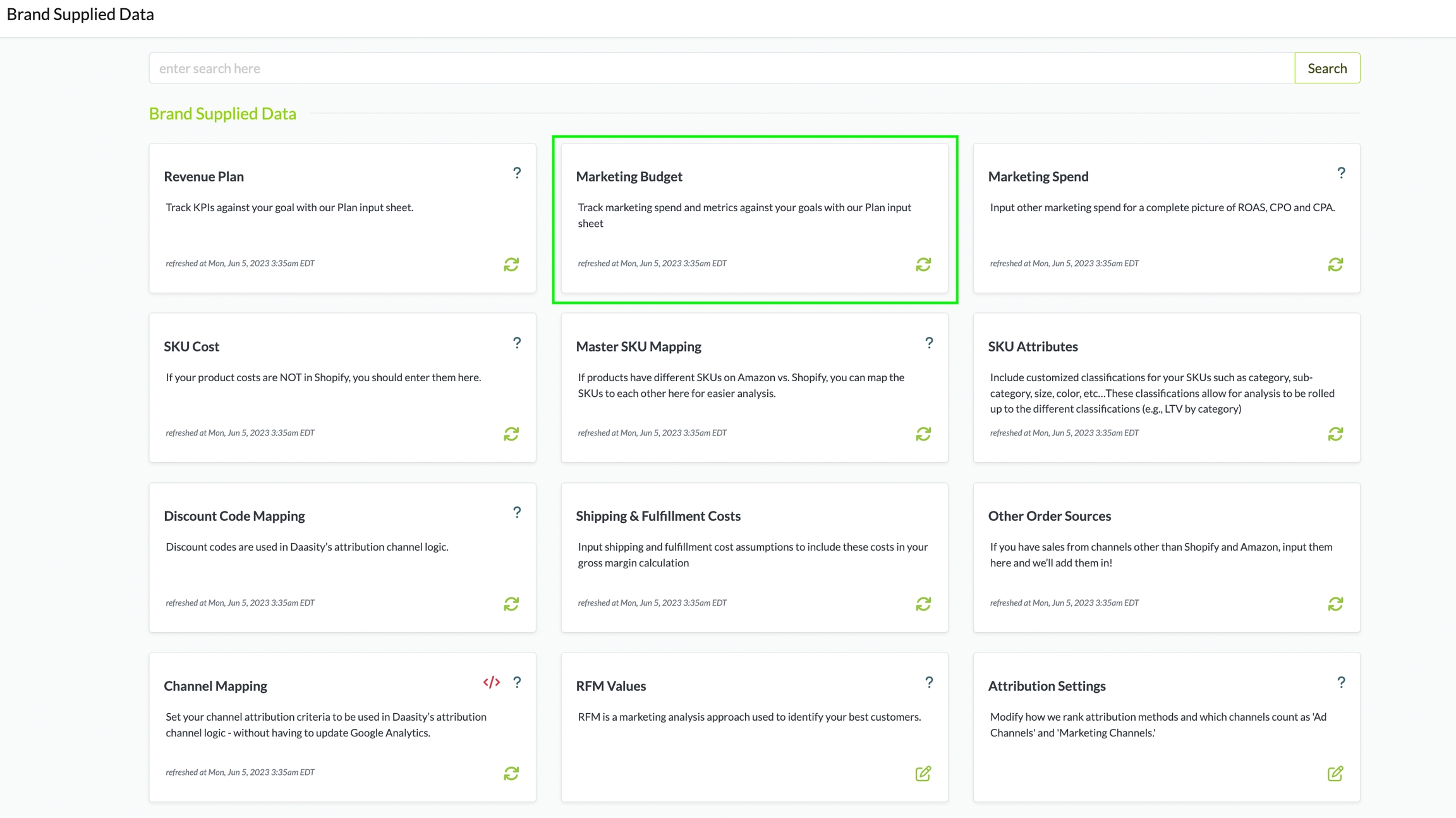
Click the Marketing Budget tile
circle-info

You can Bookmark your BSD url to access it anytime in your Browser

Complete Your Marketing Budget

Follow the instructions below for each field. Do NOT add or delete columns. Do Not leave a row incomplete (All required fields must be filled in for a row).
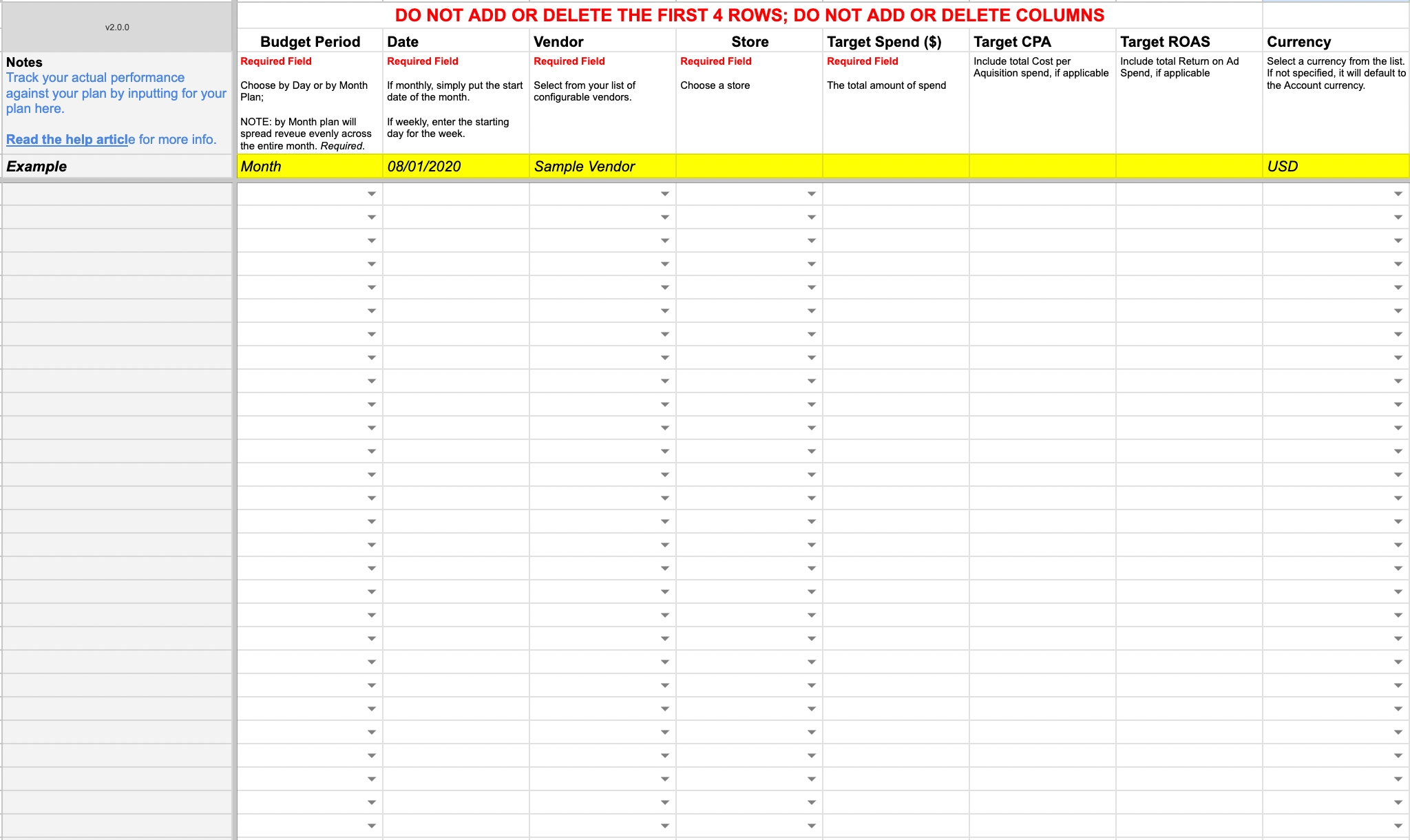
Required Fields Must Be Filled Out

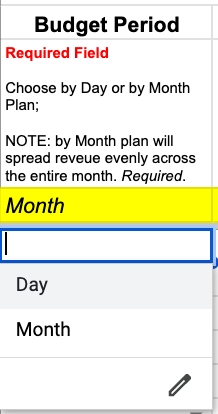
Budget Period

circle-info

If you choose Day - You must enter Every Day of the Month in the Date column

circle-info

If you choose Month - You can NOT enter a specific Daily Plan for that Month

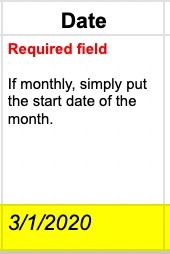
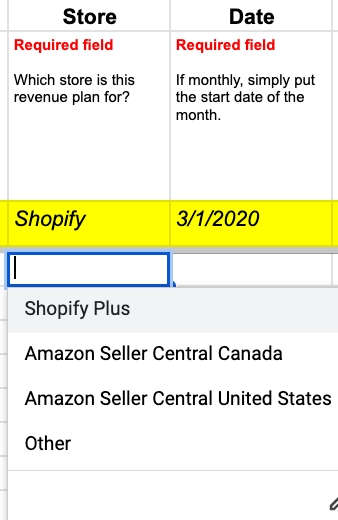
Date

Enter the Date in the format shown
circle-info

If you chose Month format - Enter the First Day of the Month (Daasity will divide this by the number of Days in that Month when comparing Daily Metrics)

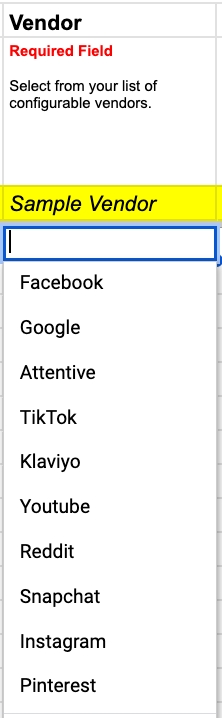
Vendor

Choose the Vendor for the Row
circle-info

If you do NOT see a Vendor in the dropdown - Go to the Configuration tab to add it

Store

Choose the Store for the Marketing Budget for the row

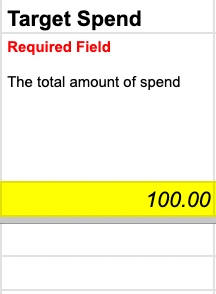
Target Spend

Enter the Target Spend for the row

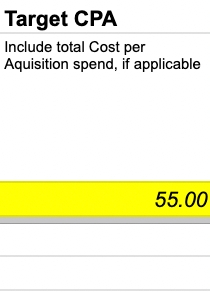
Target CPA

Enter the Target CPA for the row (Optional)

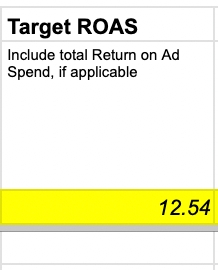
Target ROAS

Enter the Target ROAS for the row (Optional)

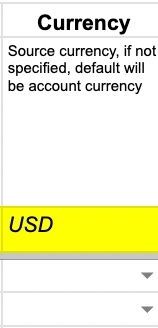
Currency

If you do NOT specify the Currency will remain the Default currency in your Daasity Account Settings (Optional)

Where to Find Your Data

Daily Flash vs. Plan Dashboard
Daily Flash vs. Plan Featured Daasity Dashboard

Daily Marketing Plan to Actual Marketing Performance Explore
Daily Marketing Plan to Actual Marketing Performance

Was this helpful?