> For the complete documentation index, see [llms.txt](https://help.daasity.com/llms.txt). Markdown versions of documentation pages are available by appending `.md` to page URLs; this page is available as [Markdown](https://help.daasity.com/support/faq/where-to-find-my-templates-in-looker.md).
# Where to find my Templates (in Looker)?
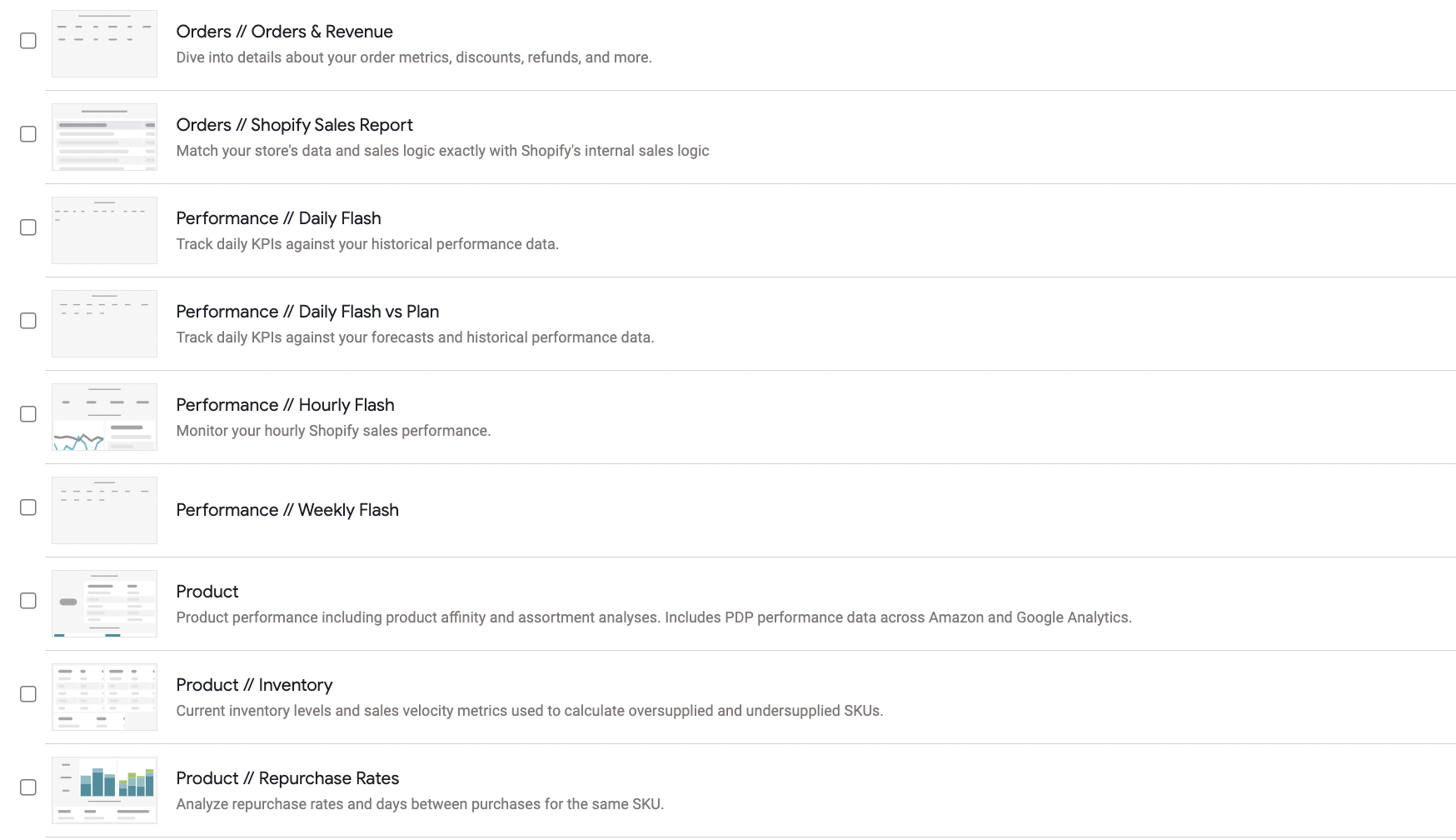
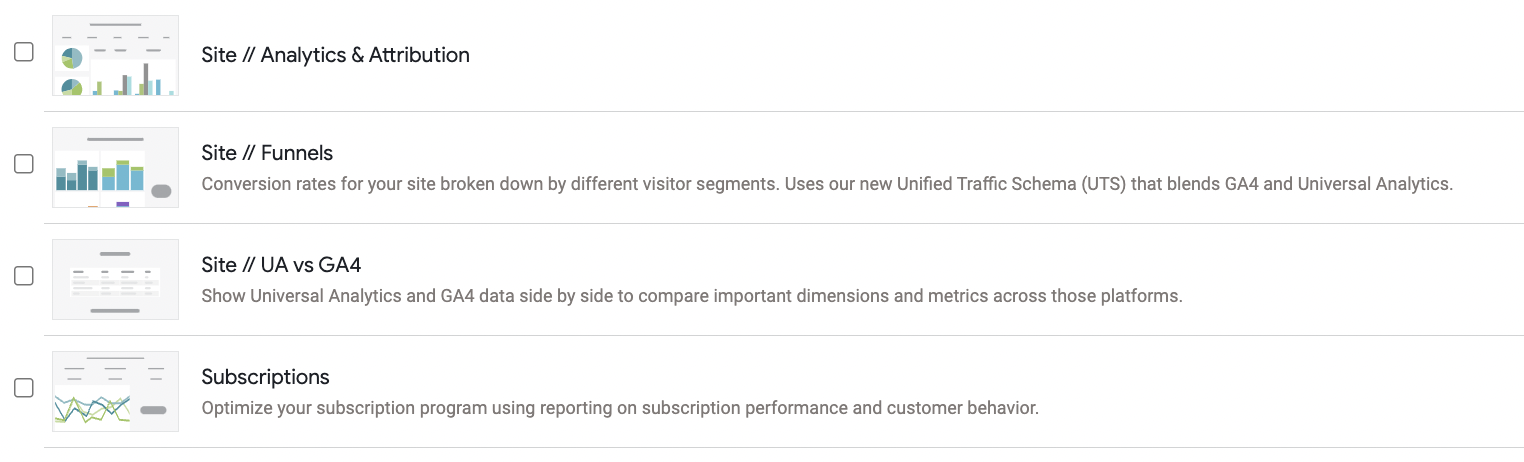
Daasity builds Out-of-Box Dashboards combing data from your Integrations and your Brand Supplied Data (BSD) Sheet.
## Where to Find Your Templates
## How to Access an Explore
### Merchants on Daasity Growth License Follow the Steps Below
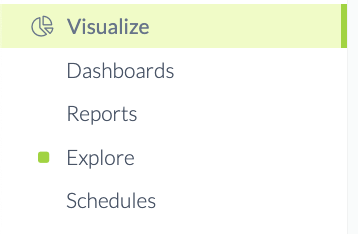
Navigate to the Visualize section of your Menu Bar
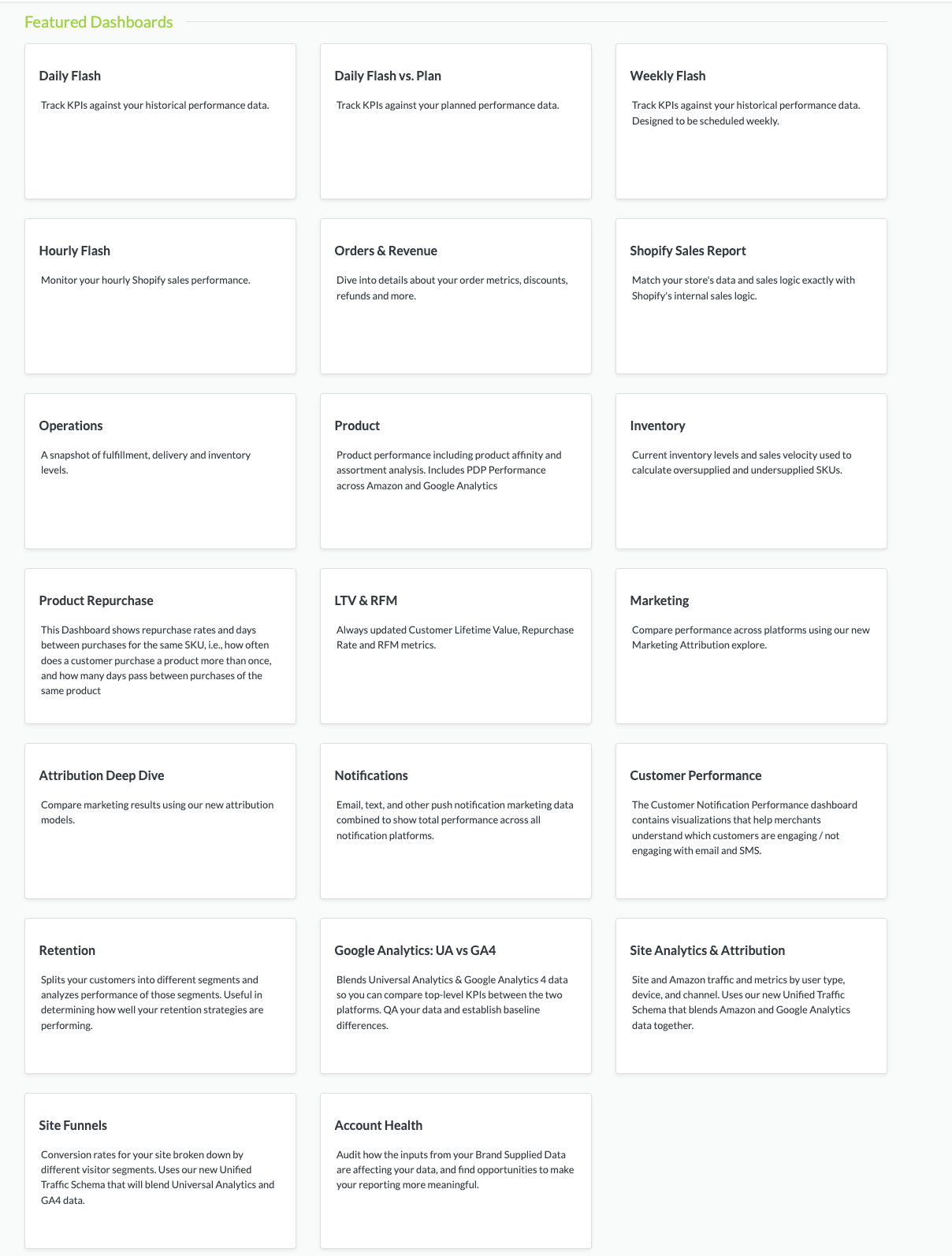
Click Dashboards
Daasity Out-of-Box Dashboards
{% hint style="success" %}
Some [Integrations have a dedicated Pre-Built Dashboard](/core-concepts/dashboards/report-library/data-source-dashboards.md) in addition to the Daasity Out-of-Box Dashboards
{% endhint %}
### Merchants on Daasity Enterprise License
{% hint style="success" %}
You can access your Dashboards via the Daasity App or by logging in directly to your Visualization Tool such as Looker.
{% endhint %}
Via the App:
Navigate to the Visualize section of your Menu Bar
Click Dashboards
{% hint style="success" %}
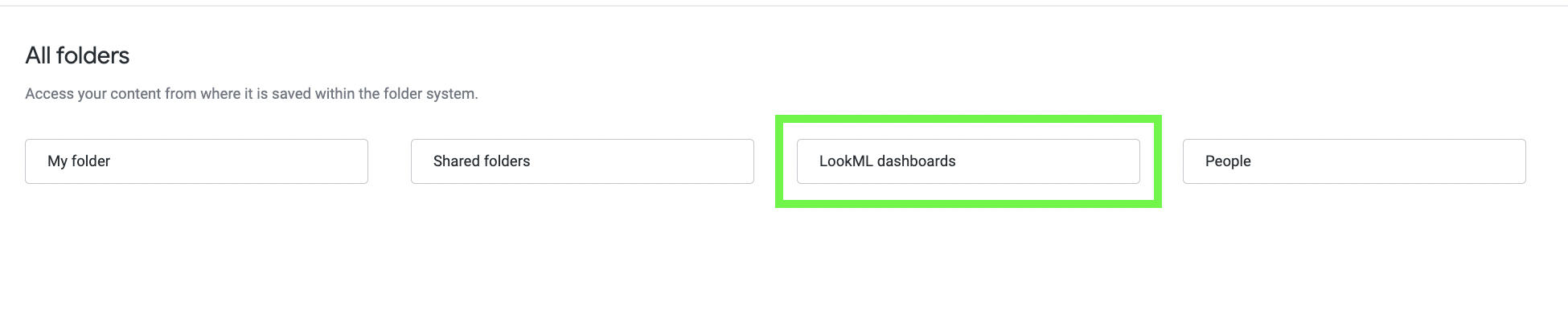
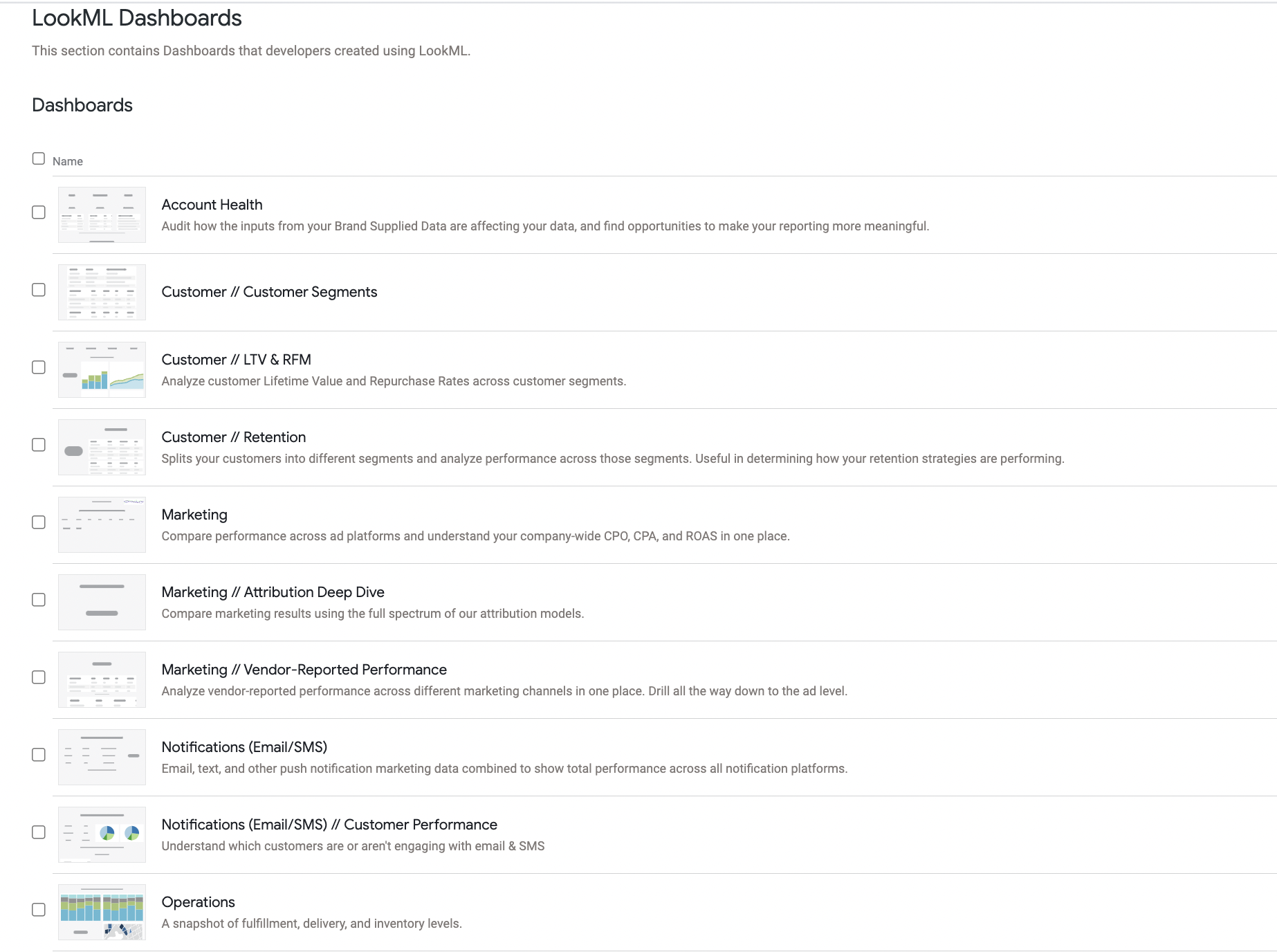
Enterprise Merchants using Looker can find Daasity Out-of-Box Dashboards in the **LookML Folder**
{% endhint %}
Daasity Dashboards are in Your LookML Folder
{% hint style="success" %}
Click [Here to Learn more about Modifying, Copying, and Working with Your LookML Dashboards ](https://help.daasity.com/visualization/enterprise-looker-setup)
{% endhint %}