# How to Access An Explore
Choose the specific Explore for the Report you want to Build.
{% hint style="success" %}
It is important to pick the correct Explore for the Report you want to build. Each Explore contains dimensions and measures to meet a specific purpose.
{% endhint %}
{% hint style="success" %}
We recommend starting with the [Order and Order Line Revenue Explore](https://help.daasity.com/core-concepts/data-models/data-explores/digital-analytics-unified/ecommerce-orders-and-revenue-by-order-date-explore) or [The Transactional Sales Report Explore](https://help.daasity.com/core-concepts/data-models/data-explores/digital-analytics-unified/transactional-sales-report-explore) when building reports for the first time.
{% endhint %}
## How to Access an Explore
### Merchants on Daasity Growth License Follow the Steps Below
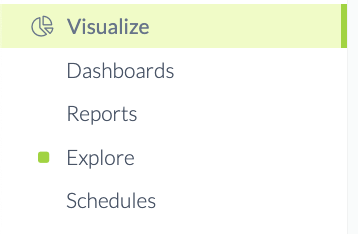
Navigate to the Visualize section of your Menu Bar
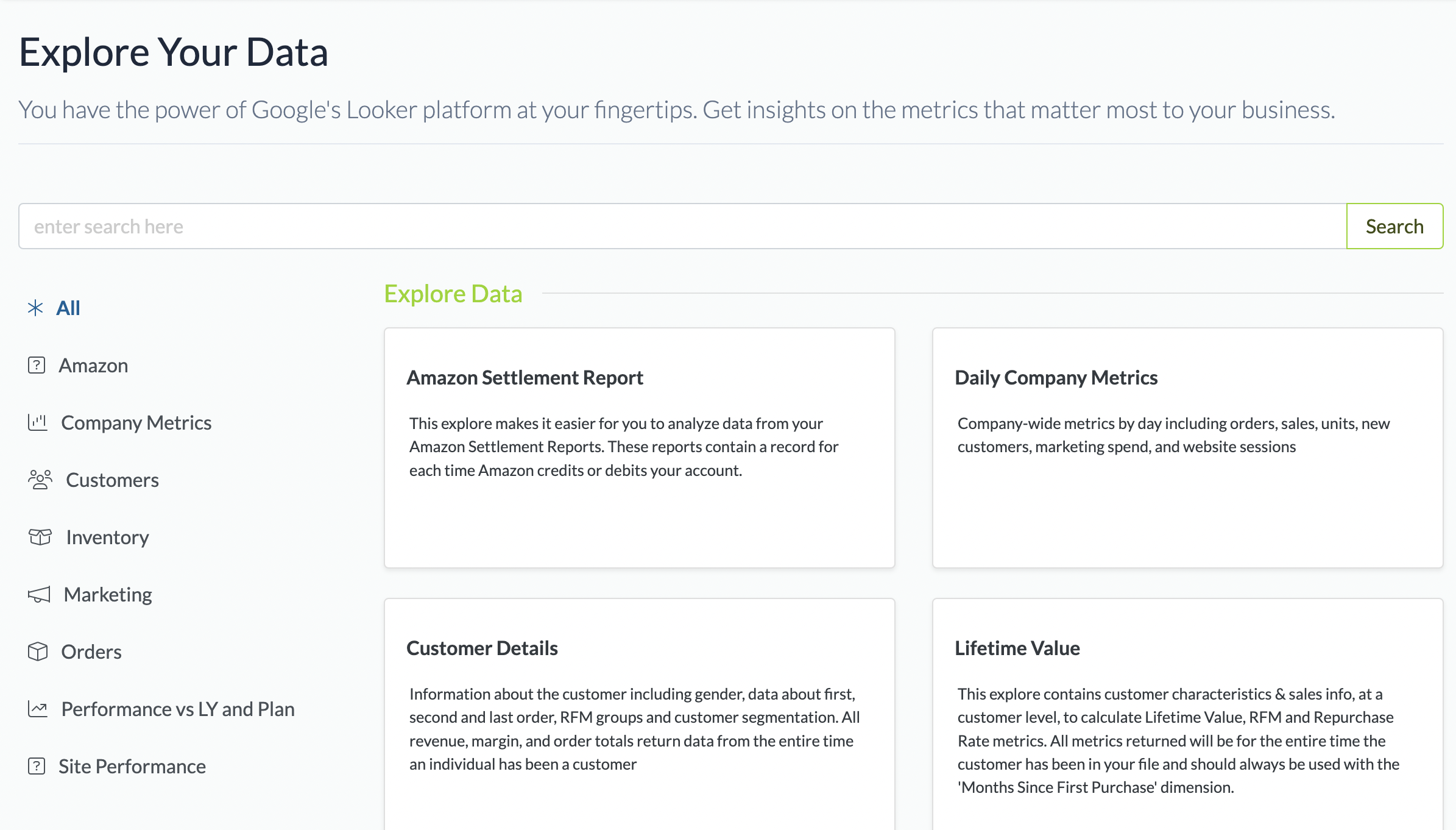
Click Explore
Choose an Explore
### Merchants on Daasity Enterprise License
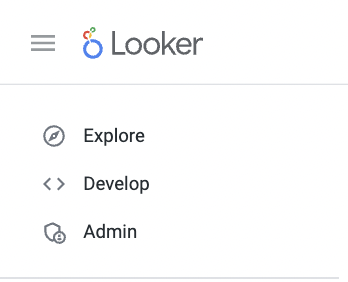
Navigate to your Looker Menu Bar and Click Explore
Click Explore
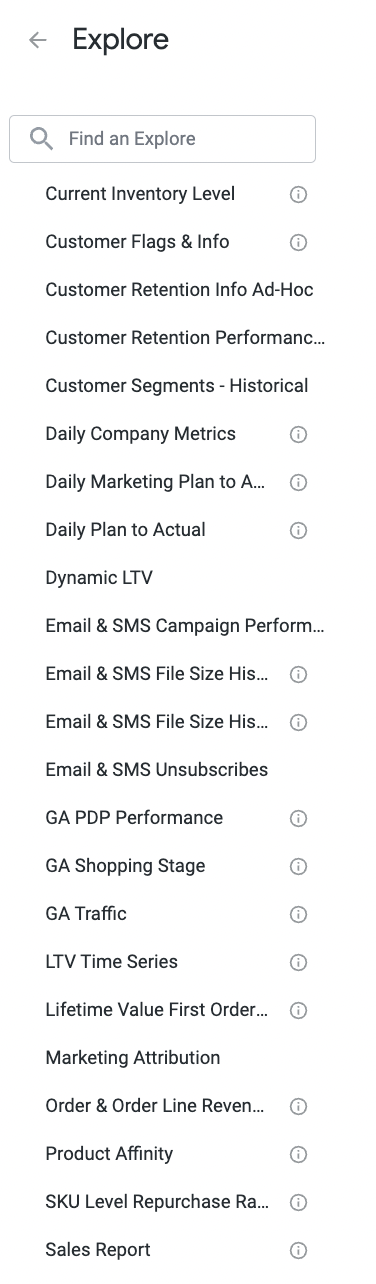
Choose the Explore from the Dropdown List or Type the name of the Explore in the Search Box
Use the Search Box to Find an Explore from the List