> For the complete documentation index, see [llms.txt](https://help.daasity.com/llms.txt). Markdown versions of documentation pages are available by appending `.md` to page URLs; this page is available as [Markdown](https://help.daasity.com/core-concepts/dashboards/report-library/ecommerce-performance/flash-dashboards.md).
# Flash Dashboards
The Flash Dashboards provide a snapshot of The Daasity E-Commerce 6-Pack" metrics. Traffic, Conversions, Orders, AOV, Gross Sales and Vendor Reported ROAS.
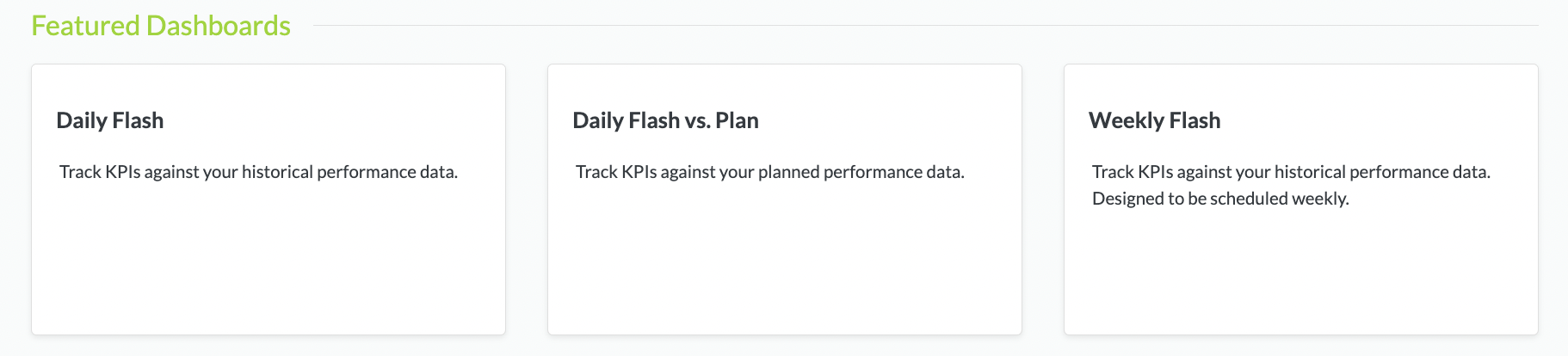
Daily Flash, Daily Flash vs. Plan and Weekly Flash Dashboards
{% hint style="success" %}
The Daily Flash, Weekly Flash and Daily Flash vs. Plan Dashboard show the same Data **The differences between the Dashboards Are the Comparative Periods.**
{% endhint %}
Daasity uses the 4-5-4 Retail Calendare to Compare Dates. [Please See This Article For a Deeper Dive into the Retail Calendar](https://help.daasity.com/visualization/looker-guides/working-with-date-dimensions#daasity-retail-calender)
{% hint style="success" %}
Each of the Three Flashes (Daily, Weekly and Daily Flash vs. Plan) **Have Default Filters set to include ALL Store Integrations combined** (Shopify Store(s), Amazon Seller Central Store(s) BigCommerce Stores(s) etc.
{% endhint %}
{% hint style="success" %}
The Daily Flash vs. Plan Uses the [Revenue Plan Sheet in Your Brand Supplied Data](/core-concepts/custom-data-and-enrichment/revenue-plan-forecast/e-commerce-revenue-plan.md) (BSD) Sheet to compare your Actual Metrics vs. Your Plan
{% endhint %}
{% hint style="success" %}
The Daily Flash and Daily Flash vs. Plan Dashboards Have a **Store Type** and **Store Integration Name Filter** - You can use this to toggle between Stores.
{% endhint %}
{% hint style="success" %}
The Weekly Flash uses a Traffic, Order, Revenue Filter to toggle between Stores.
{% endhint %}
{% hint style="success" %}
**When you Toggle the Dashboard Filters** t**he Data on the Dashboards will update after you click the Refresh Button.**
{% endhint %}
If you Update a Dashboard Filter - Click the Refresh Data Button to See the Changes
{% hint style="success" %}
Filters will return to their Default Settings once you leave the Dashboard and return. To Permanently Change the Dashboard Filter Settings Please See this Page in our Help Center.
{% endhint %}
{% hint style="success" %}
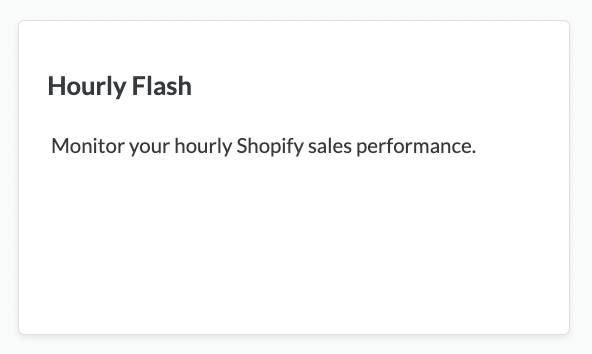
**The Hourly Flash is the ONLY Dashboard in Daasity that will provide Hourly Reporting.** All other Data in Daasity is LAST COMPLETE DAY DATA - Which refreshes once every night. The Refresh is synced with the specified timezone of your Daasity Platform.
{% endhint %}
{% hint style="success" %}
The Hourly Flash Dashboard is ONLY available for Shopify Data.
{% endhint %}