> For the complete documentation index, see [llms.txt](https://help.daasity.com/llms.txt). Markdown versions of documentation pages are available by appending `.md` to page URLs; this page is available as [Markdown](https://help.daasity.com/core-concepts/data-models/data-explores/digital-analytics-unified/pdp-performance-explore.md).
# PDP Performance Explore
Contains traffic & conversion-related metrics for Google Analytics & Amazon side by side.
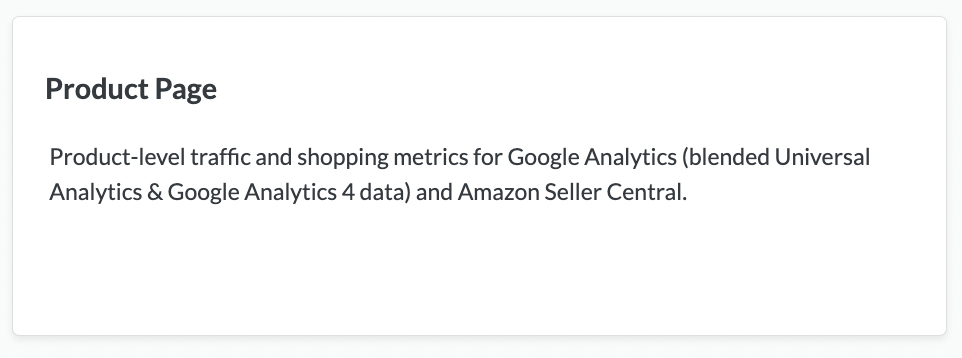
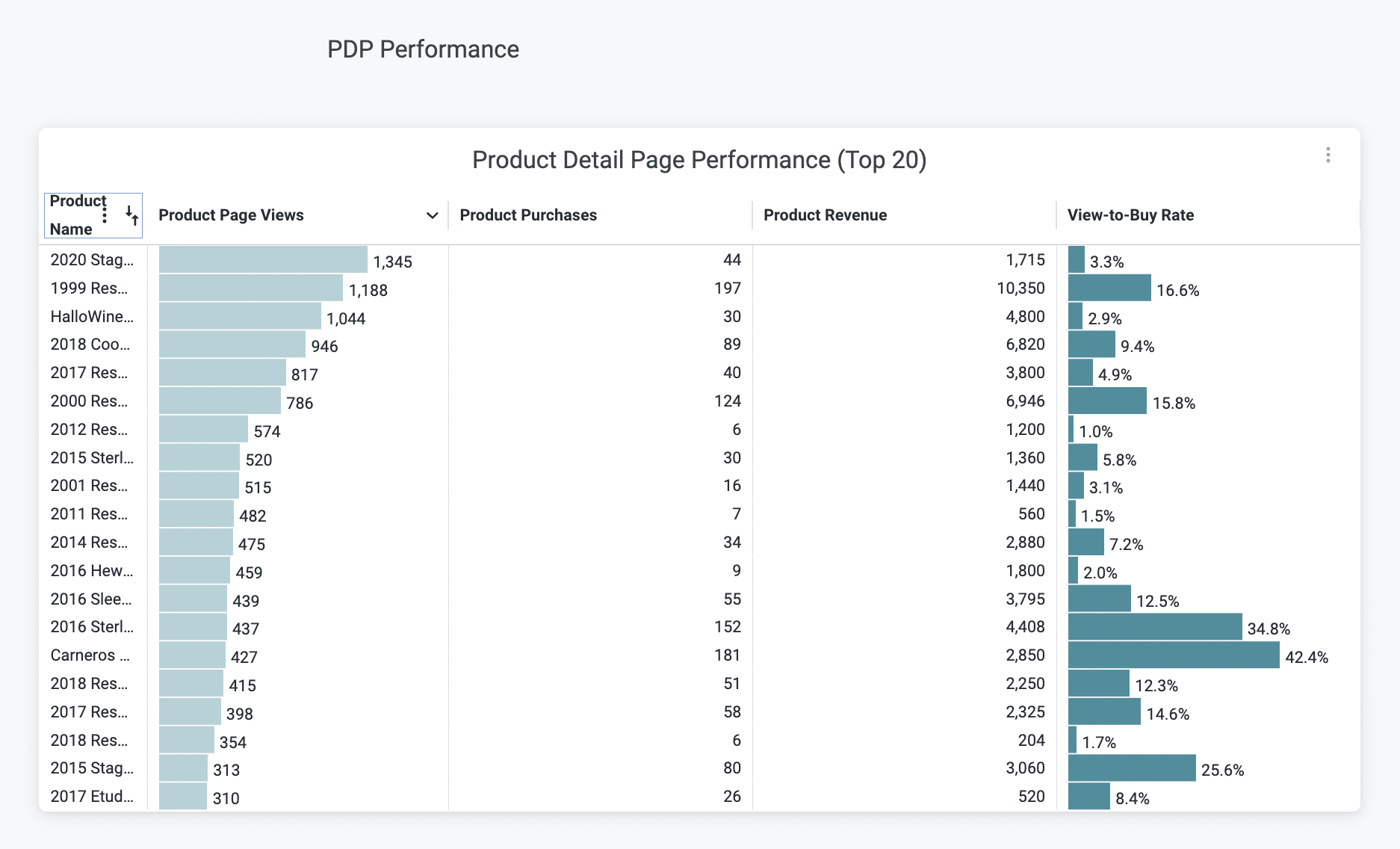
Analyze product page traffic and conversion metrics with side-by-side data from Google Analytics and Amazon, **formerly known as Product Page**. Build reports comparing product-level performance across Google Analytics, GA4, and Amazon Seller Central to optimize product page effectiveness.
Product Page Performance
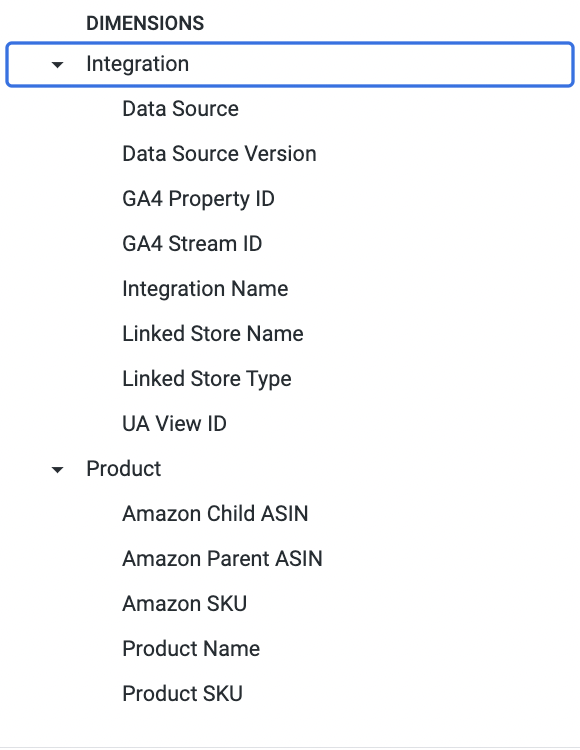
Key Dimenstions
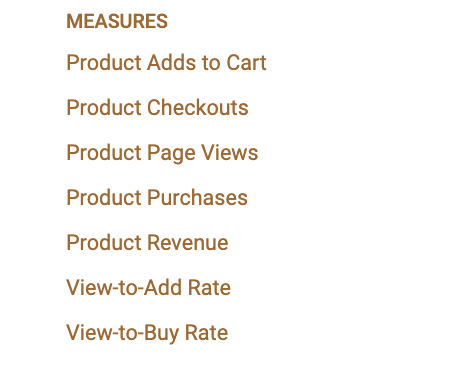
Key Measures
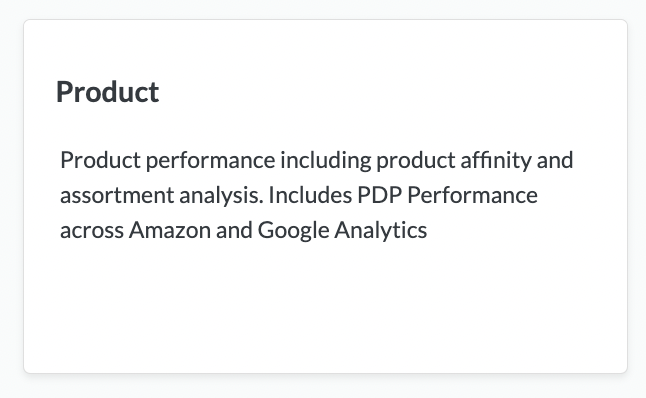
## The PDP Performance Report in the Standard Out-of-Box Daasity [Product Dashboard](/core-concepts/dashboards/report-library/ecommerce-performance/product.md) is built using The Product Page Explore