> For the complete documentation index, see [llms.txt](https://help.daasity.com/llms.txt). Markdown versions of documentation pages are available by appending `.md` to page URLs; this page is available as [Markdown](https://help.daasity.com/core-concepts/data-models/data-explores/digital-analytics-unified/ecommerce-orders-and-revenue-by-order-date-explore.md).
# Ecommerce Orders & Revenue (by Order Date) Explore
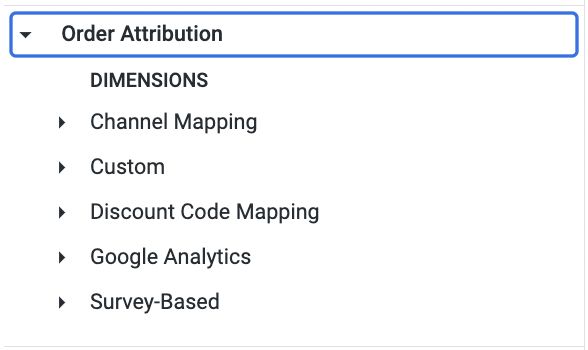
Contains Order Line Data from All Sales Channels, as well as attribution data, customer data and SKU Attribute Data.
Your primary Explore for order and revenue analysis across all sales channels, **formerly known as Order & Order Line Revenue**. Contains order-line data with attribution, customer details, and SKU attributes for most reporting needs. Calculates refunds as of order date (except Shopify which uses return date). Filter by sales channels using Business Unit dimensions and SKU Hierarchy from your BSD sheet.
{% hint style="success" %}
The Majority of your reporting needs can be Built Using The Order and Order Line Revenue Explore. Daasity Recommends starting with this Explore when building Reports or [The Transactional Sales Report Explore](/core-concepts/data-models/data-explores/digital-analytics-unified/transactional-sales-report-explore.md).
{% endhint %}
{% hint style="success" %}
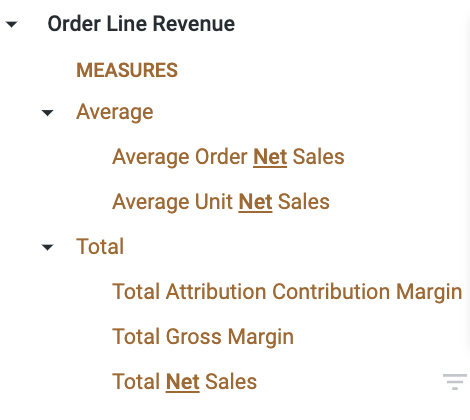
The Order and Order Line Revenue Explore will calculate Sales Metrics for **Refunds as of the Order Date** (NOTE: Shopify Sales are calculated as of the Return Date) **For a true 1:1 comparison with Shopify Logic use the Transactional Sales Report Explore.**
{% endhint %}
{% hint style="success" %}
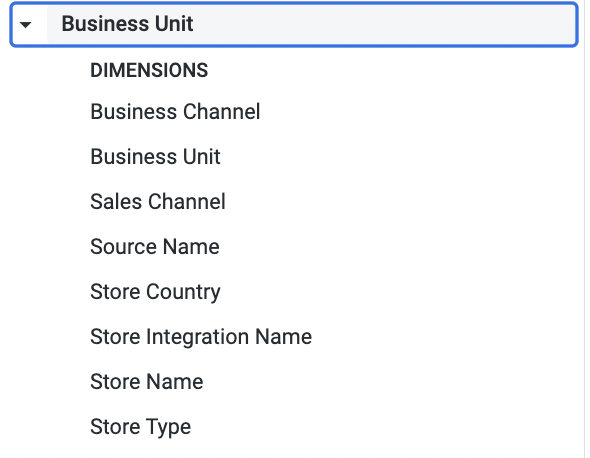
You can filter by Sales Channel (i.e. Shopify and Amazon Seller Central stores by using the Business Unit Dimensions (see below)
{% endhint %}
Sales Channels and Store Type Dimensions
{% hint style="success" %}
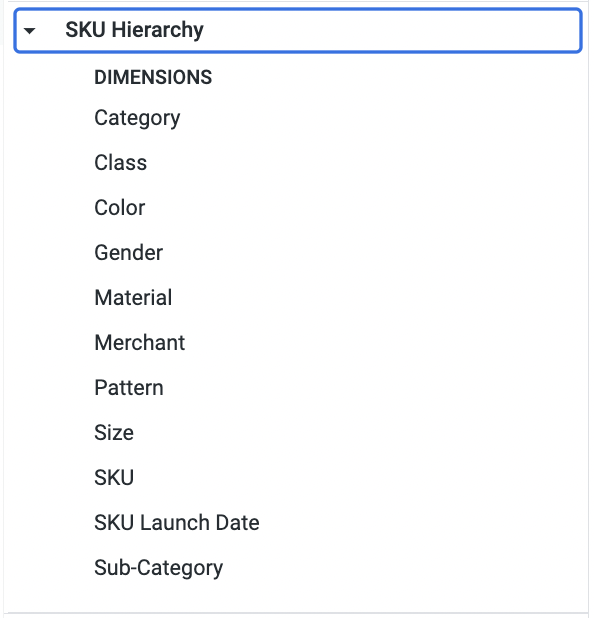
You can use the SKU Hierarchy Dimensions from your [SKU Hierarchy tab](/core-concepts/custom-data-and-enrichment/custom-attributes/products-and-hierarchy/sku-hierarchy.md) in your BSD Sheet.
{% endhint %}