# SKU Cost

## Access Your SKU Cost

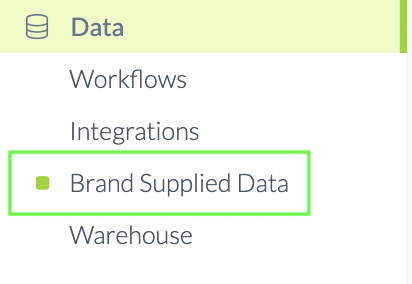
<figure><img src="https://content.gitbook.com/content/amTMWiPne1v1V3L7mbuj/blobs/YKT0BU1MsbgAABaqfxvd/brand%20supplied%20data%20left%20side.png" alt=""><figcaption><p>Click Brand Supplied Data in your Left-Side Menu Bar</p></figcaption></figure>

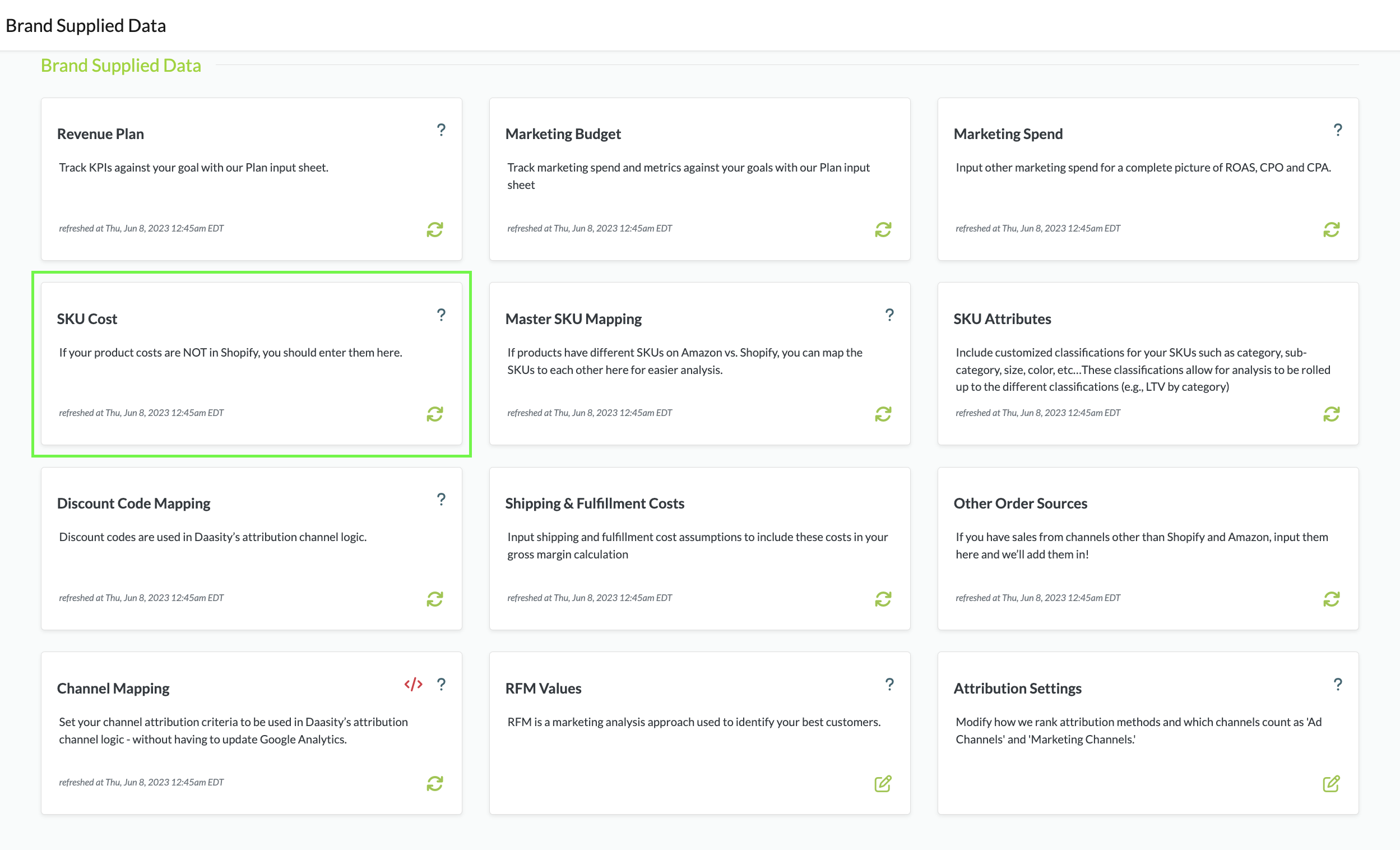
<figure><img src="https://content.gitbook.com/content/amTMWiPne1v1V3L7mbuj/blobs/zxsg8Iv8W2IK9uQNMZE0/sku%20cost.png" alt=""><figcaption><p>Click on the SKU Cost Tile</p></figcaption></figure>

{% hint style="warning" %}
You can Bookmark your BSD url to access it anytime in your Browser
{% endhint %}

{% hint style="warning" %}
This BSD Sheet will OVERRIDE your SKU Costs if they are entered in Shopify
{% endhint %}

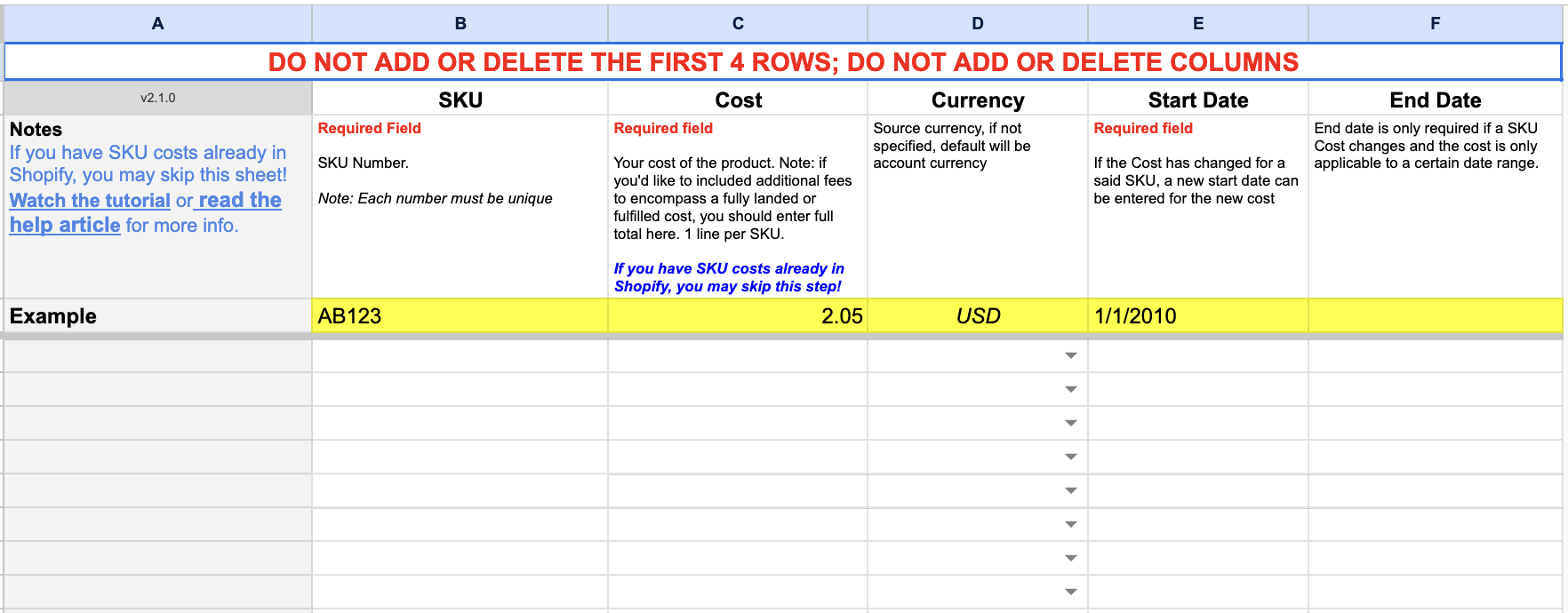
<figure><img src="https://content.gitbook.com/content/amTMWiPne1v1V3L7mbuj/blobs/9Exeo8vCvRP4hgp9A5ml/Screen%20Shot%202023-08-04%20at%209.53.07%20AM.png" alt=""><figcaption><p>Enter your SKU and their Cost and Start Date</p></figcaption></figure>

{% hint style="warning" %}
You can enter the End date of the old cost and Start Date of the New Cost If your SKU costs change over time. Reports will reflect the costs during the specified timeframe.
{% endhint %}

## Where to Find Your Data

[Order and Order Line Revenue Explore](https://help.daasity.com/core-concepts/data-models/data-explores/digital-analytics-unified/ecommerce-orders-and-revenue-by-order-date-explore)

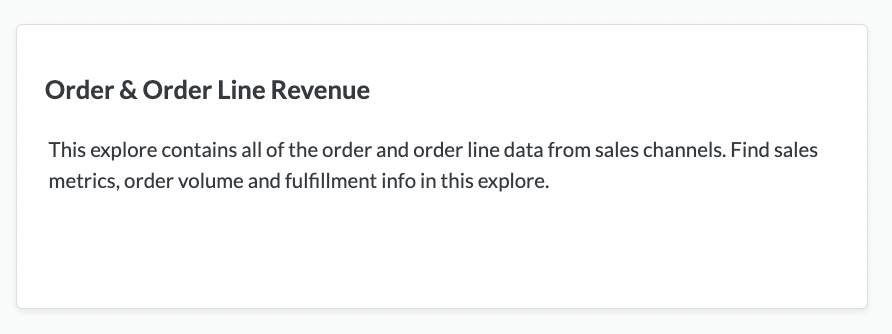
<figure><img src="https://content.gitbook.com/content/amTMWiPne1v1V3L7mbuj/blobs/hasIXlemtU4VYS5RVTaX/Screen%20Shot%202023-08-04%20at%2010.11.52%20AM.png" alt=""><figcaption><p>Order &#x26; Order Line Revenue Explore</p></figcaption></figure>

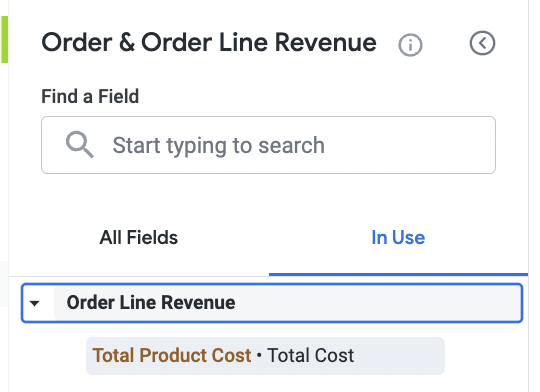
<figure><img src="https://content.gitbook.com/content/amTMWiPne1v1V3L7mbuj/blobs/wYlp3ftmbbr01cfyBqfh/Screen%20Shot%202023-08-04%20at%2010.14.47%20AM.png" alt=""><figcaption><p>Total Product Cost is a Measure in the Order &#x26; Order Line Revenue Explore</p></figcaption></figure>