# Discount Code Mapping

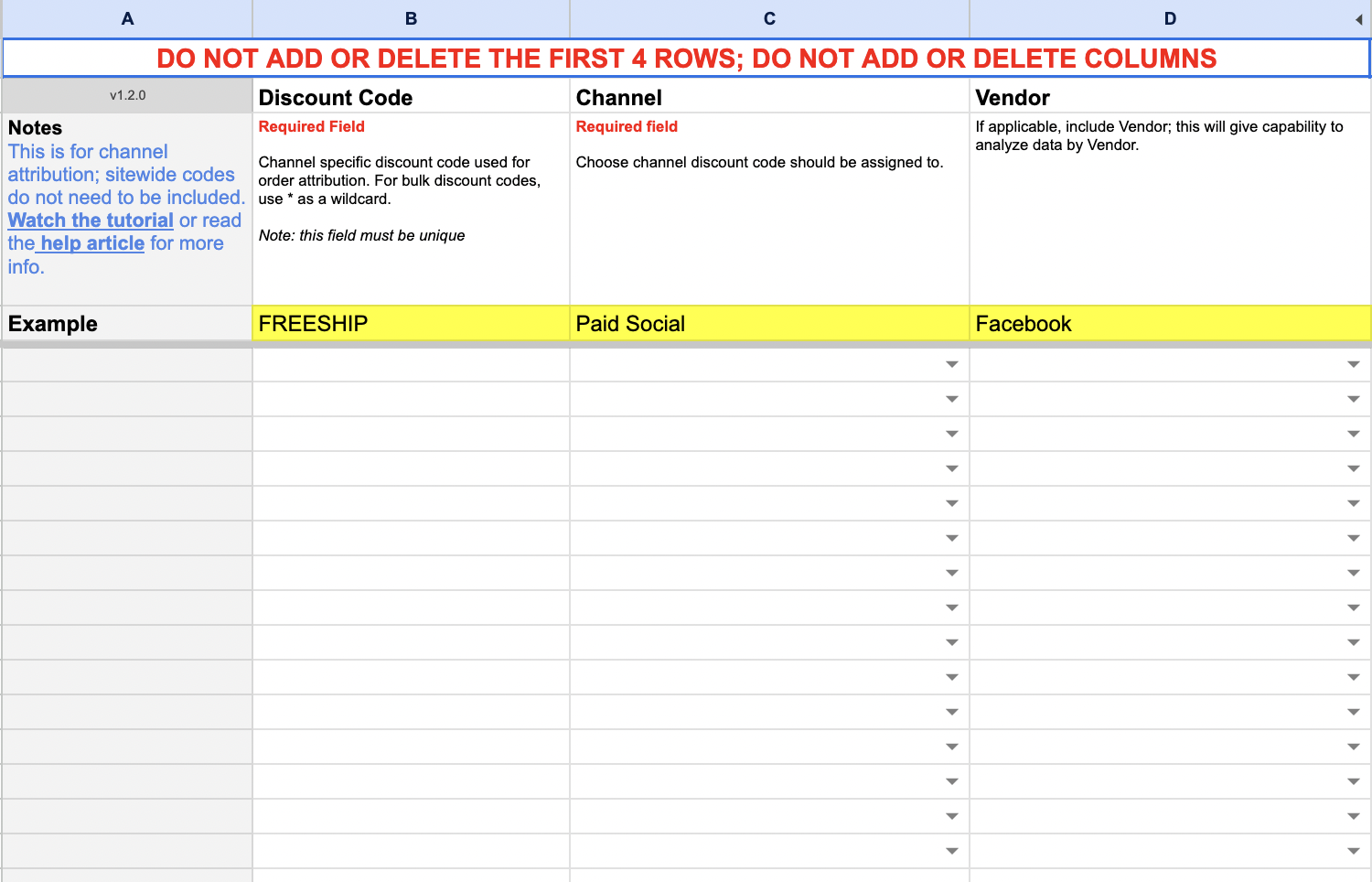
<figure><img src="https://content.gitbook.com/content/amTMWiPne1v1V3L7mbuj/blobs/LMzTJkTS34SgV2G641ZH/Discount%20Code%20Mappingbsd.png" alt=""><figcaption><p>Enter your Discount Codes and the Channel and Vendor to Attribute them To</p></figcaption></figure>

### Enter the Discount Code

### Choose the Channel to Attribute the Code with

### Choose the Vendor to Attribute the Code with

{% hint style="warning" %}
**You Can add Channels and Vendors in the** [**Configuration** ](https://help.daasity.com/core-concepts/custom-data-and-enrichment/custom-attributes/e-commerce/broken-reference)**tab**
{% endhint %}

### You can use the \* as a wildcard feature for commonly used Prefixes or Suffixes.&#x20;

For Example:

If you use a loyalty program that uses the same Prefix each time a code is generated

LP12345

LP56789

LP89697&#x20;

**Inputting LP\* will attribute each of the codes to same Channel/Vendor**

## Where To Find Your Data

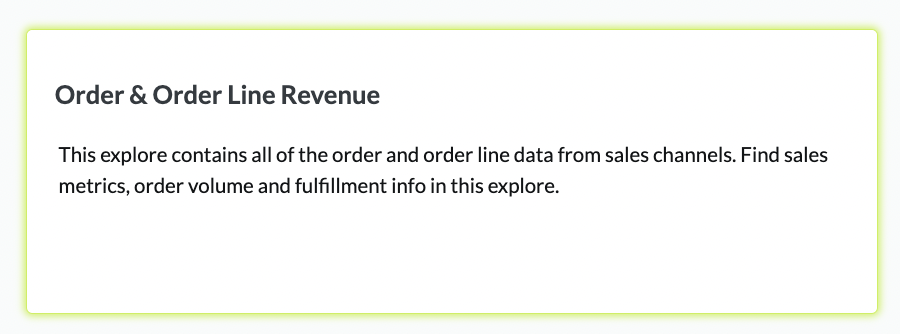
### [Order and Order Line Revenue Explore](https://help.daasity.com/core-concepts/data-models/data-explores/digital-analytics-unified/ecommerce-orders-and-revenue-by-order-date-explore)

<figure><img src="https://content.gitbook.com/content/amTMWiPne1v1V3L7mbuj/blobs/zH1wDsKWsJaq8wOXTRIm/order%20line%20revenue%20explore.png" alt=""><figcaption><p>Order and Order Line Revenue Explore</p></figcaption></figure>

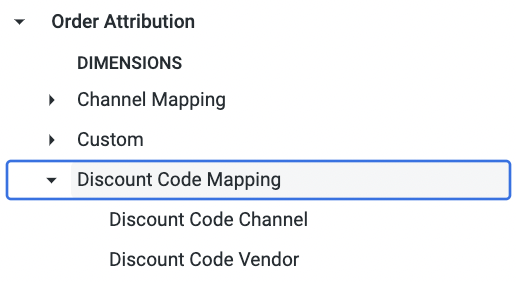
<figure><img src="https://content.gitbook.com/content/amTMWiPne1v1V3L7mbuj/blobs/avkiAhWm3Wi0LfLD6sN4/code%20mapping%20in%20explore.png" alt=""><figcaption><p>Order and Order Line Revenue Explore</p></figcaption></figure>

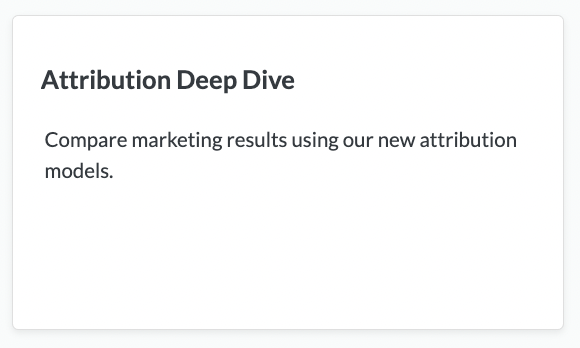
## Attribution Deep Dive Dashboard

<figure><img src="https://content.gitbook.com/content/amTMWiPne1v1V3L7mbuj/blobs/Mfg4CKsgQV9zzTrgwQGL/attribution%20deep%20dive.png" alt=""><figcaption><p>Attribution Deep Dive Dashboard</p></figcaption></figure>