> For the complete documentation index, see [llms.txt](https://help.daasity.com/llms.txt). Markdown versions of documentation pages are available by appending `.md` to page URLs; this page is available as [Markdown](https://help.daasity.com/technical-docs/transform-code/code-repository/custom-sql-code.md).
# Custom SQL Code
This page outlines how to add custom SQL code to your code repository so you can build your own data models and business logic
## Overview
Adding your own custom SQL code will enable to you enhance your analytics stack by adding your own business logic to create the data models, dimensions and metrics you need for reporting, monitoring and analysis.
The Daasity platform will read your SQL code from the remote repository in Github and execute each statement that exists in the SQL file
You can write the SQL code directly in Github or write the code locally in a text editor and then push the code to your branch
Before you start writing your custom SQL code you should have completed the following steps:
1. [Gotten access to your Code Repository](/technical-docs/transform-code/code-repository/getting-access-to-your-code-repository.md)
2. [Learned how to manage branches in Github](/technical-docs/transform-code/code-repository/code-repository-branches.md)
## Writing Custom SQL Code
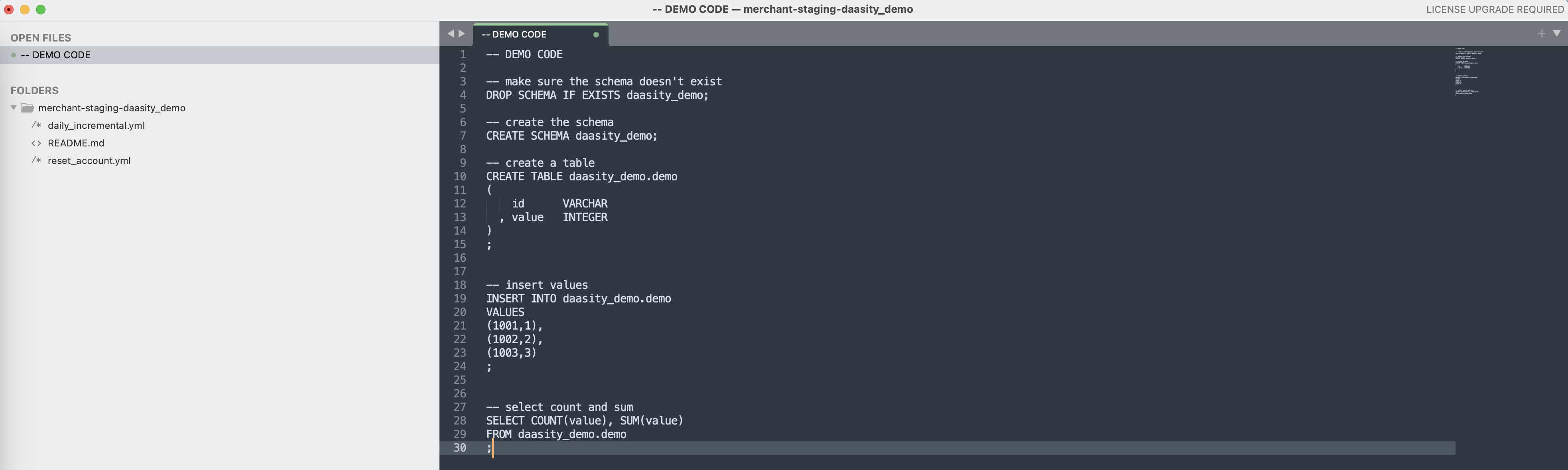
With a development branch created simply open your text editor to add your custom SQL. You can use the SQL below \[`test_demo.sql`] to test out the custom SQL code functionality.
```
-- DEMO CODE
-- make sure the schema doesn't exist
DROP SCHEMA IF EXISTS daasity_demo;
-- create the schema
CREATE SCHEMA daasity_demo;
-- create a table
CREATE TABLE daasity_demo.demo
(
id VARCHAR
, value INTEGER
)
;
-- insert values
INSERT INTO daasity_demo.demo
VALUES
(1001,1),
(1002,2),
(1003,3)
;
-- select count and sum
SELECT COUNT(value), SUM(value)
FROM daasity_demo.demo
;
```
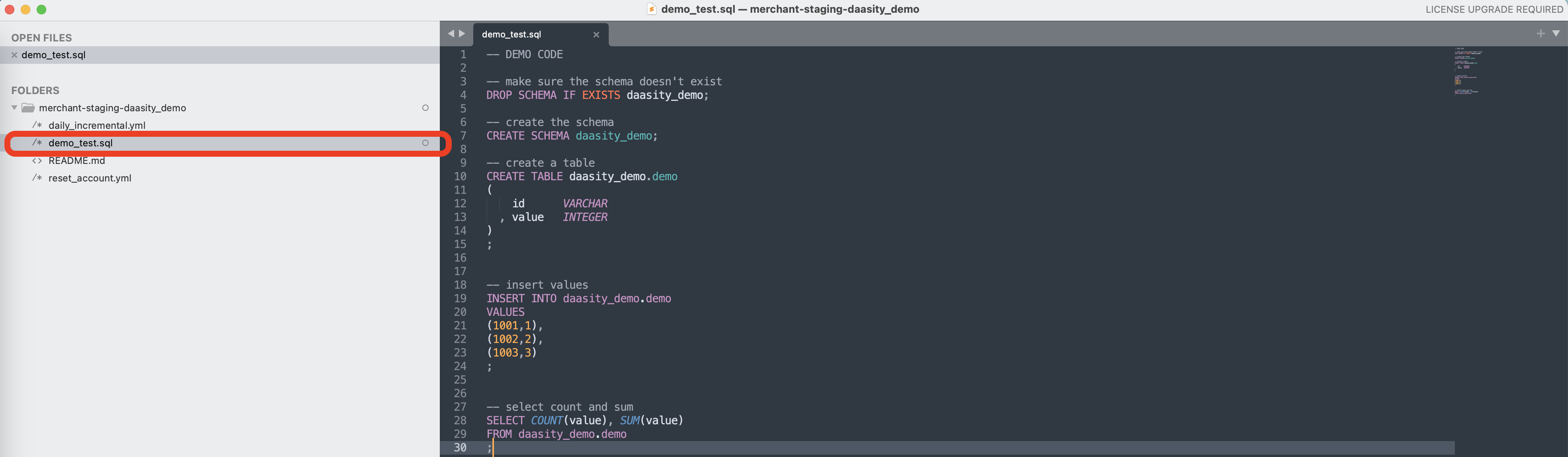
Save the file as a .sql file in the local repository
You then need to push the code to Github to make the code available to the Daasity App to execute
## Pushing Code to Github
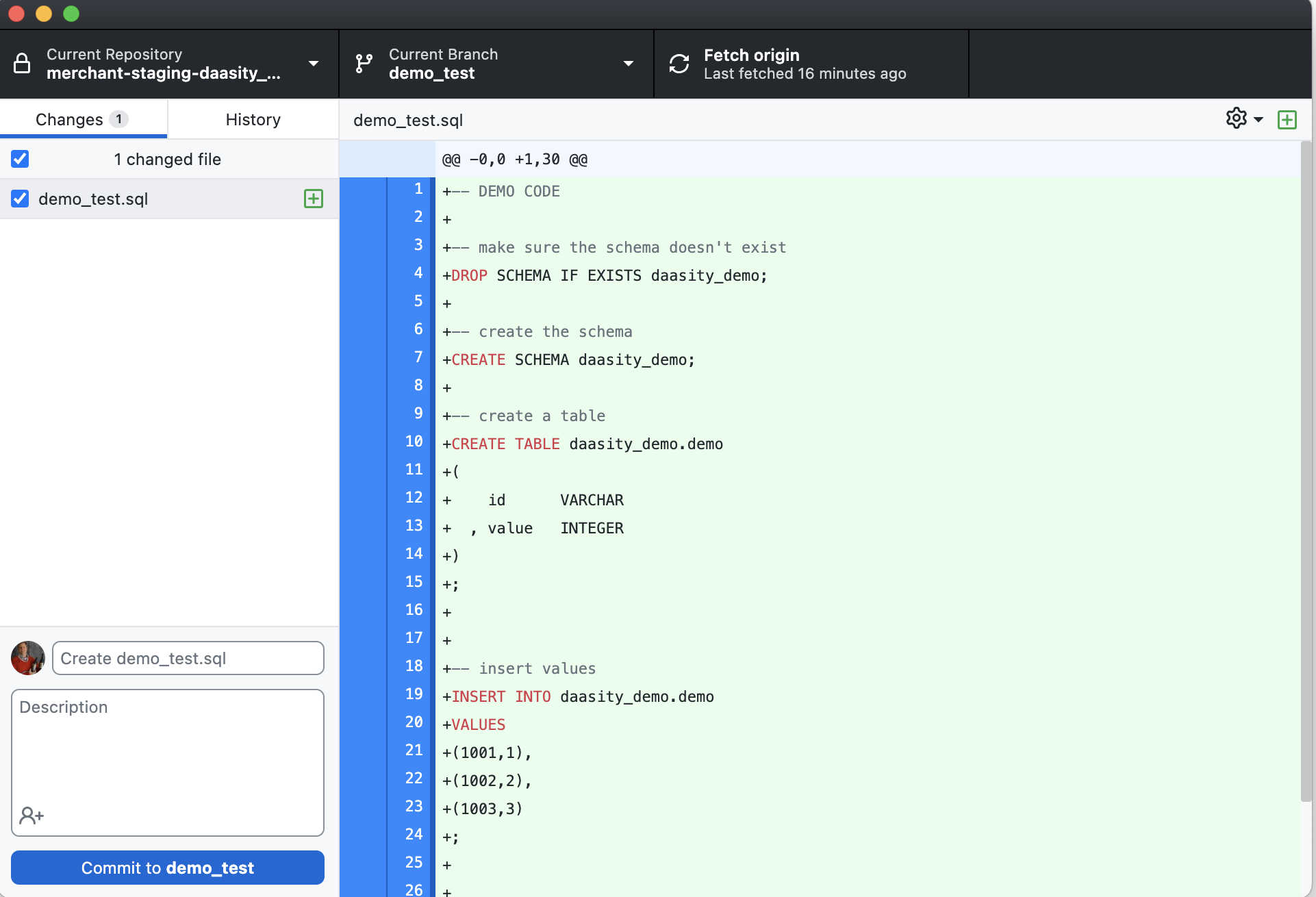
First you will need to commit the changes you have made by giving the change a name and description (optional)
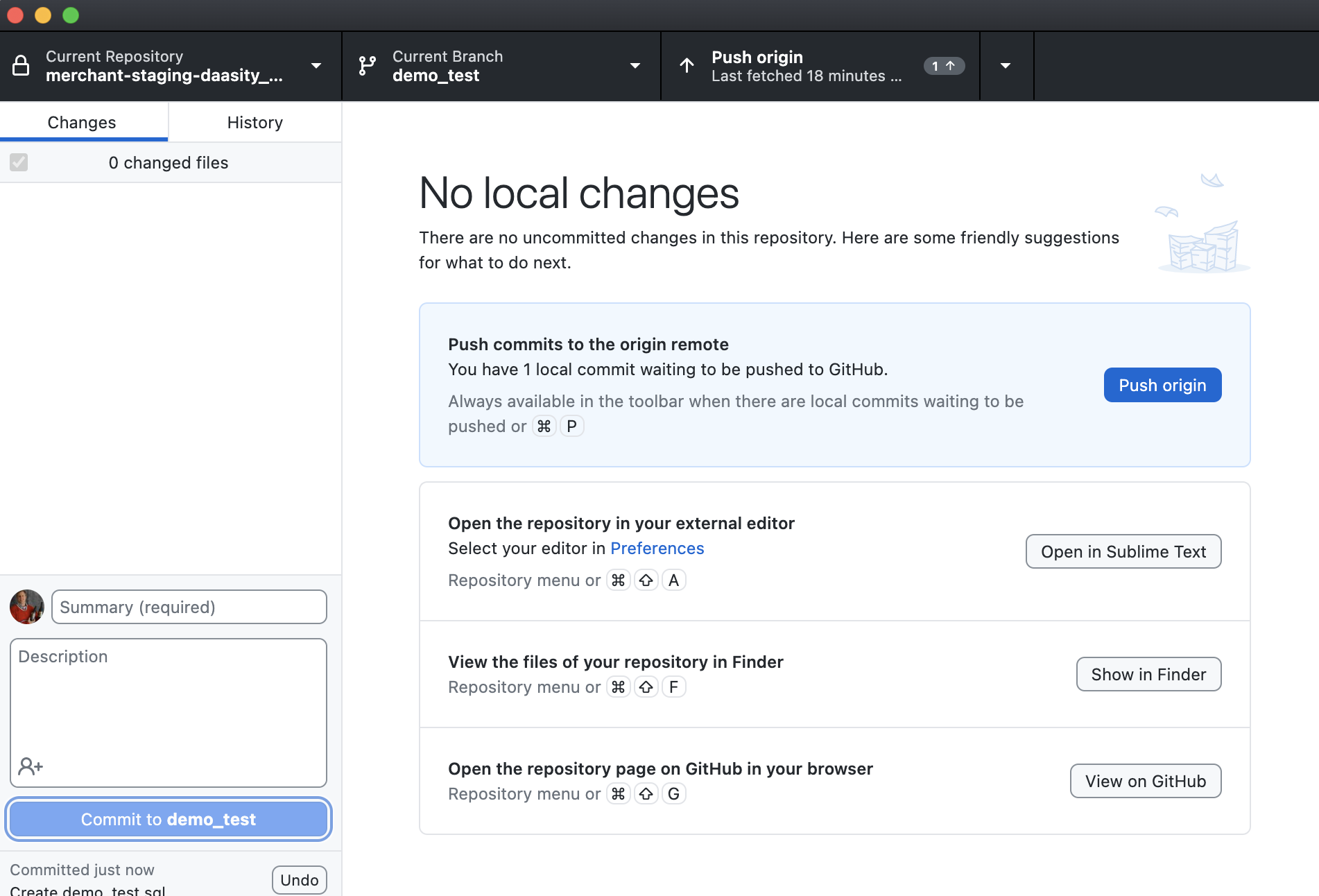
Then you will need to push the changes to the remote repository
From here you have several options:
1. Create or modify a script manifest file to run your SQL code
2. Create a pull request to merge your changes into the master branch so the SQL code is available in production