> For the complete documentation index, see [llms.txt](https://help.daasity.com/llms.txt). Markdown versions of documentation pages are available by appending `.md` to page URLs; this page is available as [Markdown](https://help.daasity.com/core-concepts/data-models/data-explores/source-specific/shipstation-explore.md).
# Shipstation Explore
Shipstation is a platform to manage your Shipping analytics
An Explore is created using the Shipstation API data Once you connect Shipstation to Daasity.
Shipstation Explore
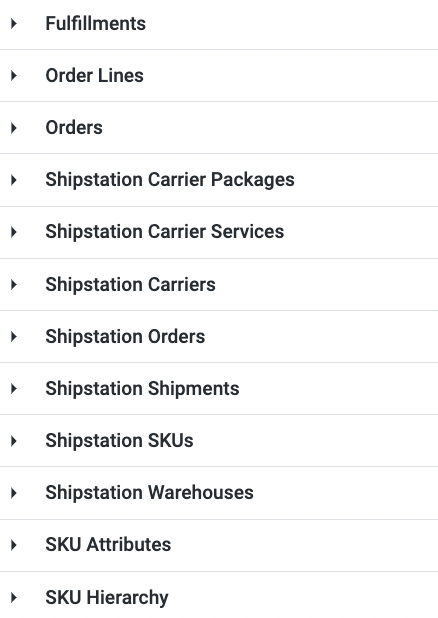
Shipstation Explore Dimensions
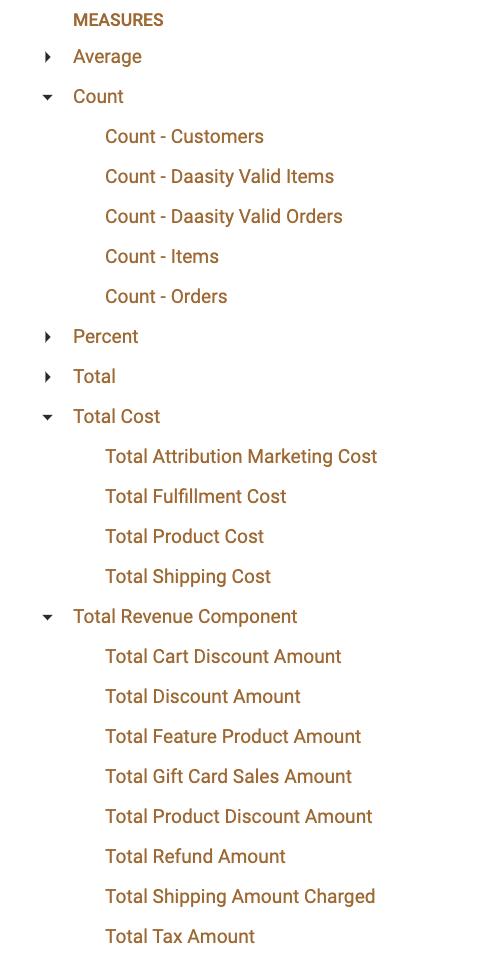
Key Shipstation Explore Measures
## Where to Find Your Data
[The Shipstation Dashboard](/core-concepts/dashboards/report-library/data-source-dashboards/shipstation.md) is built using the Shipstation Explore