> For the complete documentation index, see [llms.txt](https://help.daasity.com/llms.txt). Markdown versions of documentation pages are available by appending `.md` to page URLs; this page is available as [Markdown](https://help.daasity.com/core-concepts/data-models/data-explores/digital-analytics-unified/ecommerce-inventory-explore.md).
# Ecommerce Inventory Explore
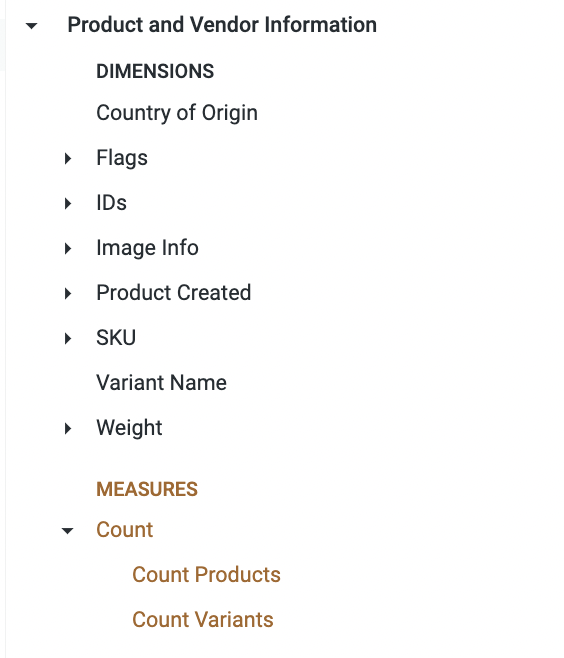
Contains Inventory data on your Products, including Inventory Levels, Product and Vendor Information and Order data.
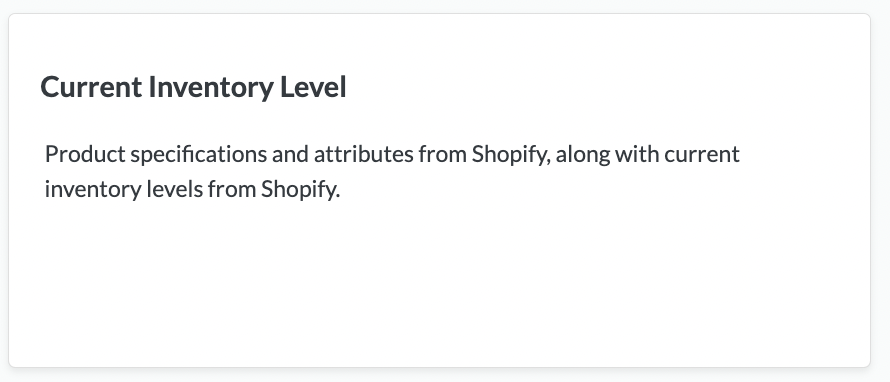
Monitor current inventory levels with comprehensive product, vendor, and order data for inventory analysis and management, **formerly known as Current Inventory Level**. Build custom reports to track stock levels, analyze product performance, and optimize inventory decisions across your ecommerce operations.
Current Inventory Level Explore
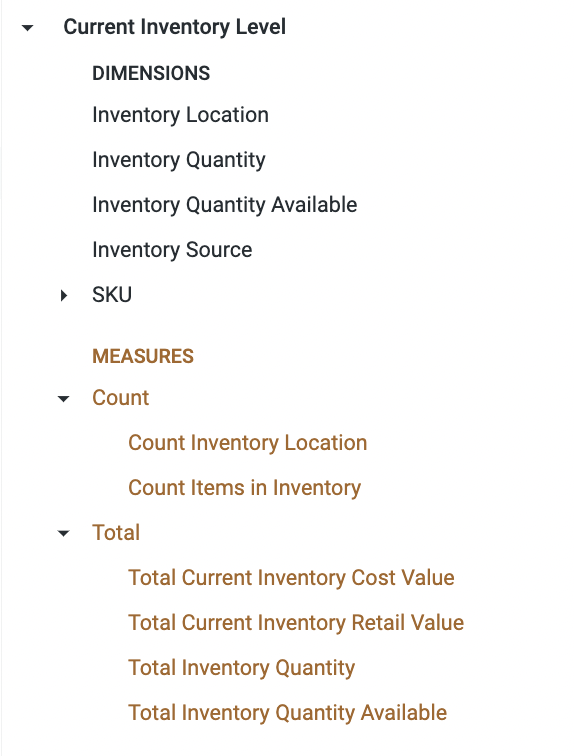
Key Dimensions and Measures
Key Dimensions and Measures
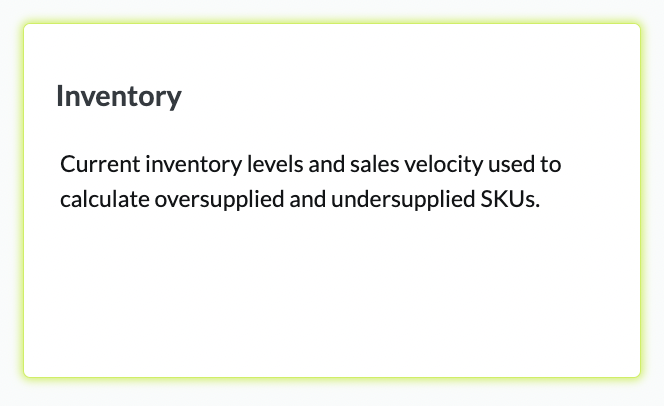
## The [Inventory Dashboard](/core-concepts/dashboards/report-library/ecommerce-performance/inventory.md) is an Out-of-Box Standard Daasity Dashboard built using the Current Inventory Level Explore