# SKU Mapping

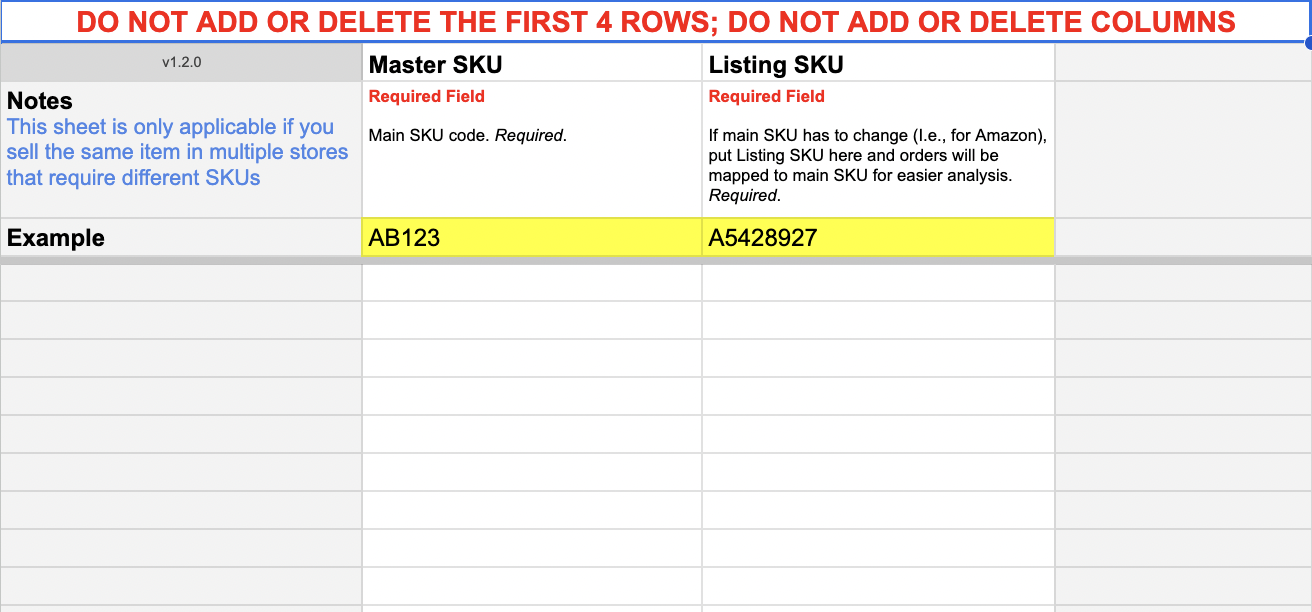
To report on SKUs across multiple stores as one line item you can map Listing SKUs to a single Master SKU.&#x20;

You can also use the SKU Mapping Sheet to analyze product level sales across different retailers. Enter the "SKU" or "PID" or "style ID" from the Retailer Spreadsheet as the "Listing SKU" in the BSD, and map it to your SKU from your ecommerce store.

{% hint style="warning" %}
You can build reports with the Master SKU or the Listing SKU
{% endhint %}

<figure><img src="https://content.gitbook.com/content/amTMWiPne1v1V3L7mbuj/blobs/EsgFDSvga2QJifhd4NOP/Screen%20Shot%202023-08-04%20at%2010.17.44%20AM.png" alt=""><figcaption><p>Enter the Listing SKU and the Master SKU it maps to</p></figcaption></figure>

## Where to Find Your Data

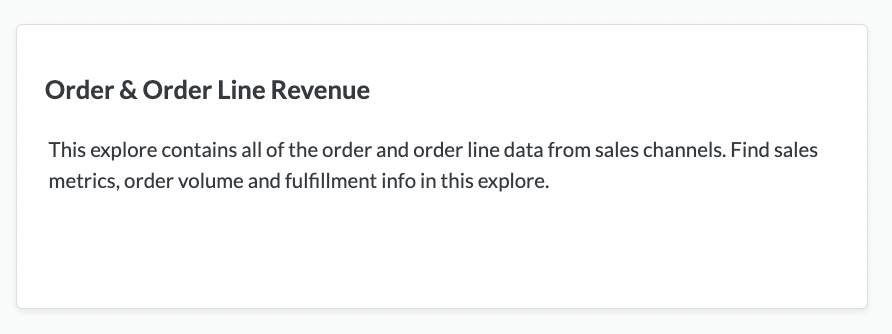
[Order & Order Line Revenue Explore](https://help.daasity.com/core-concepts/data-models/data-explores/digital-analytics-unified/ecommerce-orders-and-revenue-by-order-date-explore)

<figure><img src="https://content.gitbook.com/content/amTMWiPne1v1V3L7mbuj/blobs/hasIXlemtU4VYS5RVTaX/Screen%20Shot%202023-08-04%20at%2010.11.52%20AM.png" alt=""><figcaption><p>Order &#x26; Order Line Revenue Explore</p></figcaption></figure>

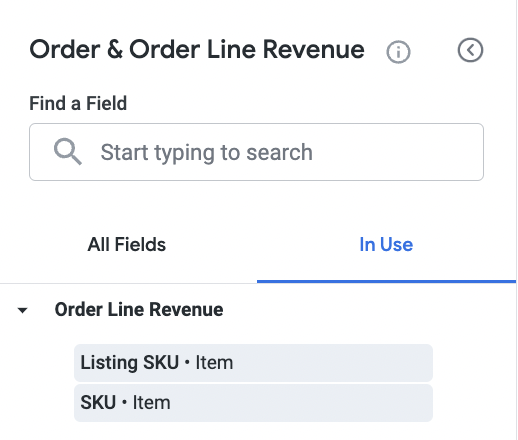
<figure><img src="https://content.gitbook.com/content/amTMWiPne1v1V3L7mbuj/blobs/NrtuLNpnnwO56kAaKMDe/Screen%20Shot%202023-08-04%20at%2010.19.21%20AM.png" alt=""><figcaption><p>The Listing SKU is a dimension in the Order &#x26; Order Line Revenue Explore - the SKU dimension = the Master SKU in your BSD sheet </p></figcaption></figure>