> For the complete documentation index, see [llms.txt](https://help.daasity.com/llms.txt). Markdown versions of documentation pages are available by appending `.md` to page URLs; this page is available as [Markdown](https://help.daasity.com/core-concepts/data-models/data-explores/source-specific/amazon-settlement-explore.md).
# Amazon Settlement Explore
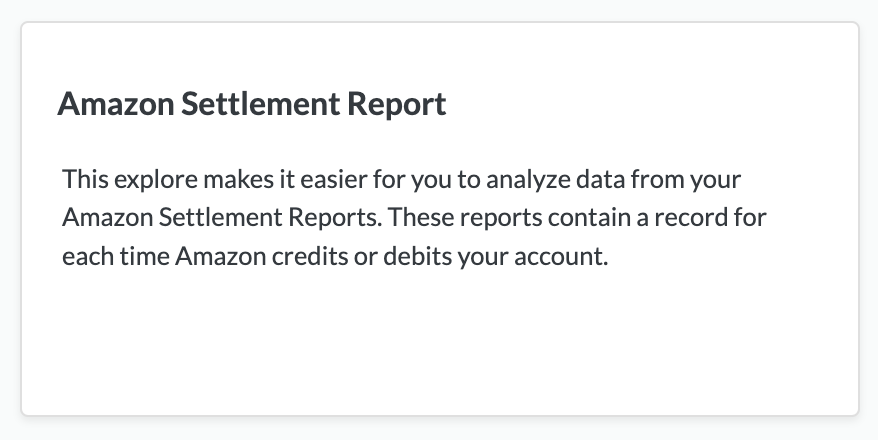
The Amazon Settlement Explore is available if you have Integrated your Amazon Seller Central store with Daasity.
You can build custom Amazon Seller Central reports with this Explore.
Amazon Settlement Report
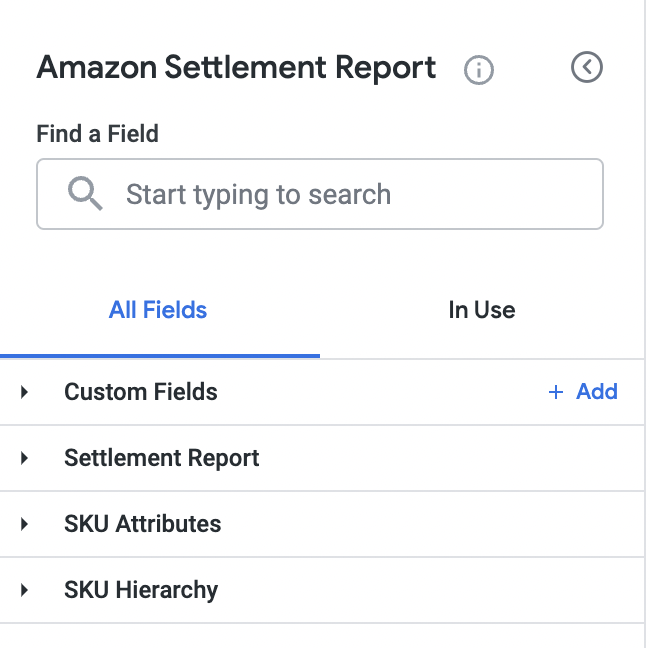
Views in The Amazon Settlement Report
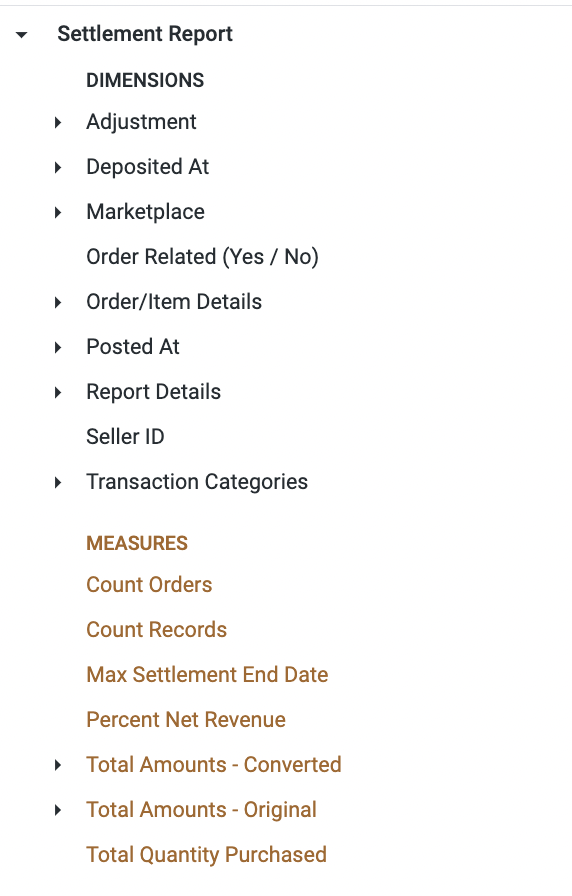
Key Dimensions and Measures Found in the Amazon Settlement Explore
Build a Report to Analyze Your Amazon Seller Central Data
## The [Amazon Settlement Report](/core-concepts/dashboards/report-library/data-source-dashboards/amazon-settlement-report.md) is an Out-of-Box Standard Daasity Dashboard built using the Amazon Settlement Explore