> For the complete documentation index, see [llms.txt](https://help.daasity.com/llms.txt). Markdown versions of documentation pages are available by appending `.md` to page URLs; this page is available as [Markdown](https://help.daasity.com/technical-docs/transform-code/code-repository/code-repository-branches.md).
# Code Repository Branches
This page outlines how to use branches in Github to help with your data warehouse development
## Branch Basics
Branches are a feature of Github that allows you to fork your code and draft edits without affecting the production code until you're ready for it to do so.
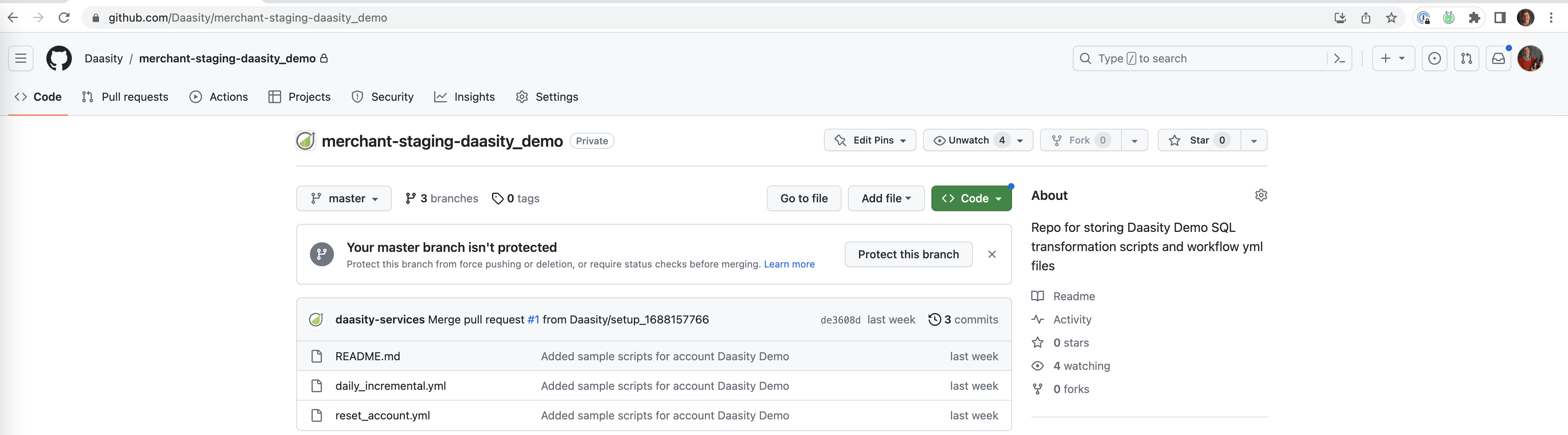
Every repository will have at least one branch called master which is the repository that Daasity uses as the source branch for running SQL code in production.
Daasity recommends creating development branches when making any changes to SQL code or script manifest files to that you can properly test your changes before putting them into production.
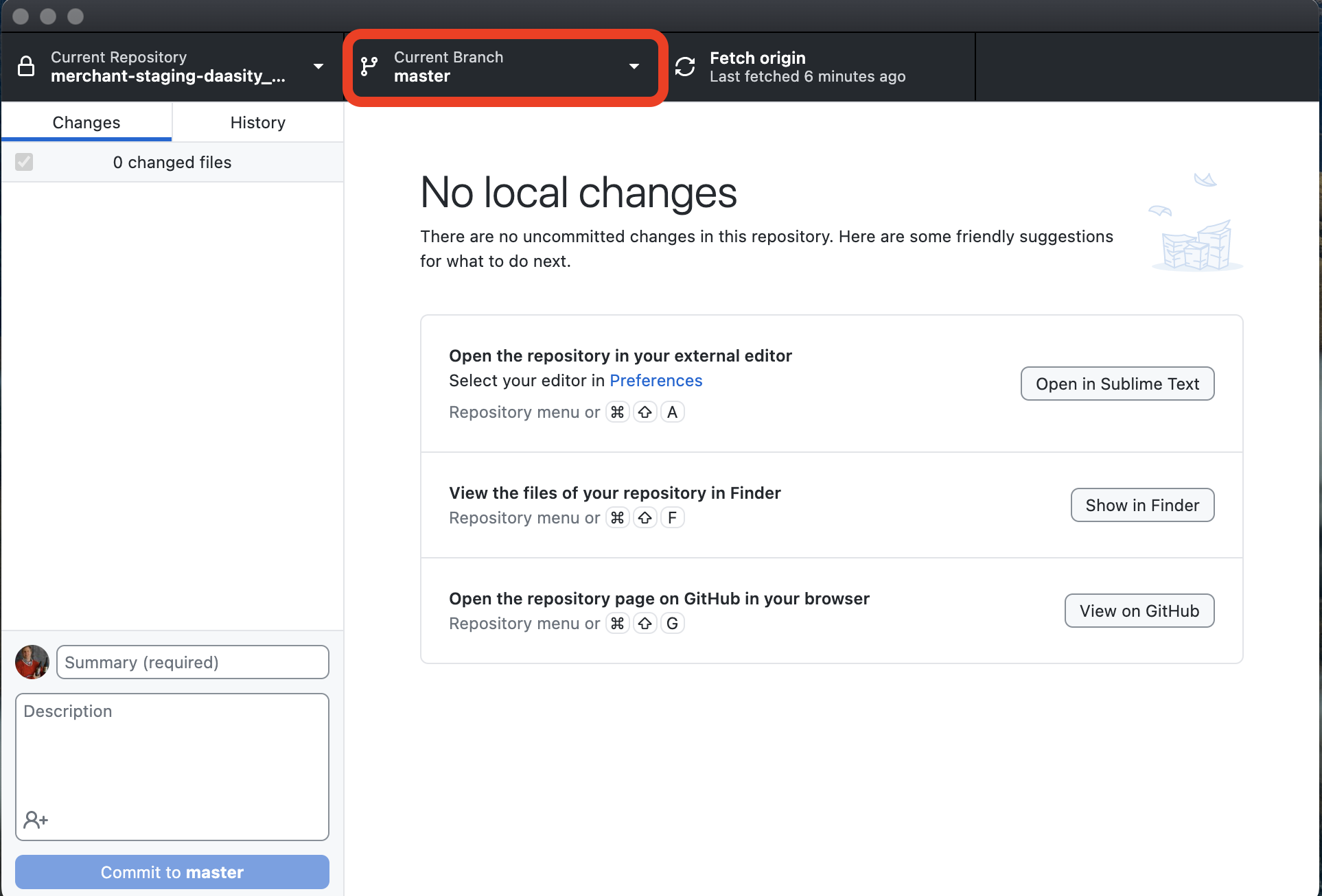
Using [Github Desktop](https://desktop.github.com/) you will find your current branch at the top in the middle (highlighted in red)
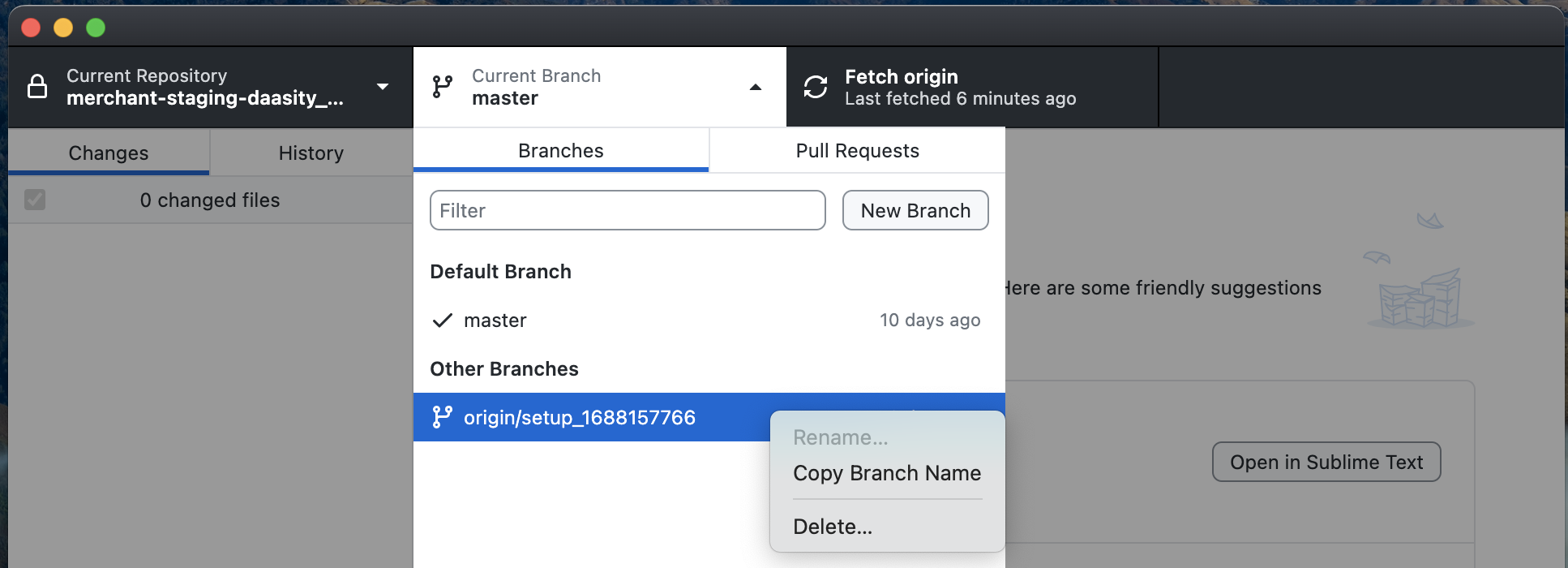
From there you can also create new branches or delete existing branches
## Creating a Development Branch
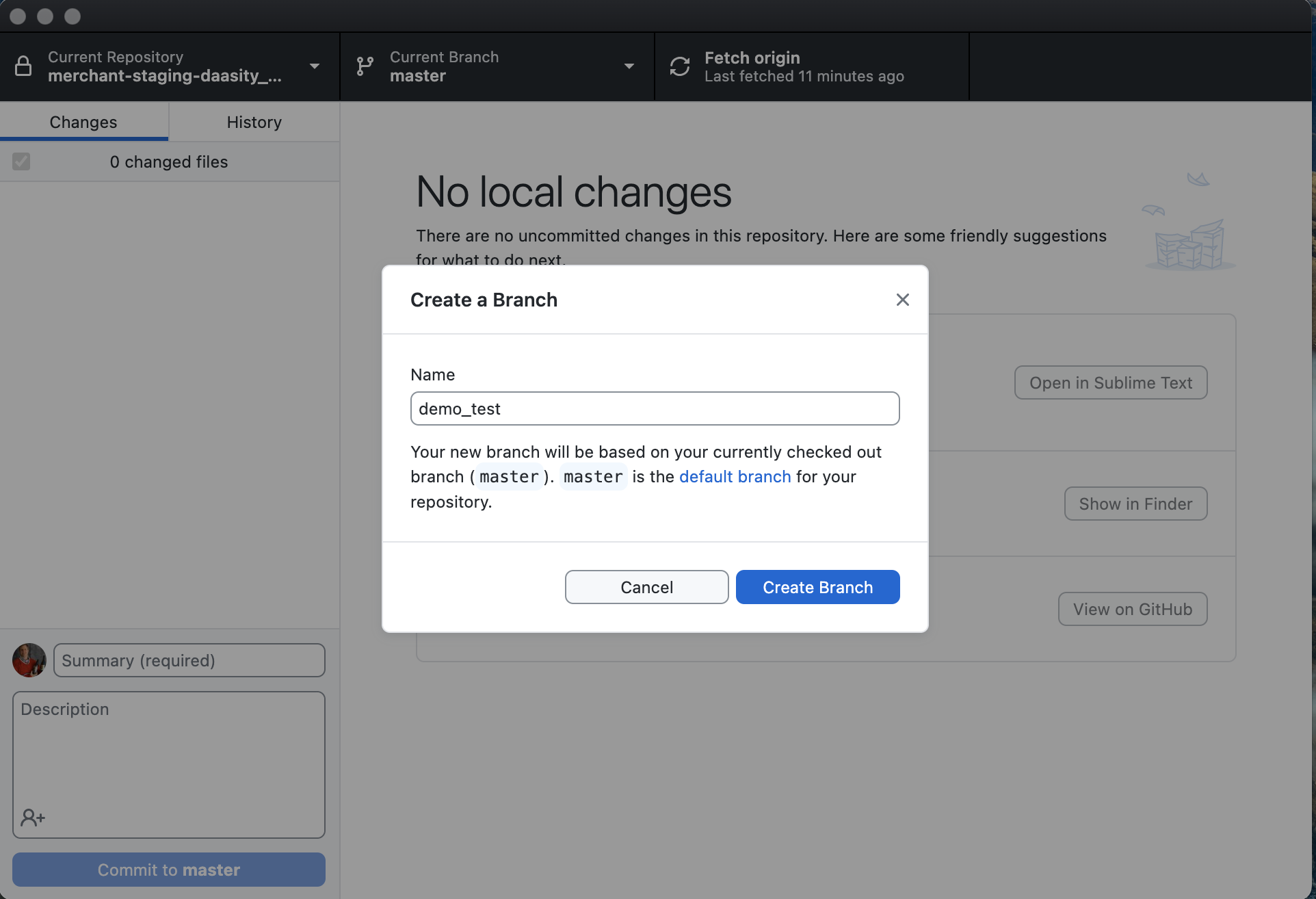
Select "New Branch" from the dropdown and give your branch a name
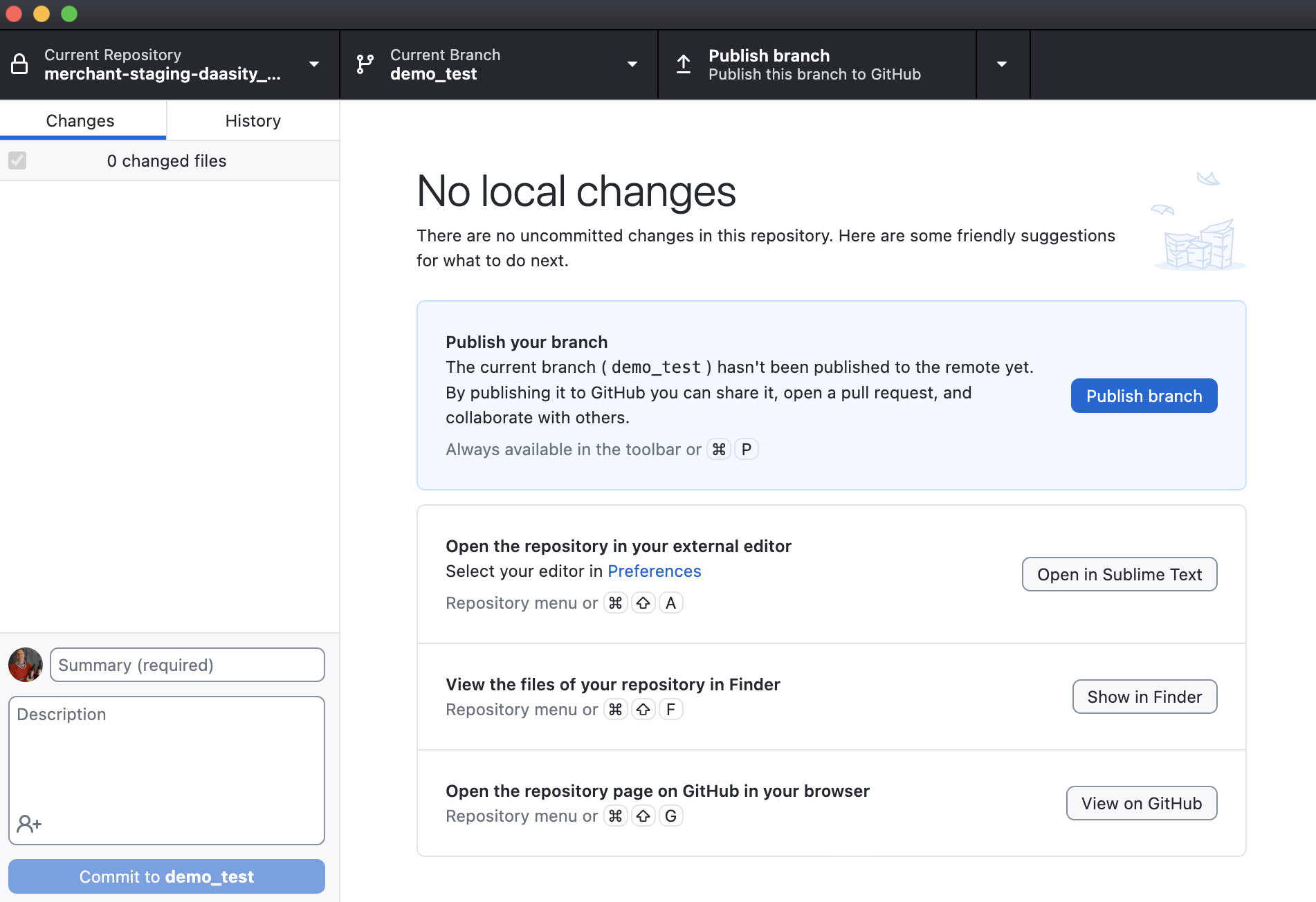
Then publish the branch to push this into Github
You can now navigate to the repository in any browser to see the repository is now available in the cloud, enabling the Daasity App to access the repository
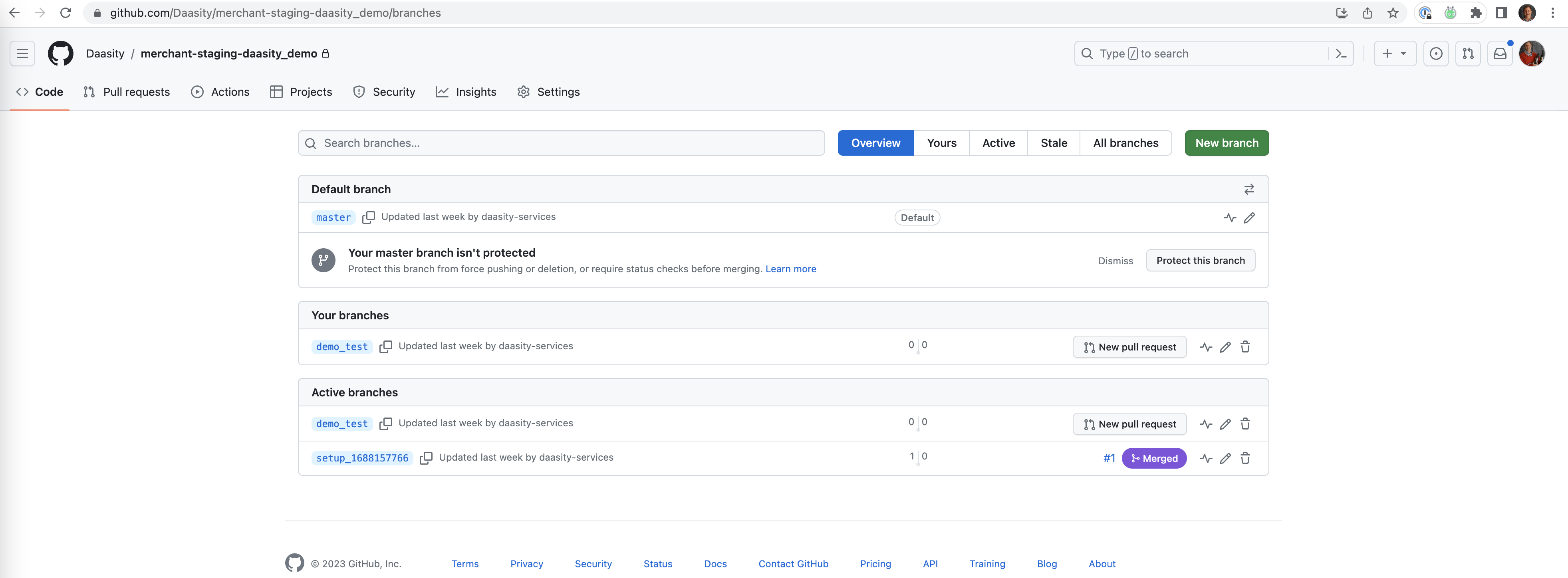
Click on branches to see all the branches that are available remotely
## Additional Information
To learn more about [Github Desktop](https://desktop.github.com/) and how to manage branches and code development we recommend the Getting Started and Popular sections in the [GitHub Desktop documentation](https://docs.github.com/en/desktop)