> For the complete documentation index, see [llms.txt](https://help.daasity.com/llms.txt). Markdown versions of documentation pages are available by appending `.md` to page URLs; this page is available as [Markdown](https://help.daasity.com/technical-docs/workflows-and-scheduling/custom-script-manifest-files.md).
# Custom Script Manifest Files
This page outlines how to add custom script manifest files to your code repository so you can run any custom SQL code in a separate workflow
## Overview
Adding your own script manifest file will enable you to test any custom SQL that you have written and also run any SQL code on the schedule you create as part of a workflow
The Daasity platform uses the script manifest file to determine what SQL code should be executed. For more information on script manifest files read the [Daasity Script Manifest File](/technical-docs/workflows-and-scheduling/script-manifest-yaml-files.md) article
Before you create your custom script manifest file you should have completed the following steps:
1. [Gotten access to your Code Repository](/technical-docs/transform-code/code-repository/getting-access-to-your-code-repository.md)
2. [Learned how to manage branches in Github](/technical-docs/transform-code/code-repository/code-repository-branches.md)
3. [Written custom SQL code](/technical-docs/transform-code/code-repository/custom-sql-code.md)
## Creating a Custom Script Manifest File
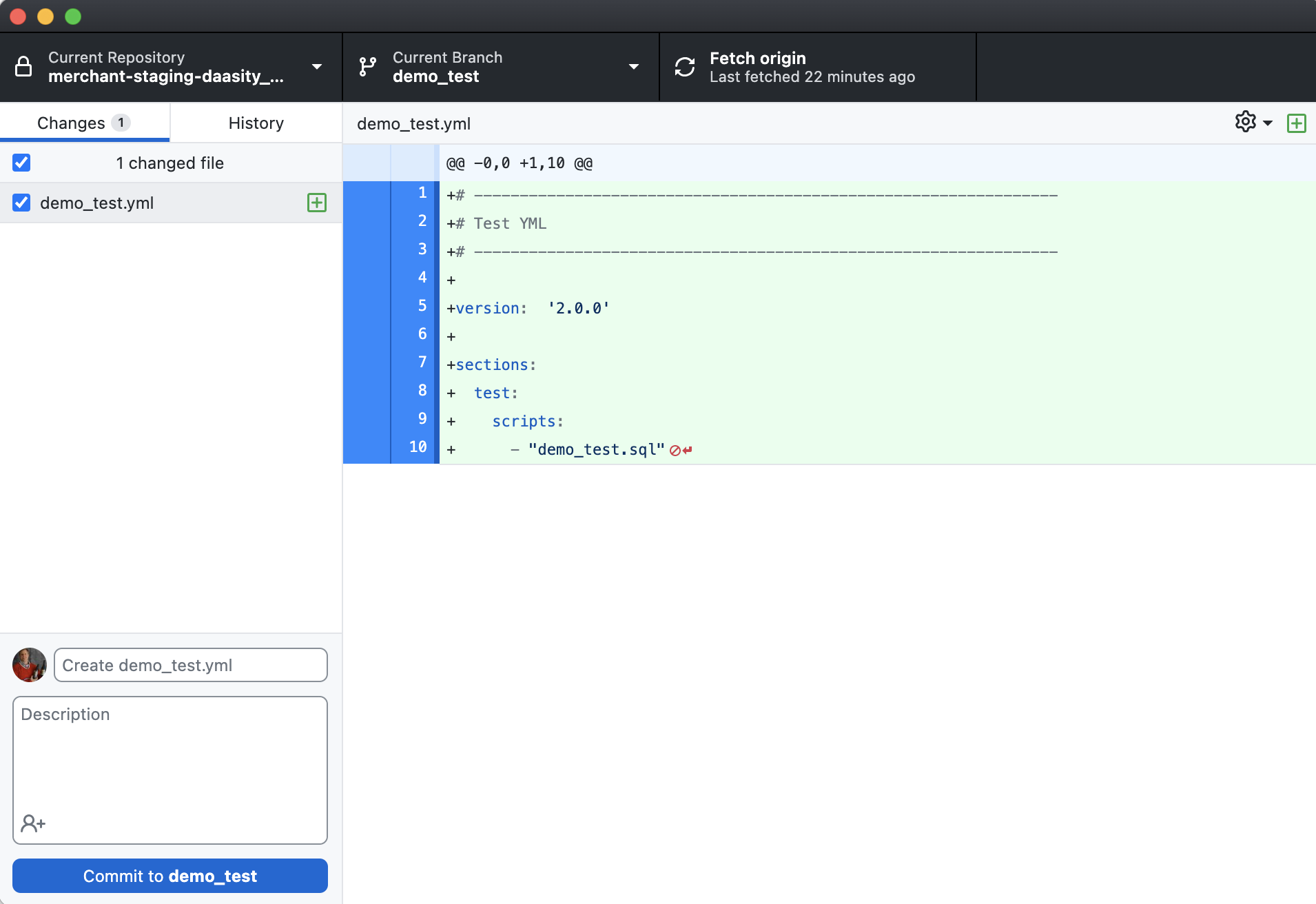
With a development branch created simply open your text editor to create your custom script manifest file. You can use the text below \[`test_demo.yml`] to create a script manifest file that will execute the \[`test_demo.sql`] file created in the [Custom SQL Code](/technical-docs/transform-code/code-repository/custom-sql-code.md) article
Save this as a .yml file in the local repository
You then need to push the script manifest file to Github to make the file available to the Daasity App to execute
## Pushing Script Manifest Files to Github
First you will need to commit the changes you have made by giving the change a name and description (optional)
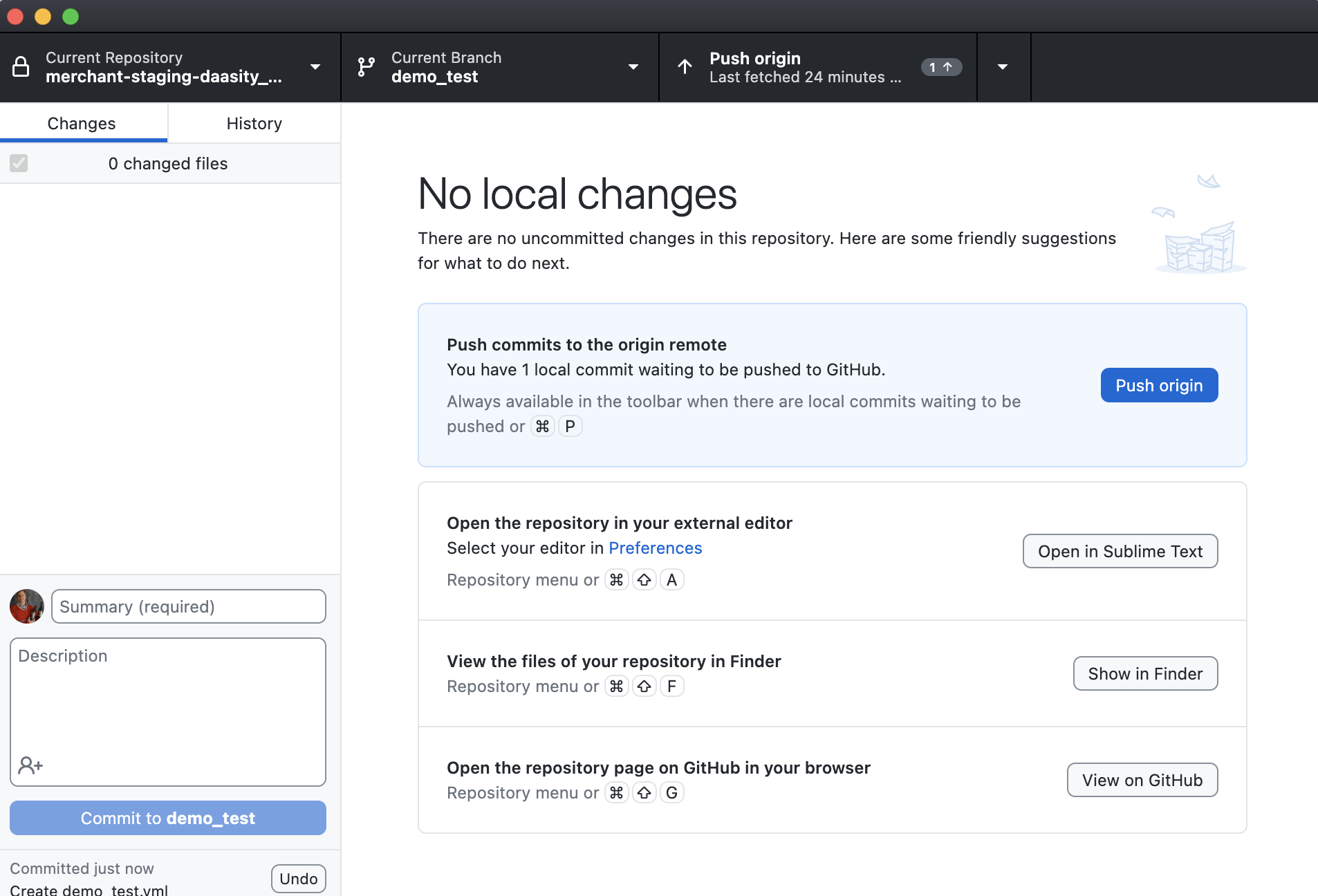
Then you will need to push the changes to the remote repository
From here you have several options:
1. Create a test warehouse that will allow you to run your script manifest file on a duplicate version of your data warehouse
2. Create a pull request to merge your changes into the master branch so the script manifest file is available in production