> For the complete documentation index, see [llms.txt](https://help.daasity.com/llms.txt). Markdown versions of documentation pages are available by appending `.md` to page URLs; this page is available as [Markdown](https://help.daasity.com/core-concepts/data-models/data-explores/digital-analytics-unified/transactional-sales-report-explore.md).
# Transactional Sales Report Explore
Contains Order and Order Line Revenue Data using Shopify Logic
To Understand the Difference between Transactional Sales Report Explore and The Order Line Revenue Explore [Please See This Page](/core-concepts/data-integrations/setup-guides/digital-integrations/amazon-seller-central/validating-your-amazon-data-in-daasity/comparing-your-amazon-seller-central-orders-to-daasity.md)
{% hint style="success" %}
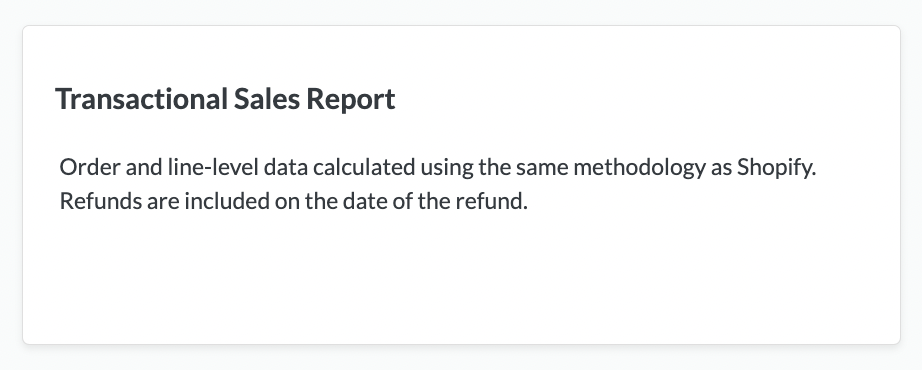
To compare data 1:1 in Daasity versus Shopify use the Transactional Sales Report Explore because it will match logic.
For Example:
Refunds are included on the date of the Refund.
$0 Value Orders (voided, fraud and Free orders) are Counted in Order Count data
{% endhint %}
Transactional Sales Repot Explore
{% hint style="success" %}
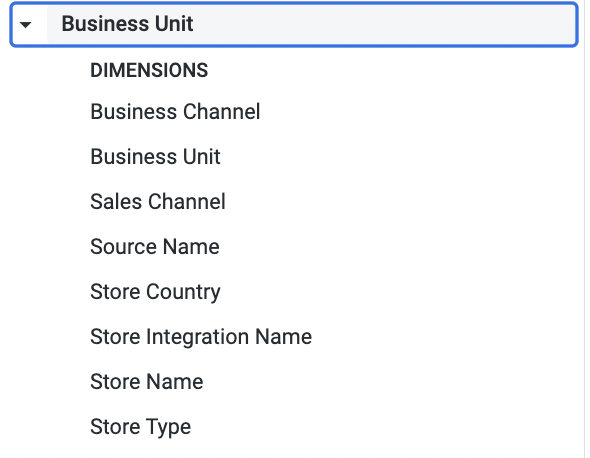
You can filter by Sales Channel (i.e. Shopify and Amazon Seller Central stores by using the Business Unit Dimensions (see below)
{% endhint %}
Sales Channels and Store Type Dimensions
{% hint style="success" %}
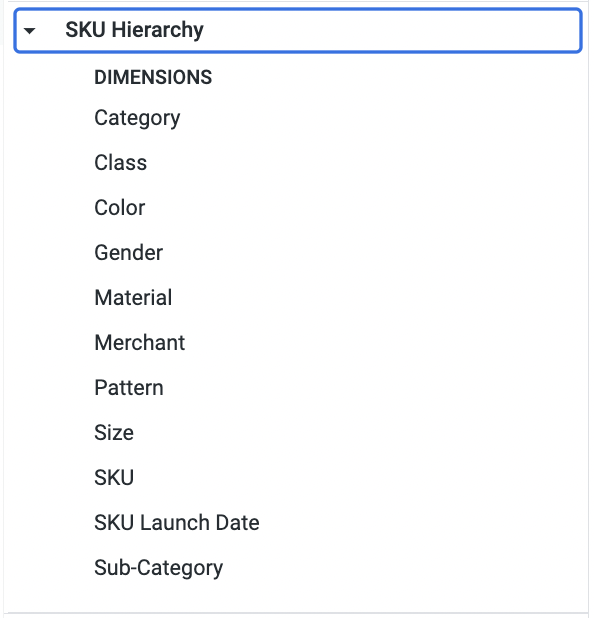
You can use the SKU Hierarchy Dimensions from your [SKU Hierarchy tab](/core-concepts/custom-data-and-enrichment/custom-attributes/products-and-hierarchy/sku-hierarchy.md) in your BSD Sheet.
{% endhint %}
SKU Hierarchy
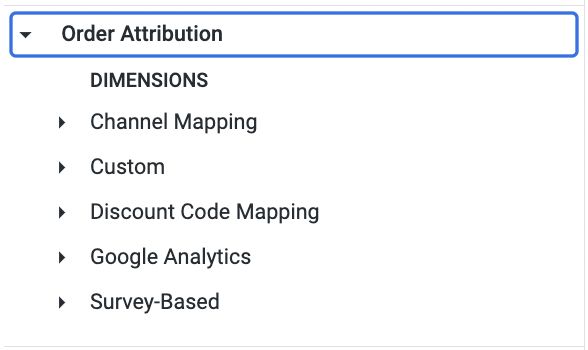
Order Attribution Data
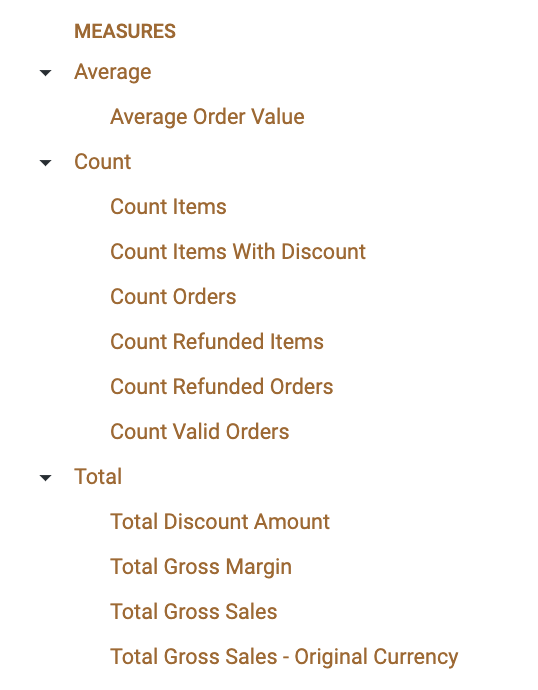
Key Measures
## The [Orders And Revenue ](/core-concepts/dashboards/report-library/ecommerce-performance/orders-and-revenue.md)Dashboard is a Standard Out-of-Box Daasity Dashboard Built Using the Transactional Sales Report Explore