# SKU Hierarchy

You can leverage the SKU Hierarchy sheet to analyze your data based on your chosen Attributes. For Example:&#x20;

## What size shoe is our best selling?

## Which Flavor is most often bought on a first orders?

## Did our new Fall Collection sell better than our Winter Collection?

## Which color shirt is preferred by our high-value customers?

## Did our Glass picture frame outsell our Acrylic picture frame last month?

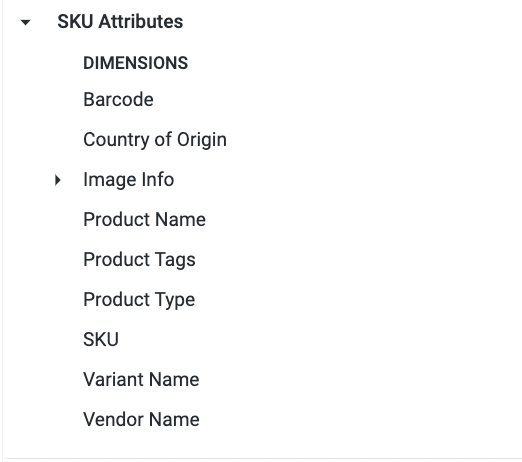
These attributes are often omitted or condensed into one field when SKUs are entered into yoru Ecommerce platform, such as Shopify.&#x20;

<figure><img src="/files/KmiUEhabhhHiBEeVDjzI" alt=""><figcaption><p>SKU Attribue Dimensions in Shopify</p></figcaption></figure>

To analyze the data via your Ecommerce store is a tedious manual process. You can input your attributes in the SKU Hierarchy Sheet and build reports in Daasity using this data.&#x20;

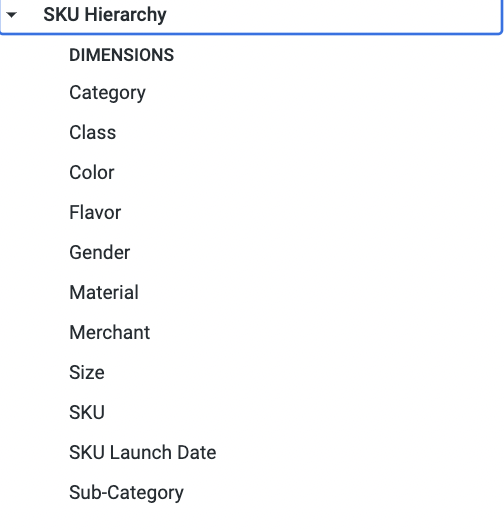
<figure><img src="/files/g8dtuKggZ5sqg90PpcIK" alt=""><figcaption><p>The Dimensions will update based on your SKU Attributes in your BSD</p></figcaption></figure>

## Adding SKU Attributes

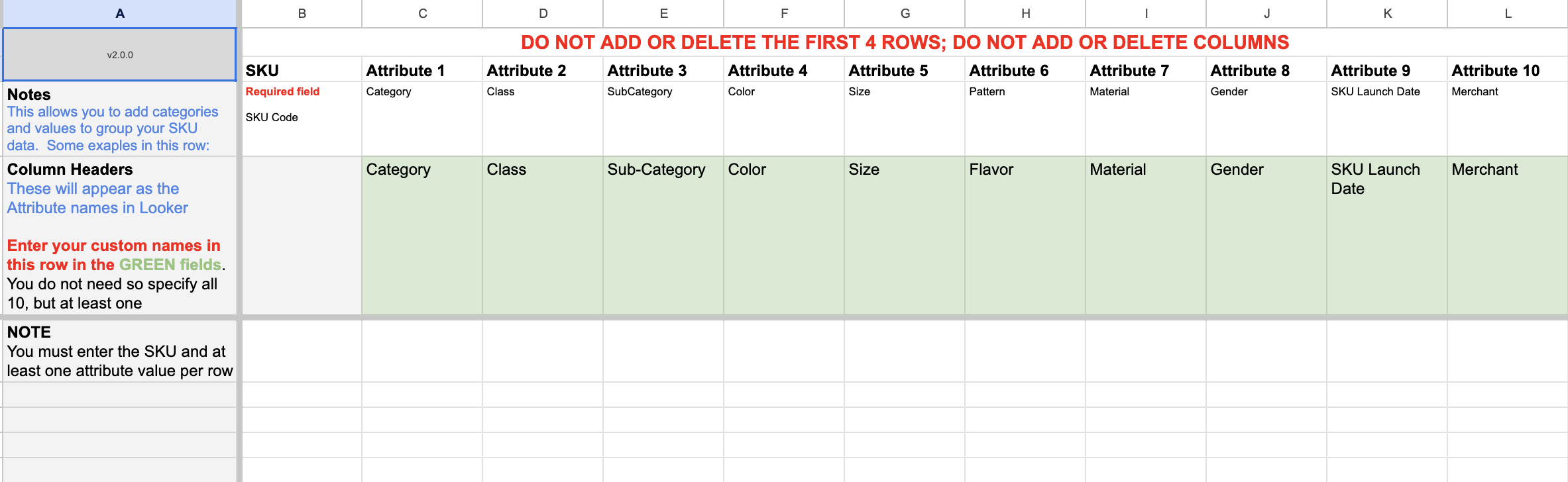
<figure><img src="/files/jBZKIfrdPrEF6LFQWyte" alt=""><figcaption><p>You can edt the Column Headers in Green to add your SKU Attributes</p></figcaption></figure>

Edit the Green Column Headers with your SKU Attributes and add your SKUs in the SKU Column

{% hint style="warning" %}
**NOTE: The Maximum Number of Attributes is 10**
{% endhint %}

## Where to Find Your Data

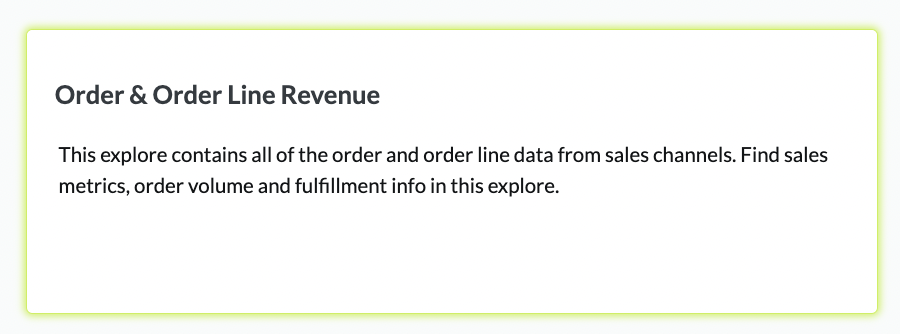
[Order and Order Line Revenue Explore](/core-concepts/data-models/data-explores/digital-analytics-unified/ecommerce-orders-and-revenue-by-order-date-explore.md)

<figure><img src="/files/FOLCjGwmrf5bM4AvQMnd" alt=""><figcaption><p>Order &#x26; Order Line Revenue Explore</p></figcaption></figure>

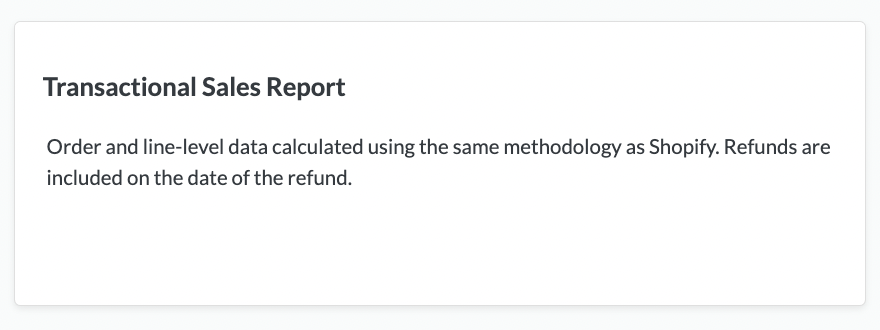
[Transactional Sales Report Explore](/core-concepts/data-models/data-explores/digital-analytics-unified/transactional-sales-report-explore.md)

<figure><img src="/files/Rf40KFzHho0vfGsremqv" alt=""><figcaption><p>Transactional Sales Report Explore</p></figcaption></figure>


---

# Agent Instructions: Querying This Documentation

If you need additional information that is not directly available in this page, you can query the documentation dynamically by asking a question.

Perform an HTTP GET request on the current page URL with the `ask` query parameter:

```
GET https://help.daasity.com/core-concepts/custom-data-and-enrichment/custom-attributes/products-and-hierarchy/sku-hierarchy.md?ask=<question>
```

The question should be specific, self-contained, and written in natural language.
The response will contain a direct answer to the question and relevant excerpts and sources from the documentation.

Use this mechanism when the answer is not explicitly present in the current page, you need clarification or additional context, or you want to retrieve related documentation sections.