Integration Setup

circle-exclamation

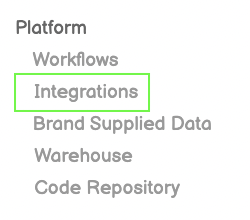
Step 1: Integrations

Click Integrations from Left-Side Menu Bar

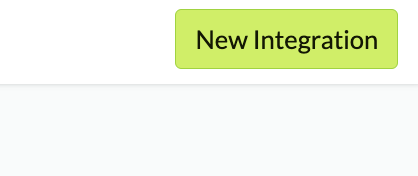
Step 2: New Integration

Click the New Integration Button on top-right of screen

Step 3: Choose 'Fairing Legacy'

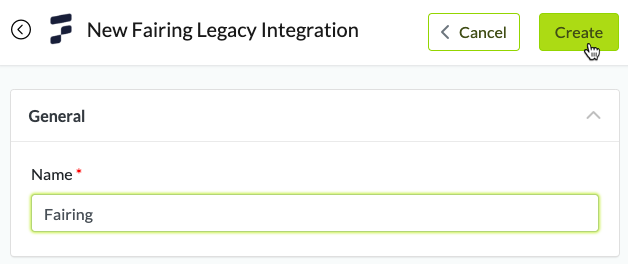
Step 4: Name & Create the Integration
Step 5: Copy Access Token
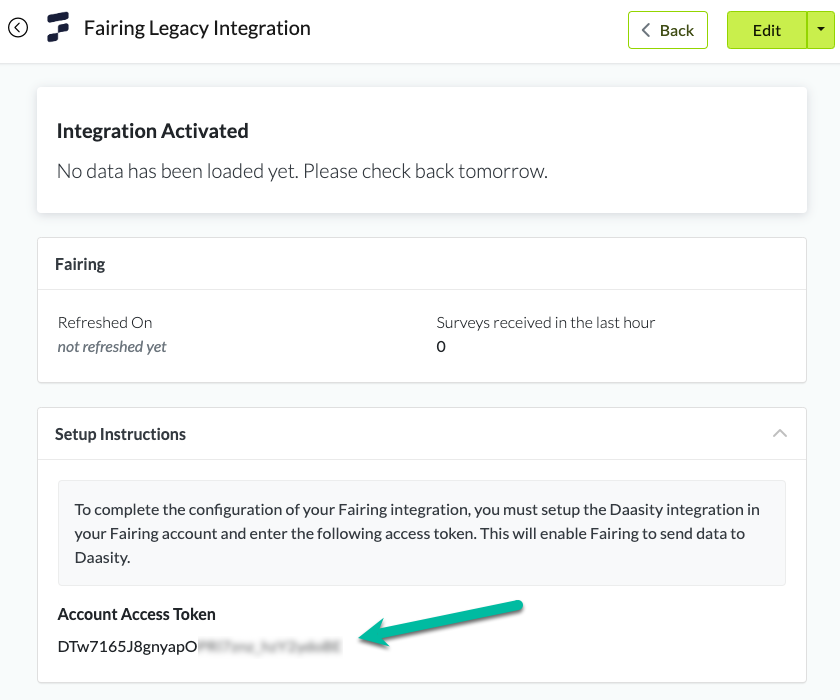
Step 6: Set Up in Fairing
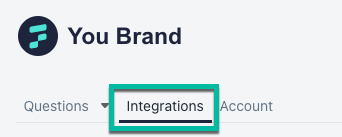

Log in to your Fairing account and navigate to the "Integrations" tab:

Find the Daasity integration and click "Connect":

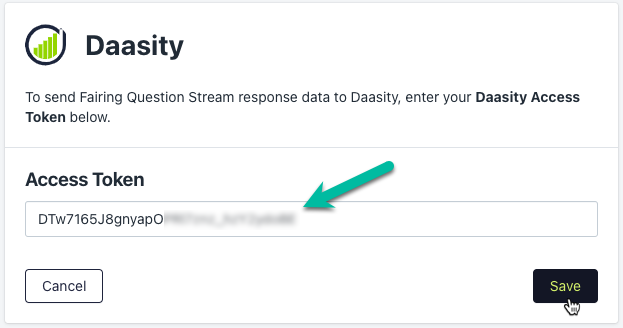
Add the access token you copied in Step 5 and click "Save":

Step 7: Contact Support to Load History

Once integrated, you will begin to get new Fairing data loaded into your account. If you need historical data loaded, please contact the Fairing team to get a historical data dump. Then contact [email protected] to add this data to your warehouse.

Was this helpful?