> For the complete documentation index, see [llms.txt](https://help.daasity.com/llms.txt). Markdown versions of documentation pages are available by appending `.md` to page URLs; this page is available as [Markdown](https://help.daasity.com/core-concepts/data-models/data-explores/digital-analytics-unified/multi-channel-transaction-explore.md).
# Multi-Channel Transaction Explore
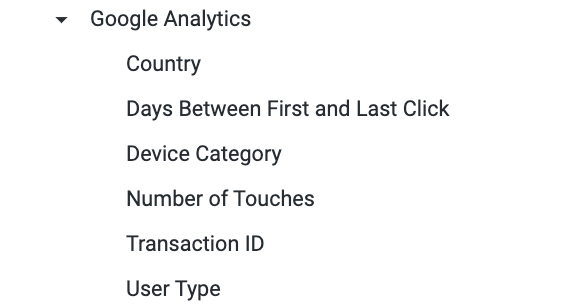
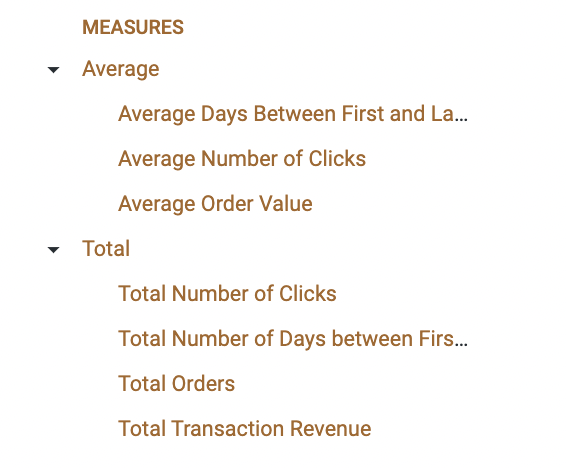
Contains first-click and last-click data from Google Analytics for calculating measures such as, Time to Purchase and Touch-Points.
{% hint style="success" %}
You Can Choose to Use the Default Google Analytics Attribution or You can Choose to Use the [Channel Mapping Rules](/core-concepts/custom-data-and-enrichment/custom-attributes/e-commerce/channel-mapping/filling-out-channel-mapping.md) from Your Brand Supplied Data Sheet when Building Reports with the Multi-Channel Transaction Explore.
{% endhint %}