> For the complete documentation index, see [llms.txt](https://help.daasity.com/llms.txt). Markdown versions of documentation pages are available by appending `.md` to page URLs; this page is available as [Markdown](https://help.daasity.com/core-concepts/data-integrations/setup-guides/retail-integrations/whole-foods-market/integration-setup.md).
# Integration Setup
This page will help you setup Whole Foods for the first time, and provide instructions for recurring data updates as needed.
**Weekly Updates:** Once the integration is setup, data is updated weekly every Thursday morning (EST) with the prior weeks data through Saturday.
***
## Step 1: Setup Daasity (Red Fox) as a broker.
1. [Contact support](mailto:support@daasity.com) to initiate this process
2. Allow up to 3-10 business days for the data to become available to the Daasity team through the Whole Foods portal connection.
## Step 2: Initial Data Pull
Once data is available through the Daasity broker connection, our data services team will oversee the initial data pull including 2 years of historical data. \
\
The data services team will then proceed to complete the integration setup outlined below, and confirm when historical data is loaded and reports are ready (typically 1-2 business days after receiving the data).
## Step 3: Setup the Whole Foods Integration in Daasity App:
### 1: Navigate to 'New Integration' screen
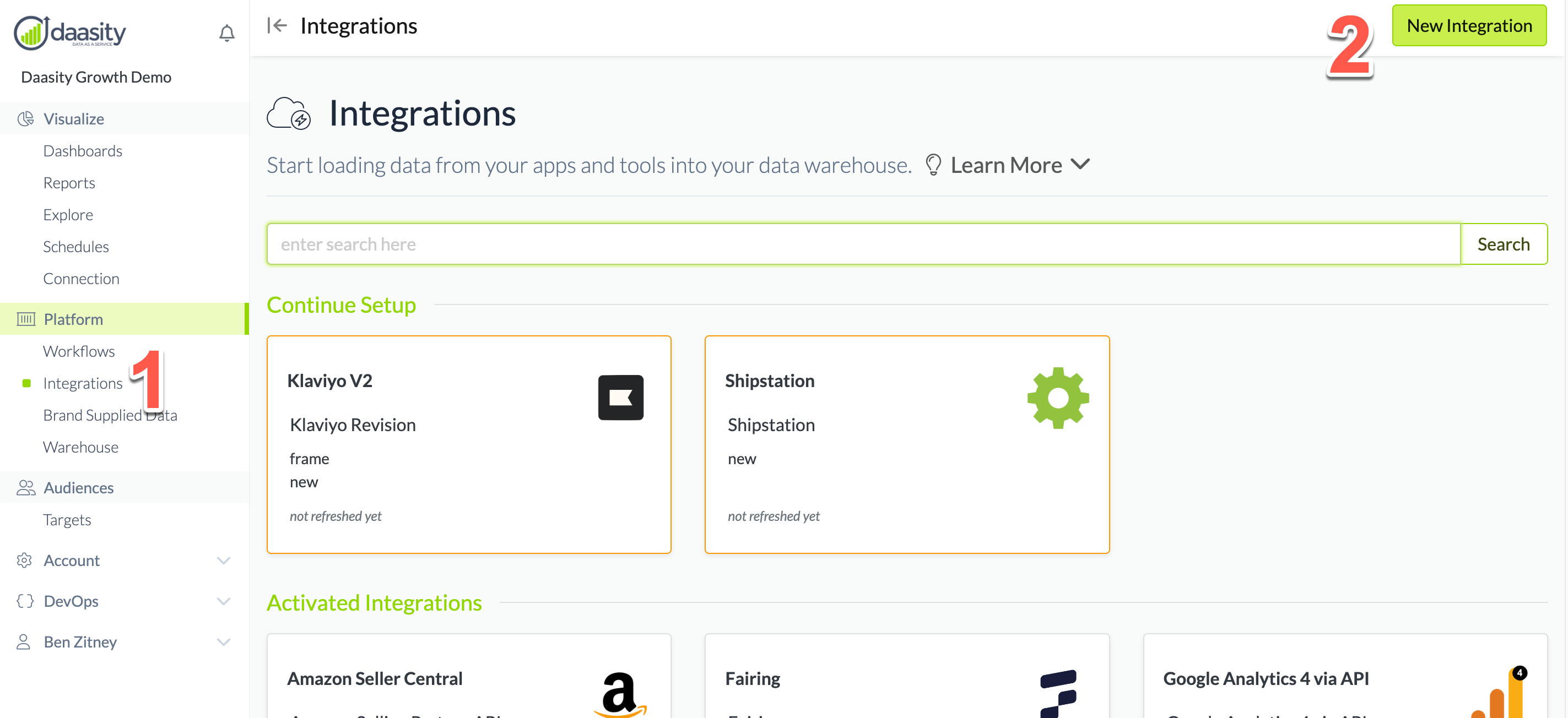
In the Daasity app, click **Integrations** in the left-hand menu, and then the **New Integration** button in the upper-right corner.
### 2: Choose the Whole Foods Market integration
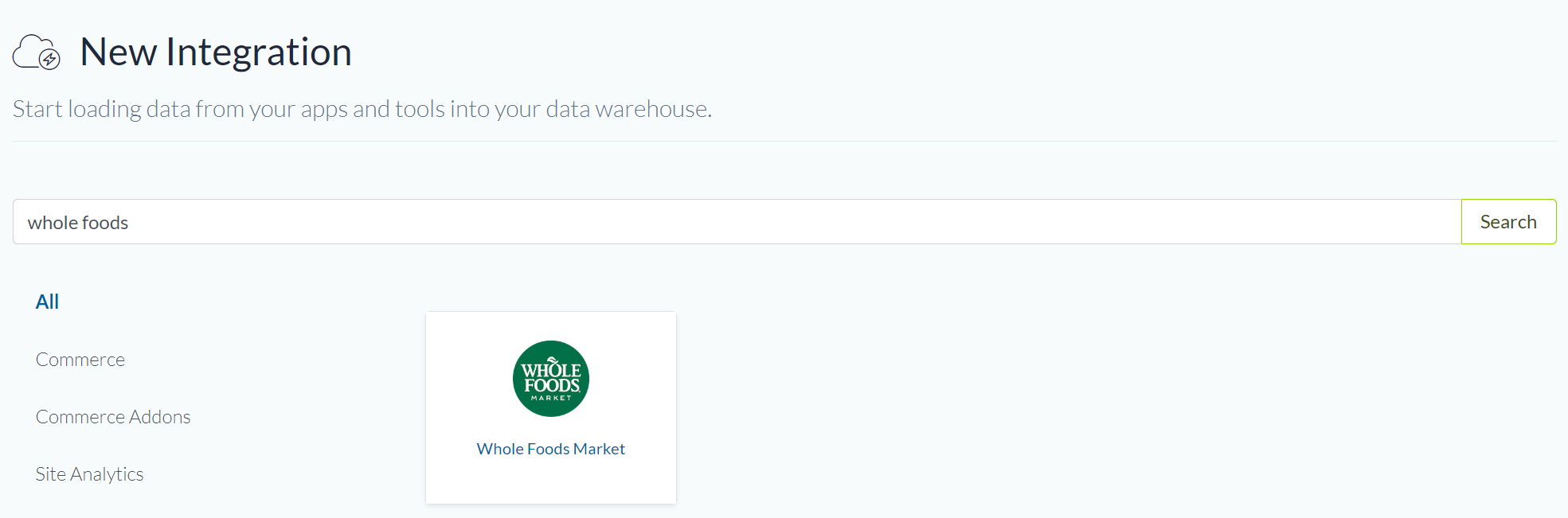
In the search box, type "Whole Foods" and choose the "Whole Foods Market" integration.
### 3: Name the integration
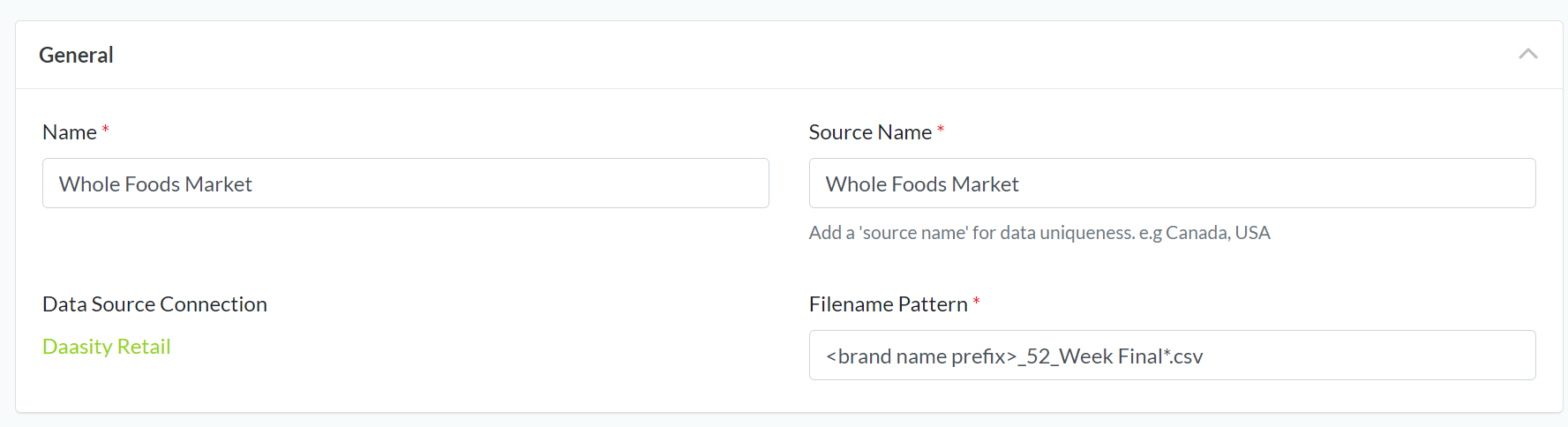
Give the integration a name. This is the name that will be displayed in your integrations list in the Daasity app.
Recommendation is to keep it simple, "Whole Foods Market", unless you have multiple integrations for different countries in which case adding the country into the name will help keep things clear, *example: "Whole Foods Market USA" and "Whole Foods Market Canada"*.