> For the complete documentation index, see [llms.txt](https://help.daasity.com/llms.txt). Markdown versions of documentation pages are available by appending `.md` to page URLs; this page is available as [Markdown](https://help.daasity.com/core-concepts/data-integrations/setup-guides/retail-integrations/amazon-vendor-central/integration-setup.md).
# Integration Setup
To connect Amazon Vendor Central Please Follow these steps
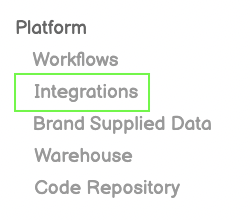
## Step1 : Integrations
Click Integrations from Left-Side Menu Bar
## Step 2: New Integration
New Integration
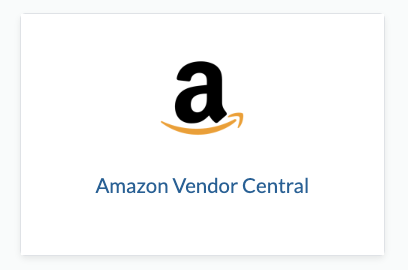
## Step 3: Amazon Vendor Icon
Amazon Vendor Central
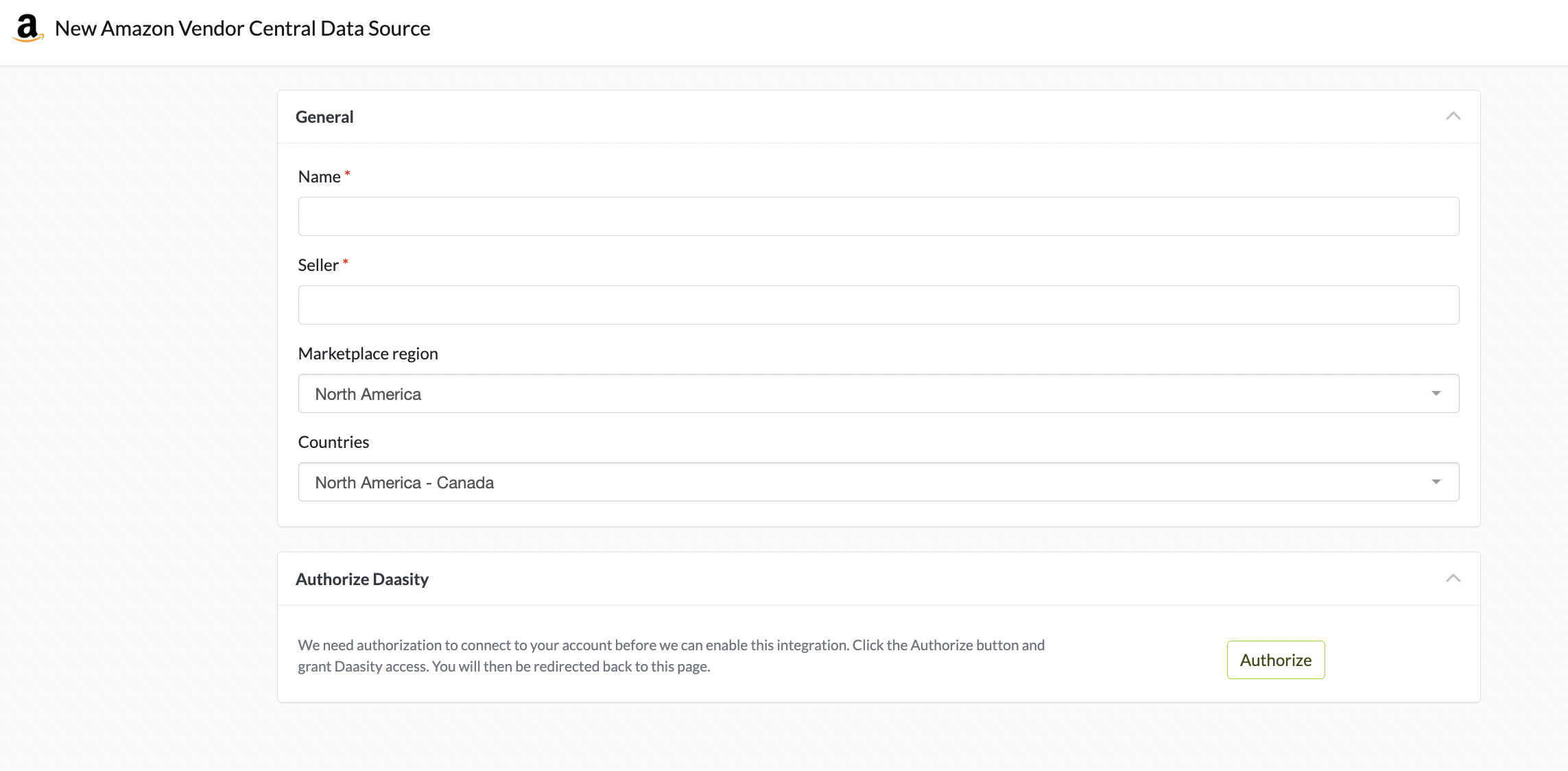
## Step 4: Authorize Daasity to Connect
Authorize Daasity to Connect
{% hint style="success" %}
Enter Any Name and Any Seller in the Boxes (These are merely placeholders)
{% endhint %}
{% hint style="success" %}
Choose the Marketplace and Country - if you have multiple Countries - repeat the process for each Country
{% endhint %}
## Step 5: Check your Data Sources
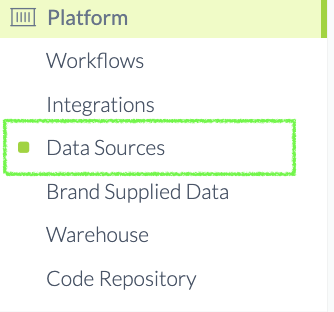
After you have Authorized Daasity to connect - Navigate to Data Sources
Data Sources
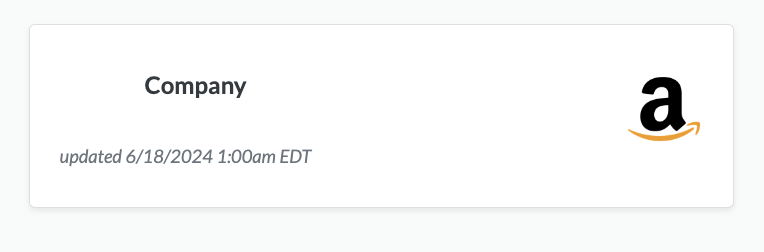
Confirm Amazon Vendor Central is in Data Sources
{% hint style="success" %}
Email once you have connected to Data Sources
{% endhint %}