> For the complete documentation index, see [llms.txt](https://help.daasity.com/llms.txt). Markdown versions of documentation pages are available by appending `.md` to page URLs; this page is available as [Markdown](https://help.daasity.com/core-concepts/data-integrations/setup-guides/digital-integrations/stay-ai/integration-setup.md).
# Integration Setup
## Step 1: Navigate to 'New Integration' screen
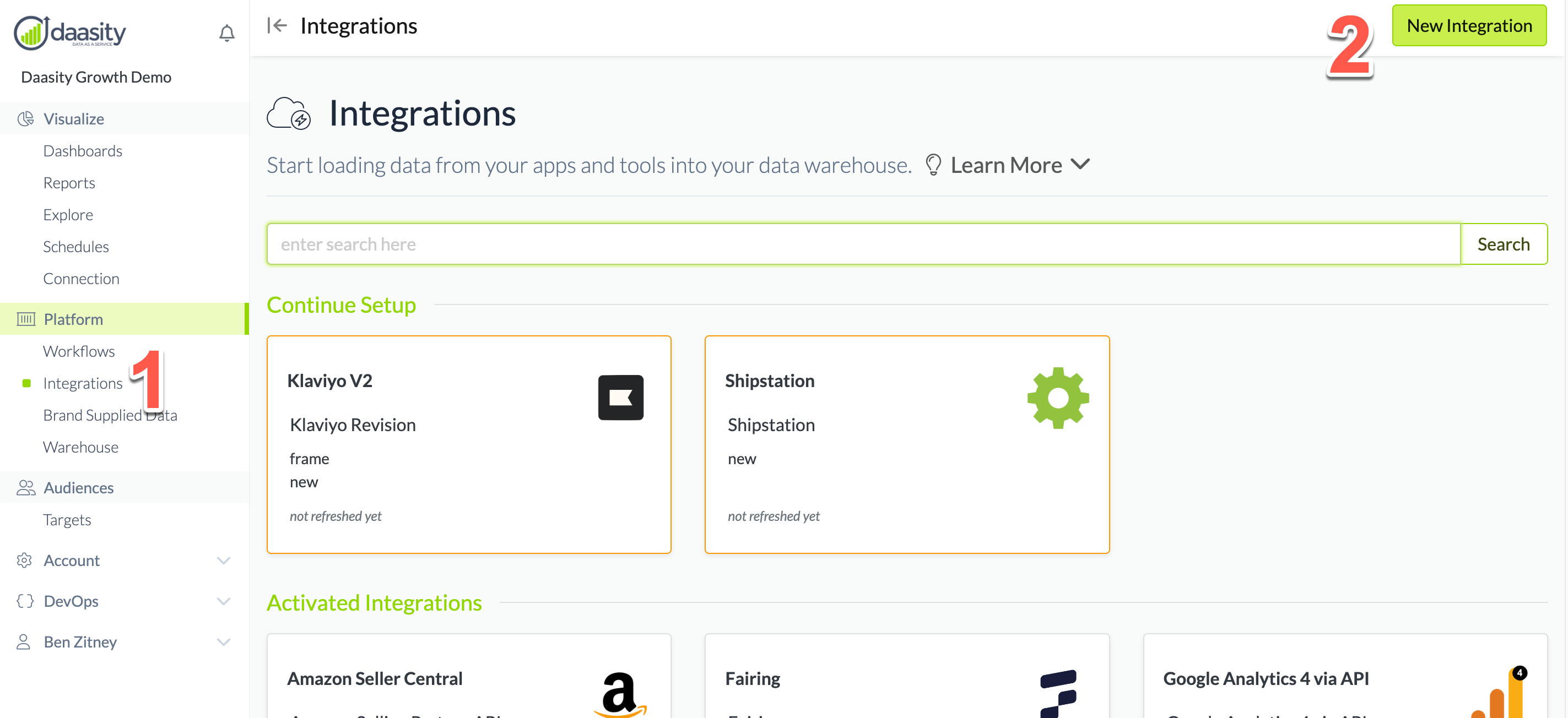
In the Daasity app, click **Integrations** in the left-hand menu, and then the **New Integration** button in the upper-right corner.
## Step 2: Choose the Stay Ai integration
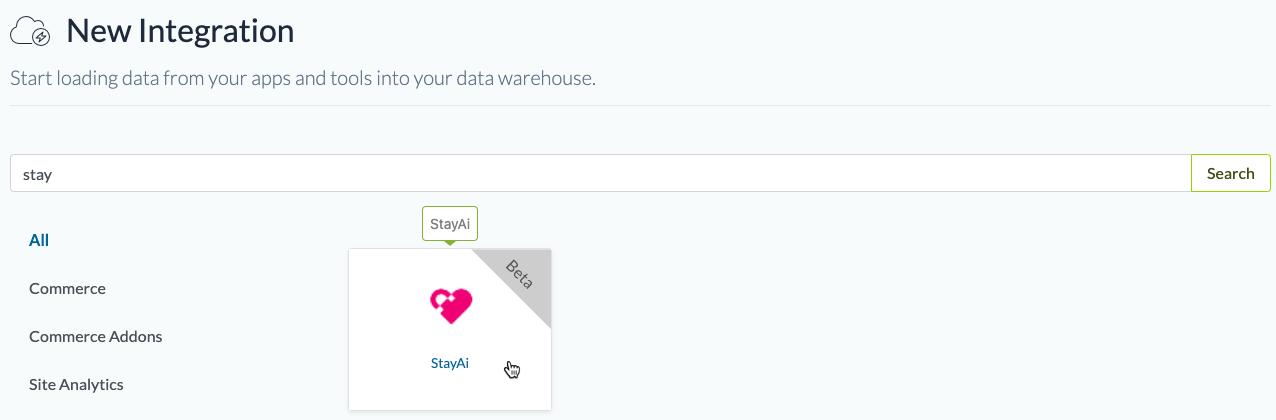
In the search box, type "stay" and choose the Stay Ai integration.
## Step 3: Name the integration
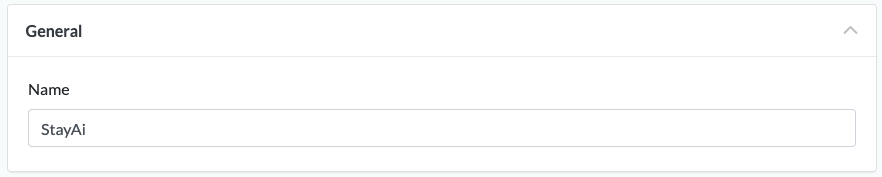
Give the integration a name. This is the name that will be displayed in your integrations list in the Daasity app.
## Step 4: Authorize the integration
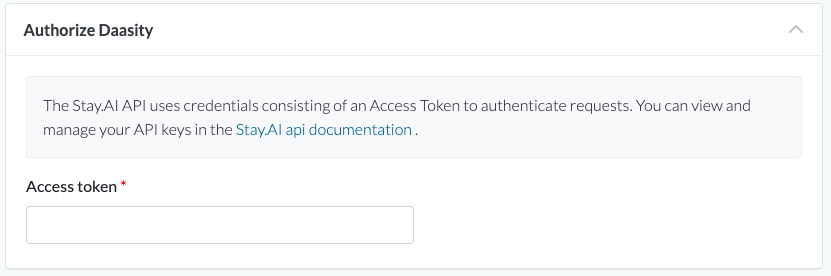
To give Daasity access to your Stay data for extraction, you'll need to create an access token in the Stay app and input it in the Daasity app:
You can get an access token by following these steps:
1. Open the Stay AI app in Shopify
2. Click Settings
3. Click API Keys
4. Click the New API Key button
5. Enter the name of your your key, the email you would like associated with the key, a description, and the enabled the permissions “Read Subscriptions” and “Read Orders”
## Step 5: Save the integration
## Step 6: Load history
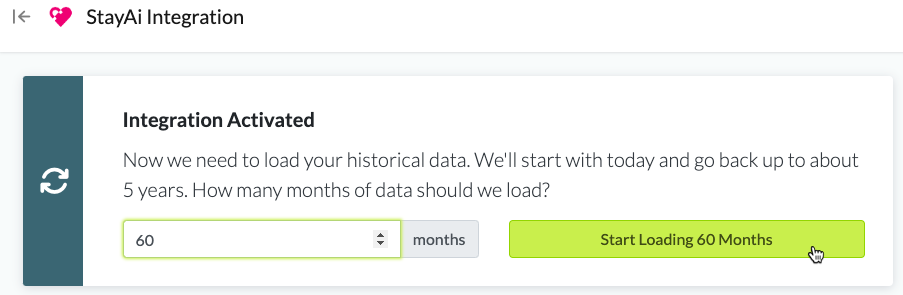
From the integration details screen, trigger a load of up to 5 years of history:
This will load your historical data into your database.
You will see the data reflected in your [subscription dashboard](/core-concepts/dashboards/report-library/data-source-dashboards/subscription.md) and explores after the next daily workflow runs.