> For the complete documentation index, see [llms.txt](https://help.daasity.com/llms.txt). Markdown versions of documentation pages are available by appending `.md` to page URLs; this page is available as [Markdown](https://help.daasity.com/core-concepts/data-integrations/setup-guides/digital-integrations/order-desk/integration-setup.md).
# Integration Setup
To connect Order Desk please follow the steps below
{% hint style="warning" %}
You log into Order Desk and go to the "Store Settings" within your Order Desk account and click on the "API" tab to create an API Key before following the steps below
{% endhint %}
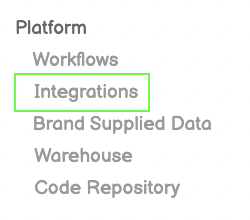
## Step 1: Navigate to Integrations
Navigate to the Integrations screen by clicking on Integrations on the left nav bar
## Step 2: Select New Integration
Click on New Integration on the top right
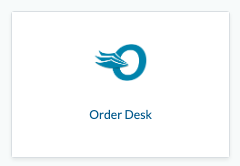
## Step 3: Select Order Desk
Find and click on the Order Desk icon
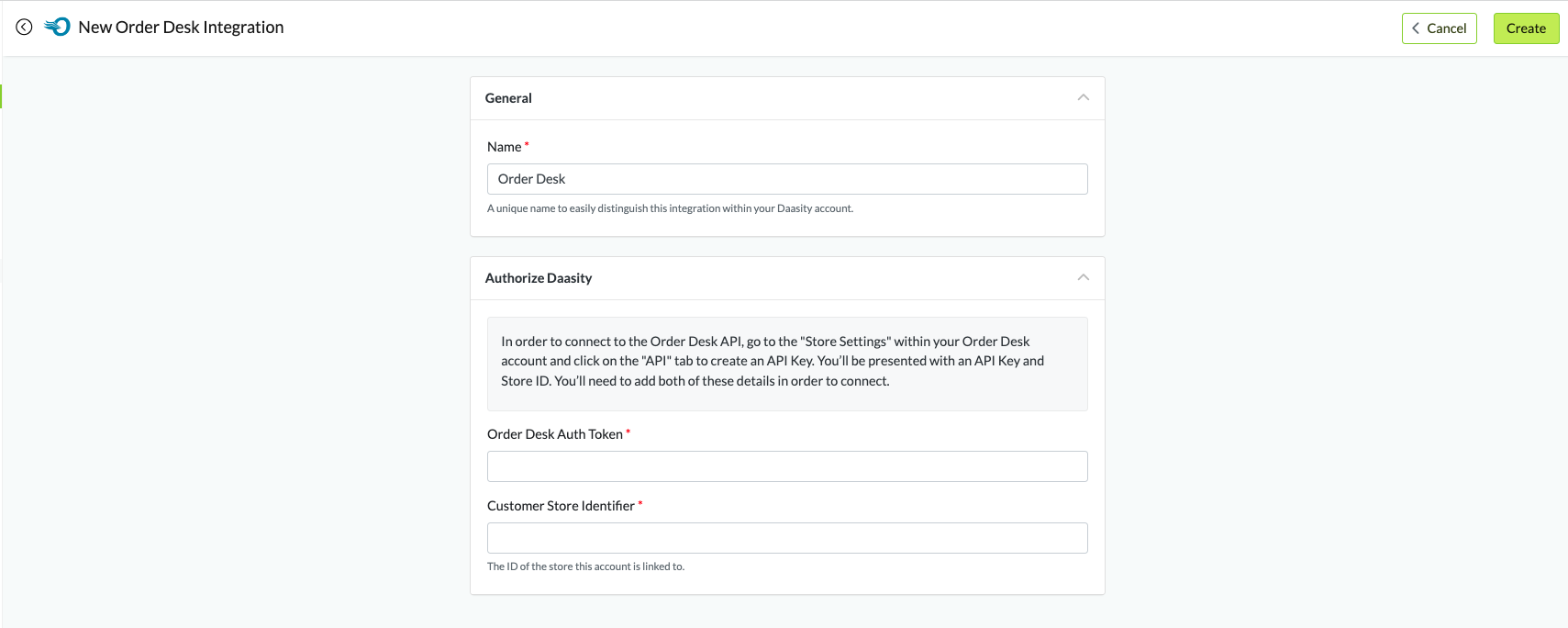
## Step 4: Create the Integration
* Give your Integration a name
* Enter the API Key into the Order Desk Auth Token field
* Enter the Store ID into the Customer Store Identifier field
* Click on Create in the upper right once the fields have been completed
## Step 5: Load Historical Data