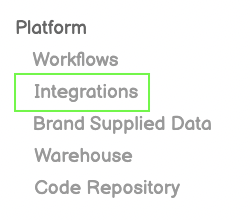
Click Integrations from Left-Side Menu Bar
Click Integrations from Left-Side Menu Bar
Click the New Integration Button on top-right of screen
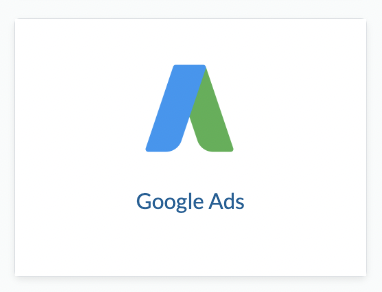
Click the Google Ads icon from the Integration Page
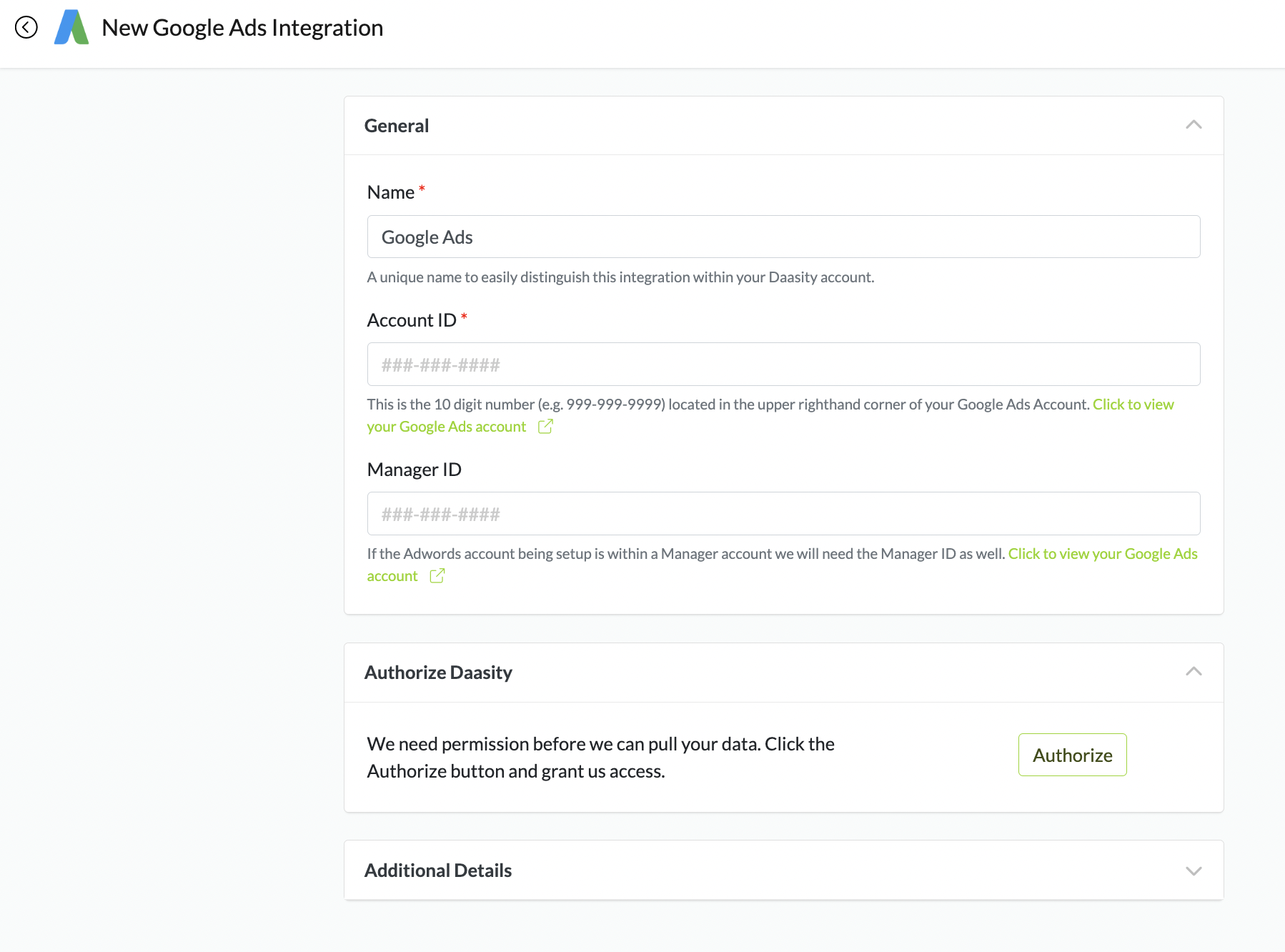
Enter the Account ID and Manager ID For Your Google Ads Account
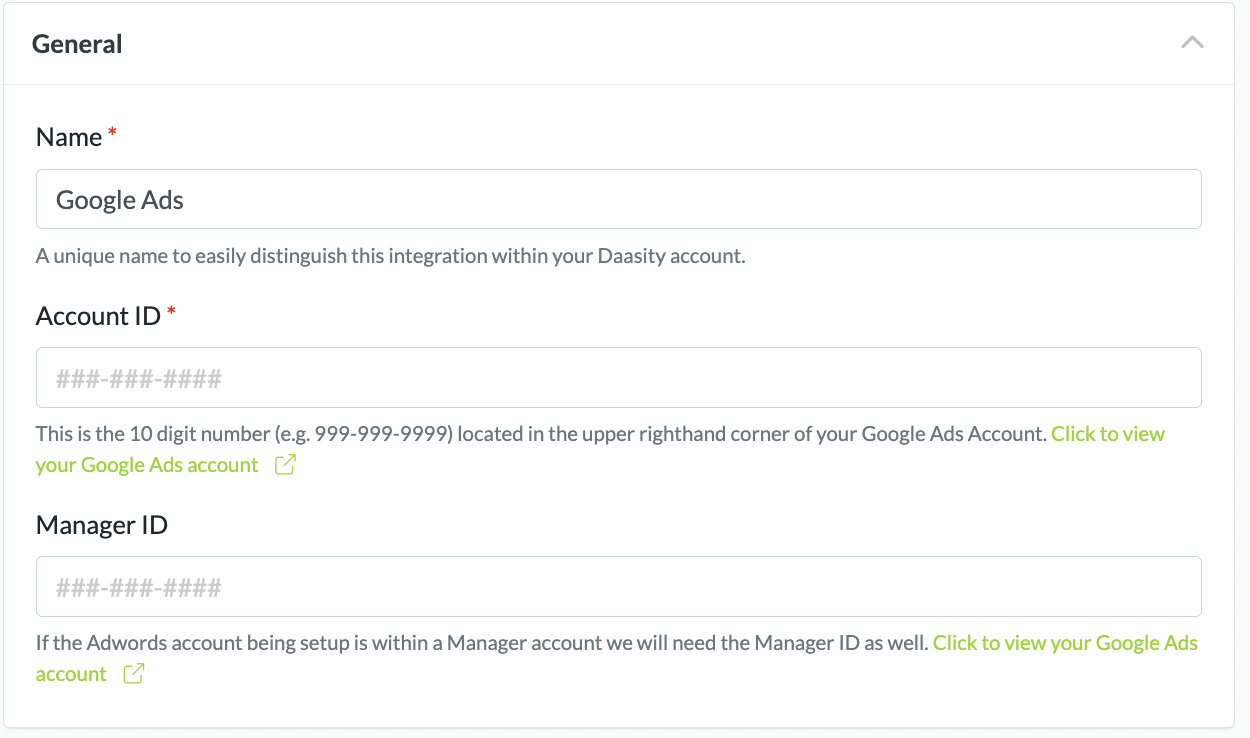
Click the Green Links to find Your Google Ads Account ID

Expand Additional Details
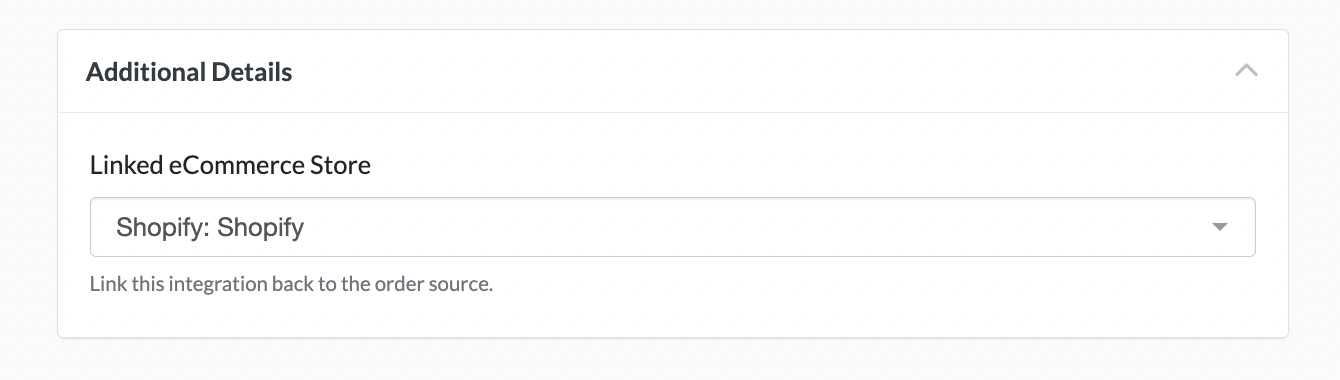
Choose Your Ecommerce Store From the Dropdown Menu to Link Your Google Ads to
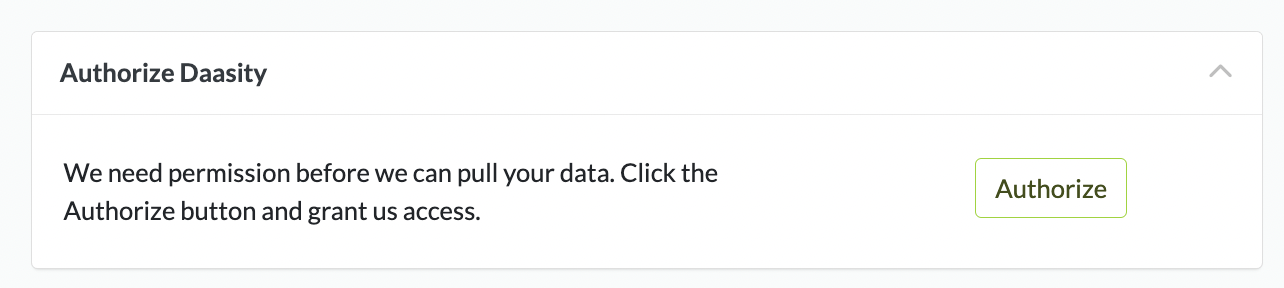
Authorize Daasity