> For the complete documentation index, see [llms.txt](https://help.daasity.com/llms.txt). Markdown versions of documentation pages are available by appending `.md` to page URLs; this page is available as [Markdown](https://help.daasity.com/core-concepts/data-integrations/setup-guides/digital-integrations/bing-ads/integration-setup.md).
# Integration Setup
## Step 1: Navigate to 'New Integration' screen
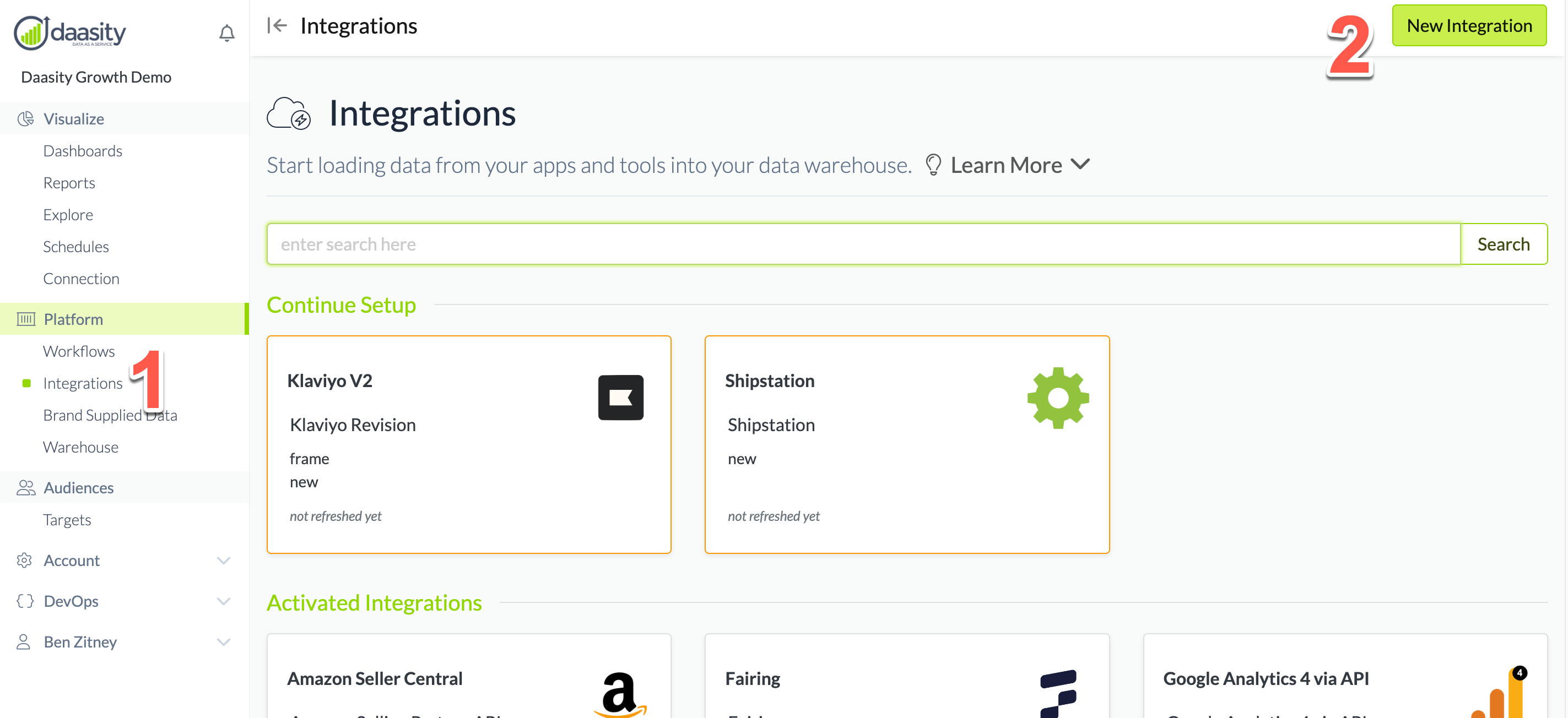
In the Daasity app, click **Integrations** in the left-hand menu, and then the **New Integration** button in the upper-right corner.
## Step 2: Choose the Bing Ads integration
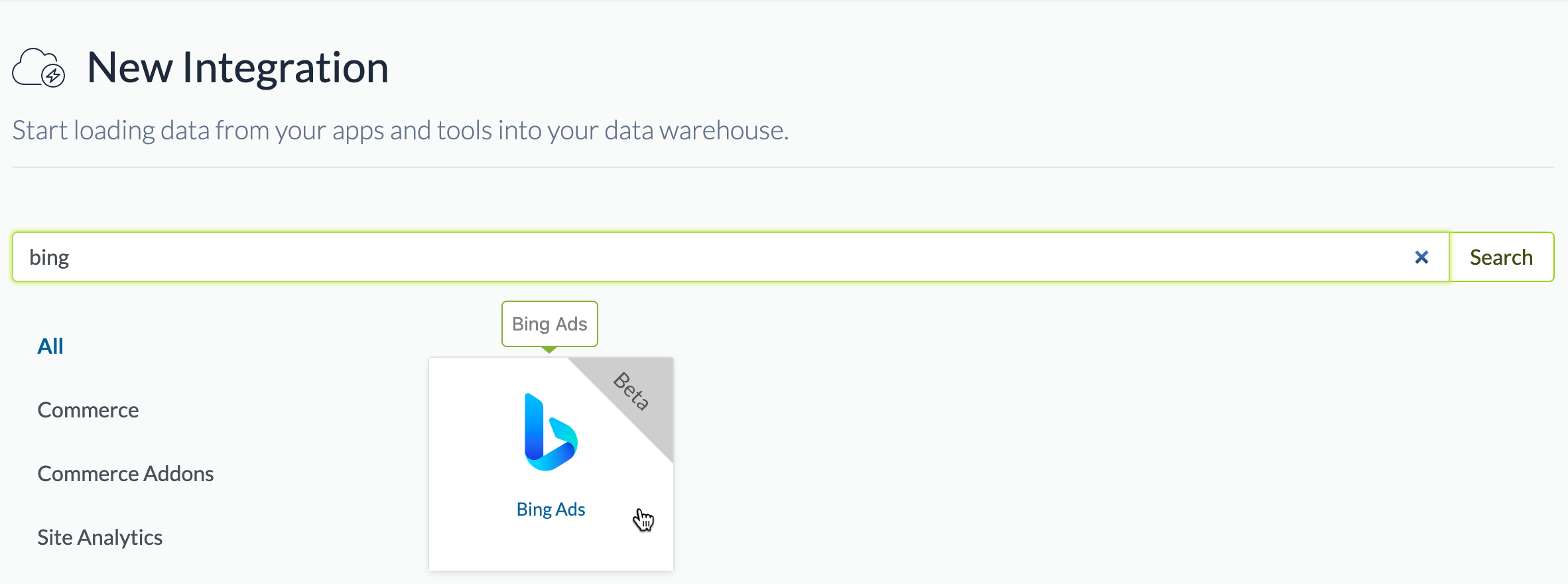
In the search box, type "bing" and choose the Bing Ads integration.
## Step 3: Name the integration
Give the integration a name. This is the name that will be displayed in your integrations list in the Daasity app.
## Step 4: Authorize the integration
{% hint style="danger" %}
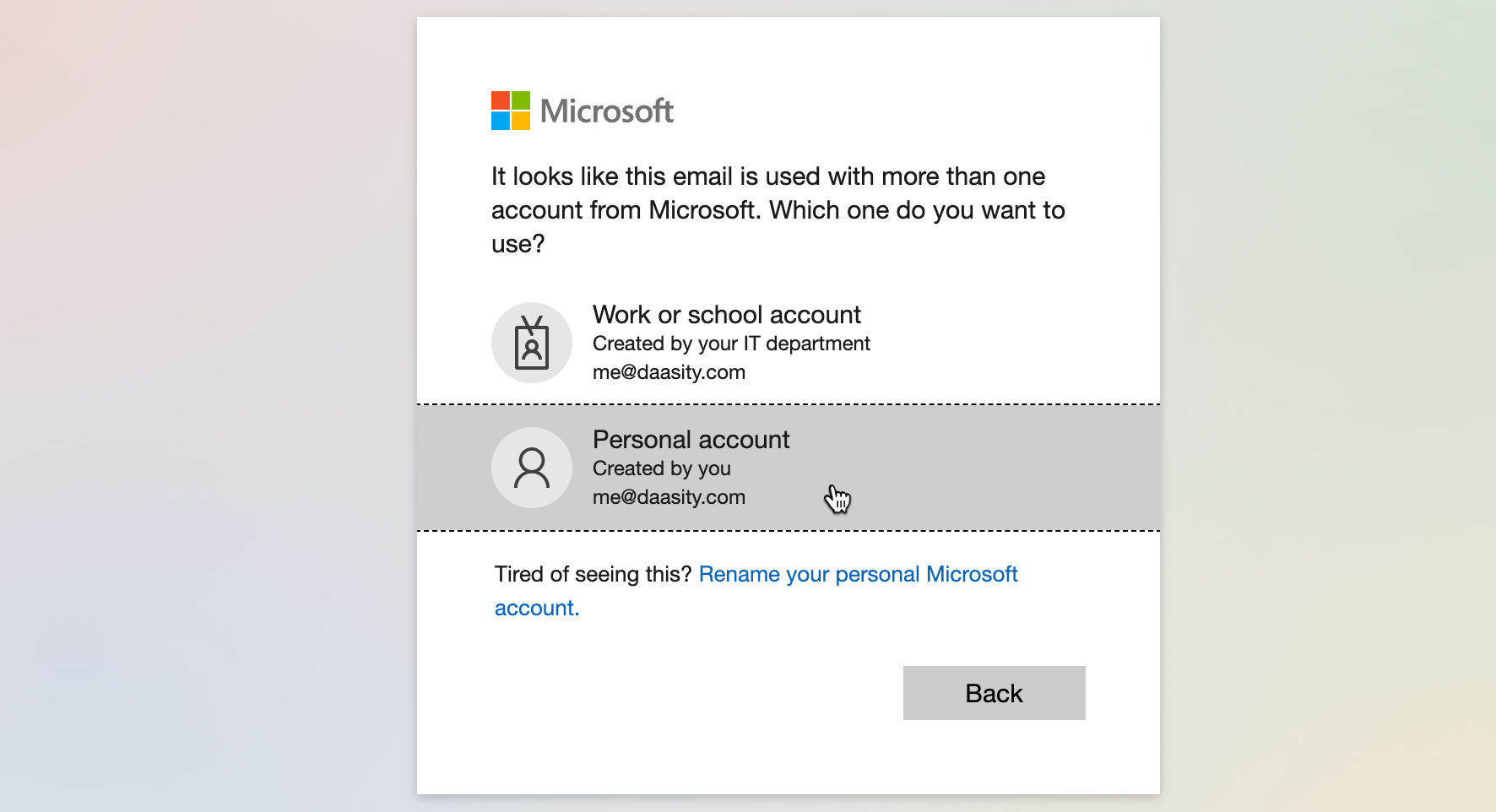
**Choose a personal Microsoft account when authorizing**
If you choose a work/school account when authorizing the Daasity integration, you will get an error because Bing Ads allows you to authorize only with a personal account.
{% endhint %}
Click the **Authorize** button to begin the authorization process:
This will transition you to the Microsoft account picker. You need to choose a personal account that has access to the Microsoft Ads account that you want to use for the integration:
## Step 5: Choose an ad account
{% hint style="danger" %}
**If you skip this step, your integration will have errors**
{% endhint %}
Since you may have access to multiple Bing Ads accounts, you now need to use the dropdown to choose which one to use for this integration:
## Step 6: Link your ecommerce store
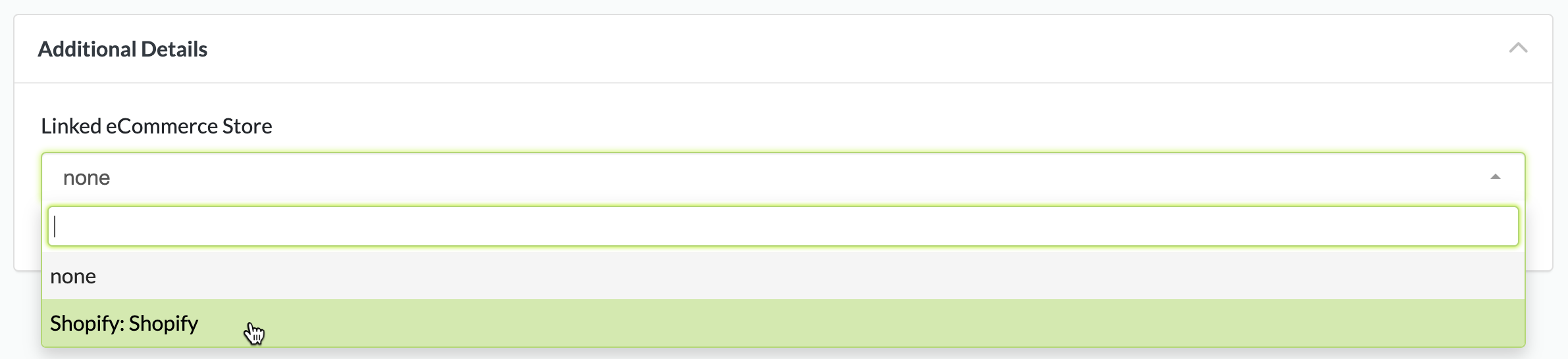
Select which of your Shopify stores this Bing Ads account drives traffic to:
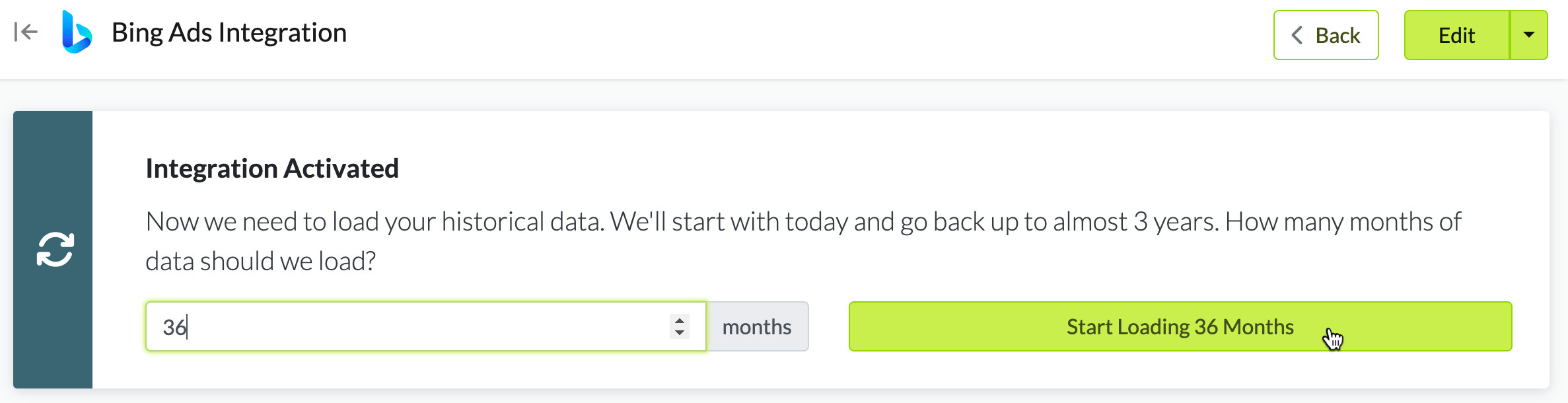
## Step 5: Load history
{% hint style="info" %}
**You can load a max of 3 years' history**
The Bing Ads reporting API only makes data available from the past 3 years. As a result, the most history you can load is 3 years' worth.
{% endhint %}
From the integration details screen, trigger a load of up to 3 years of history: