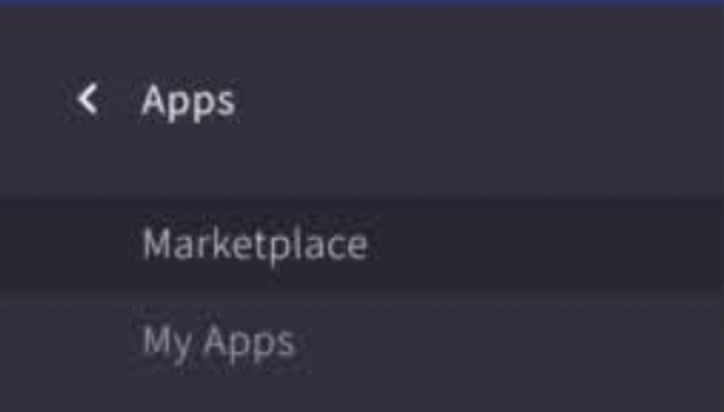
Expand Apps and Go To Marketplace
Expand Apps and Go To Marketplace
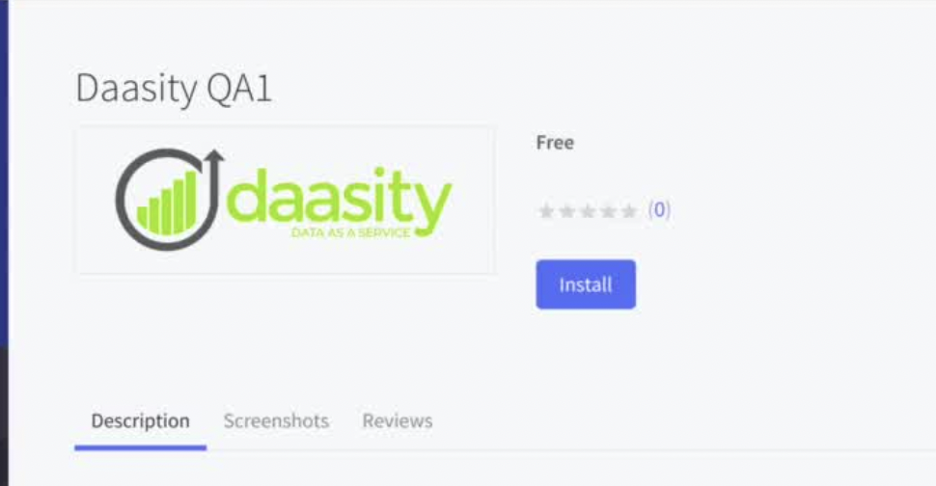
Search for Daasity and Click Install
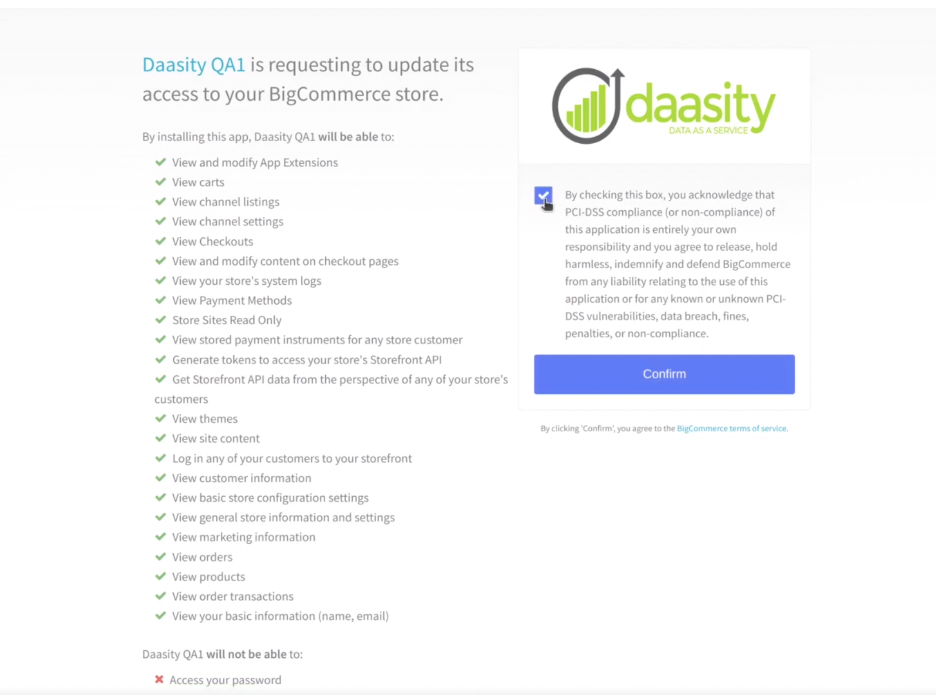
Check the box and click Conform to authorize Daasity access to your BigCommerce store.

Click the Connect button to setup your Daasity Account.
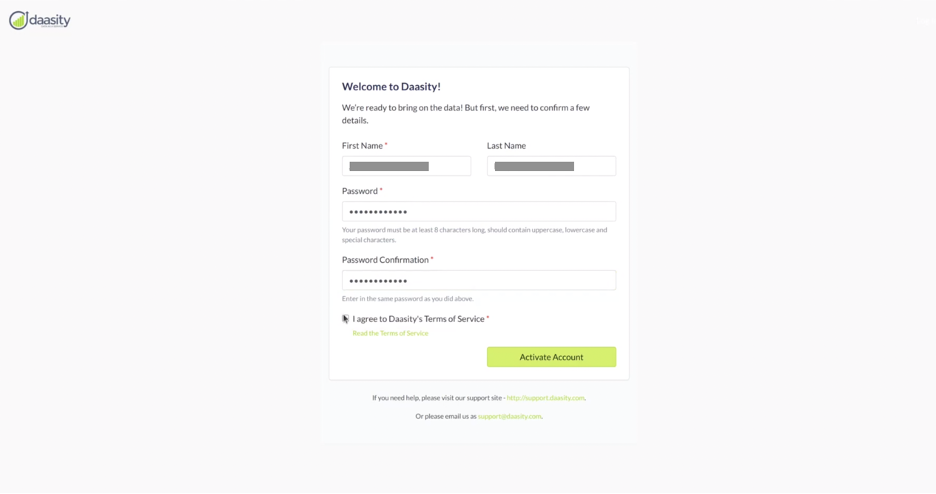
Activate your Daasity Account - Create Name, Password and Agree to TOS.
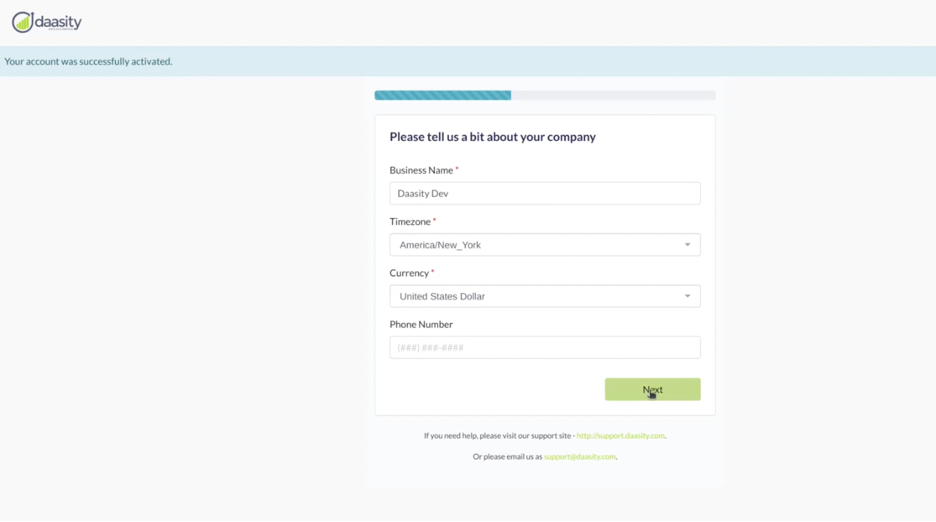
Provide Company Details and click Next
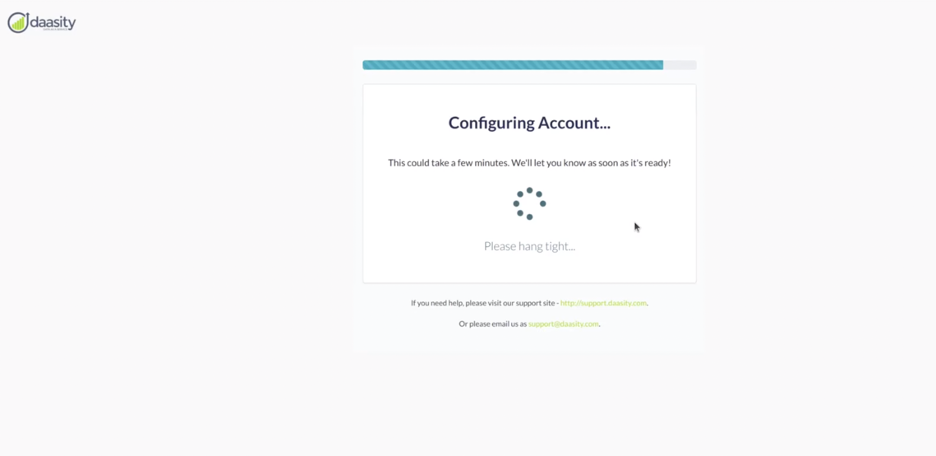
Please wait while we Configure your Daasity Account
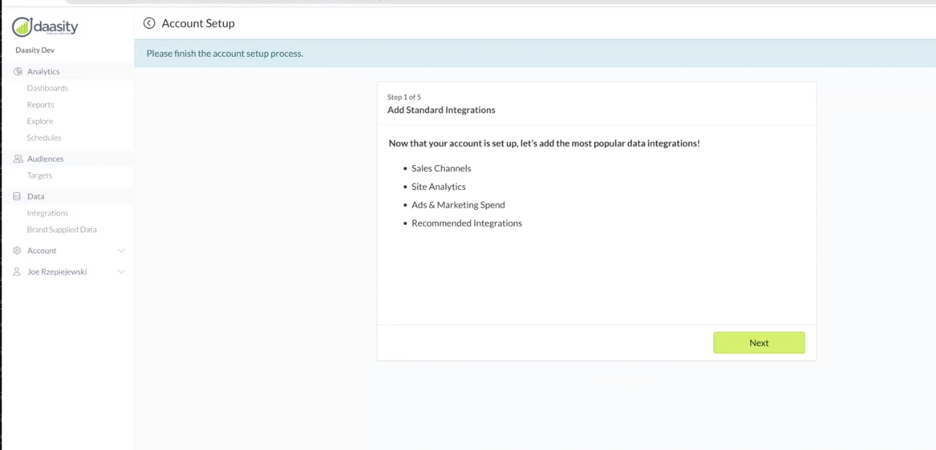
Click Next to Add Your BigCommerce Store