> For the complete documentation index, see [llms.txt](https://help.daasity.com/llms.txt). Markdown versions of documentation pages are available by appending `.md` to page URLs; this page is available as [Markdown](https://help.daasity.com/core-concepts/data-integrations/setup-guides/digital-integrations/applovin/integration-setup.md).
# Integration Setup
This page will help you setup AppLovin for the first time, and provide instructions for recurring data updates as needed.
## Step 1: Navigate to 'New Integration' screen
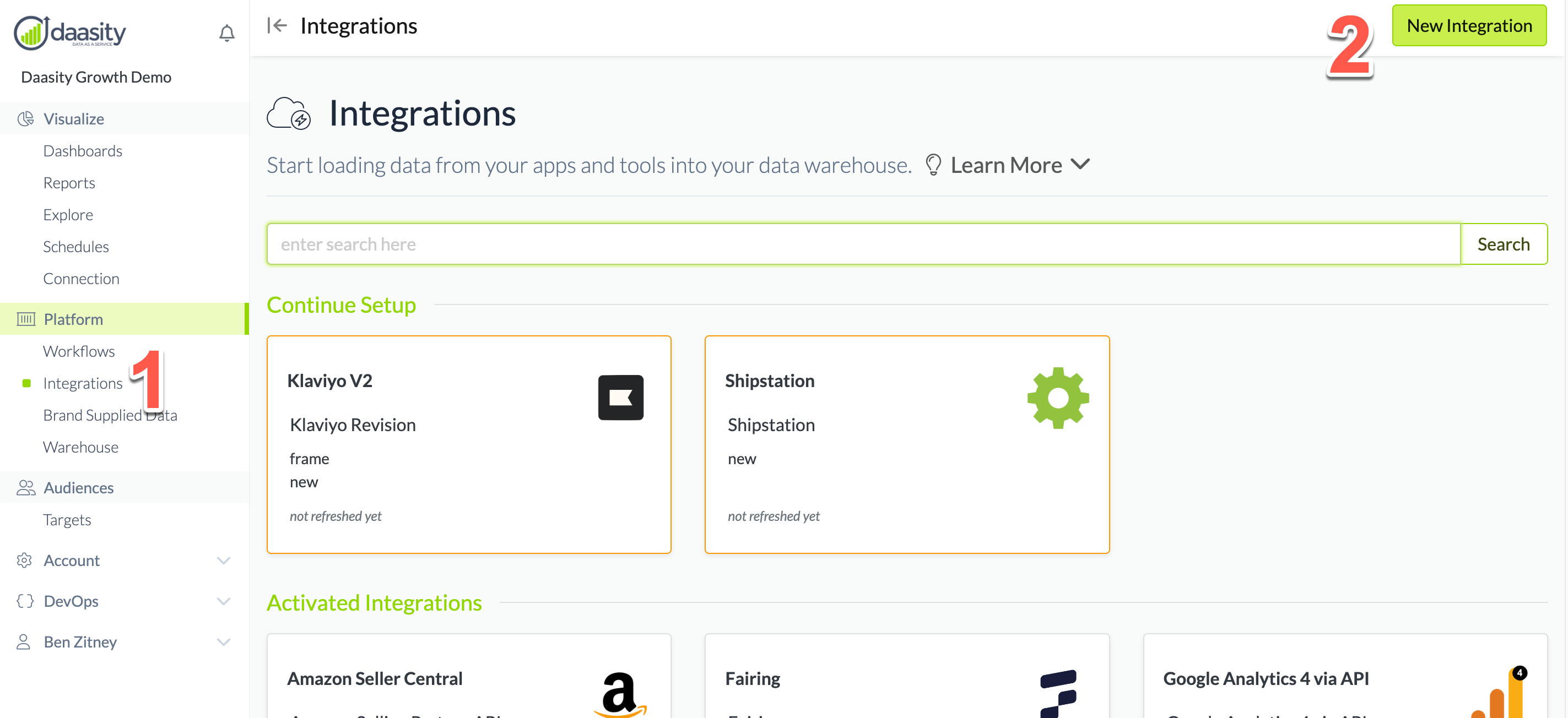
In the Daasity app, click **Integrations** in the left-hand menu, and then the **New Integration** button in the upper-right corner.
## Step 2: Choose the AppLovin integration
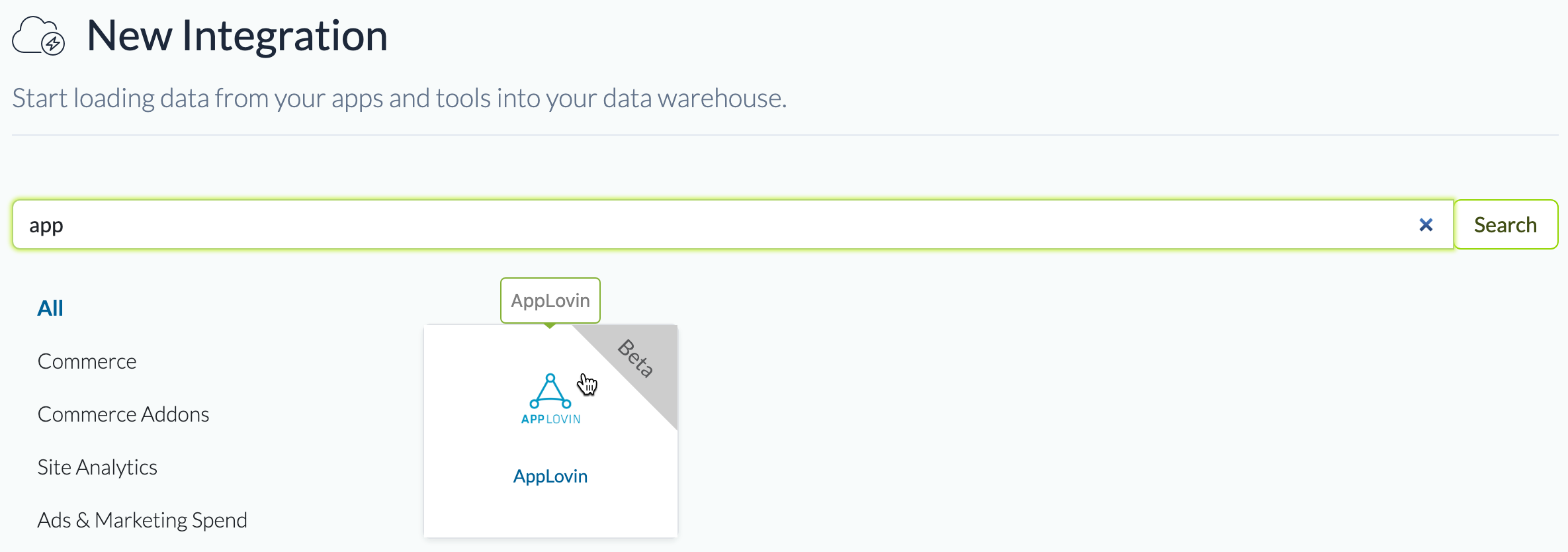
In the search box, type "app" and choose the AppLovin integration.
## Step 3: Name the integration
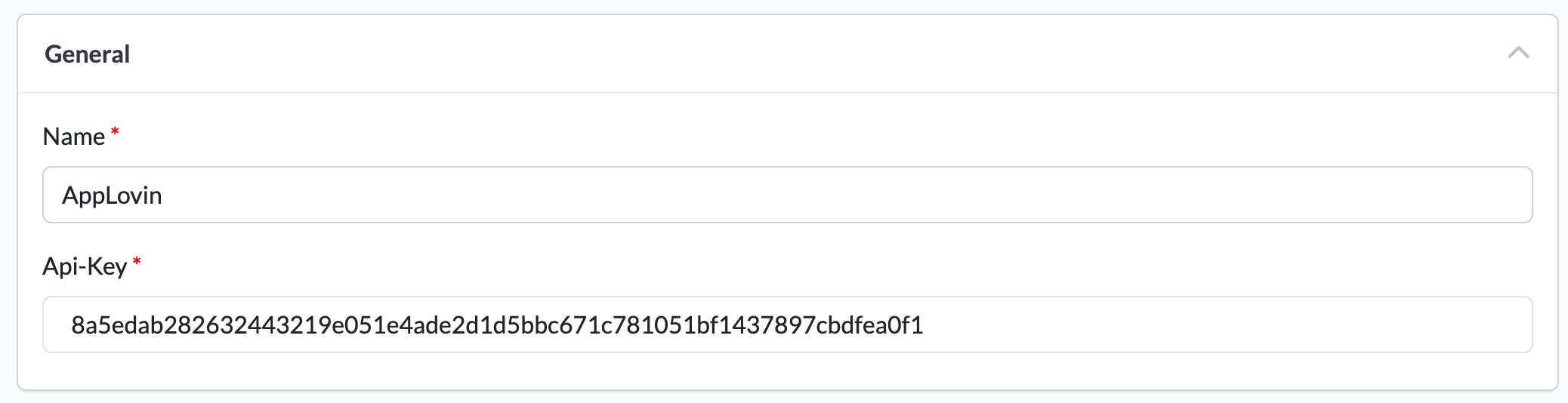
Give the integration a name. This is the name that will be displayed in your integrations list in the Daasity app.
## Step 4: Authorize the integration
1\. Log into AppLovin **using your master user account** — NOT a sub-user account.
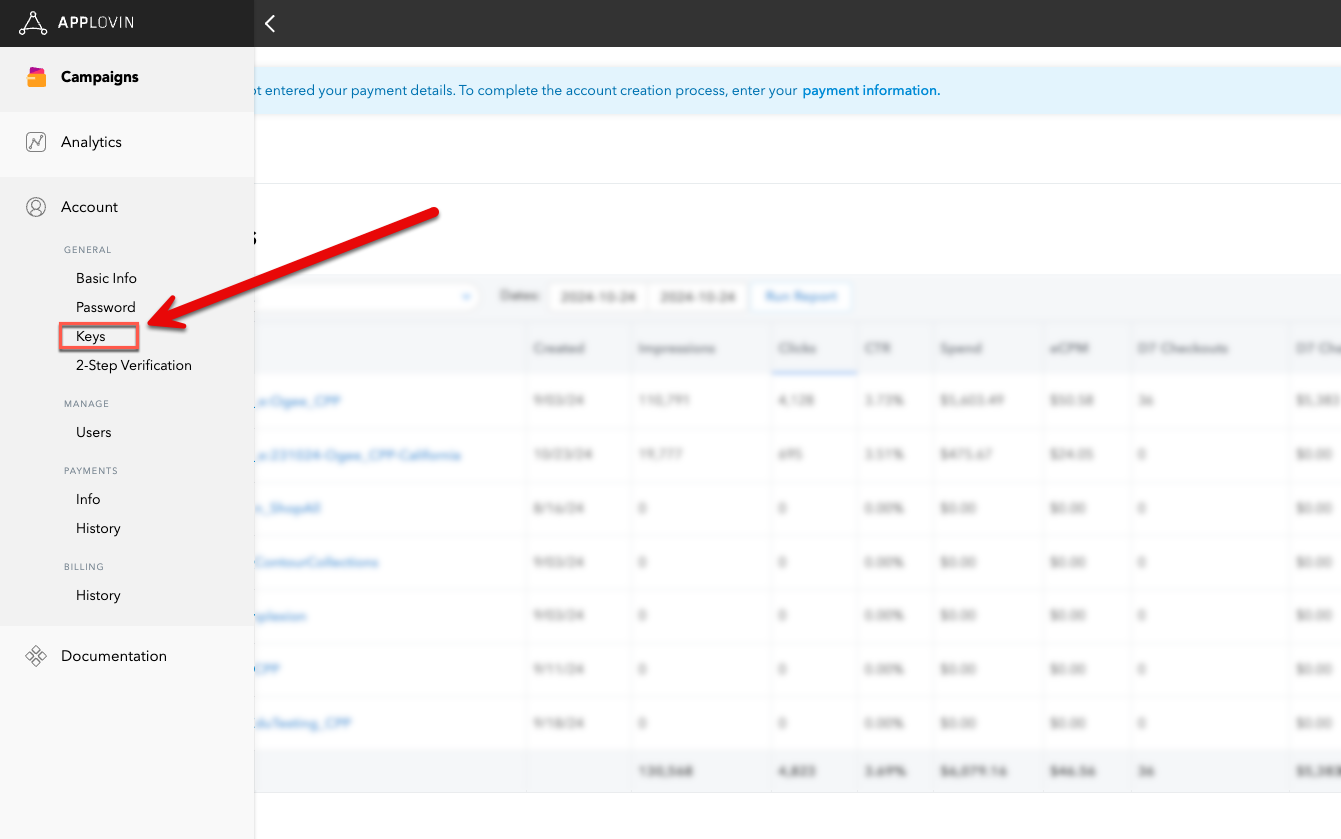
2\. Navigate to Account > General > Keys
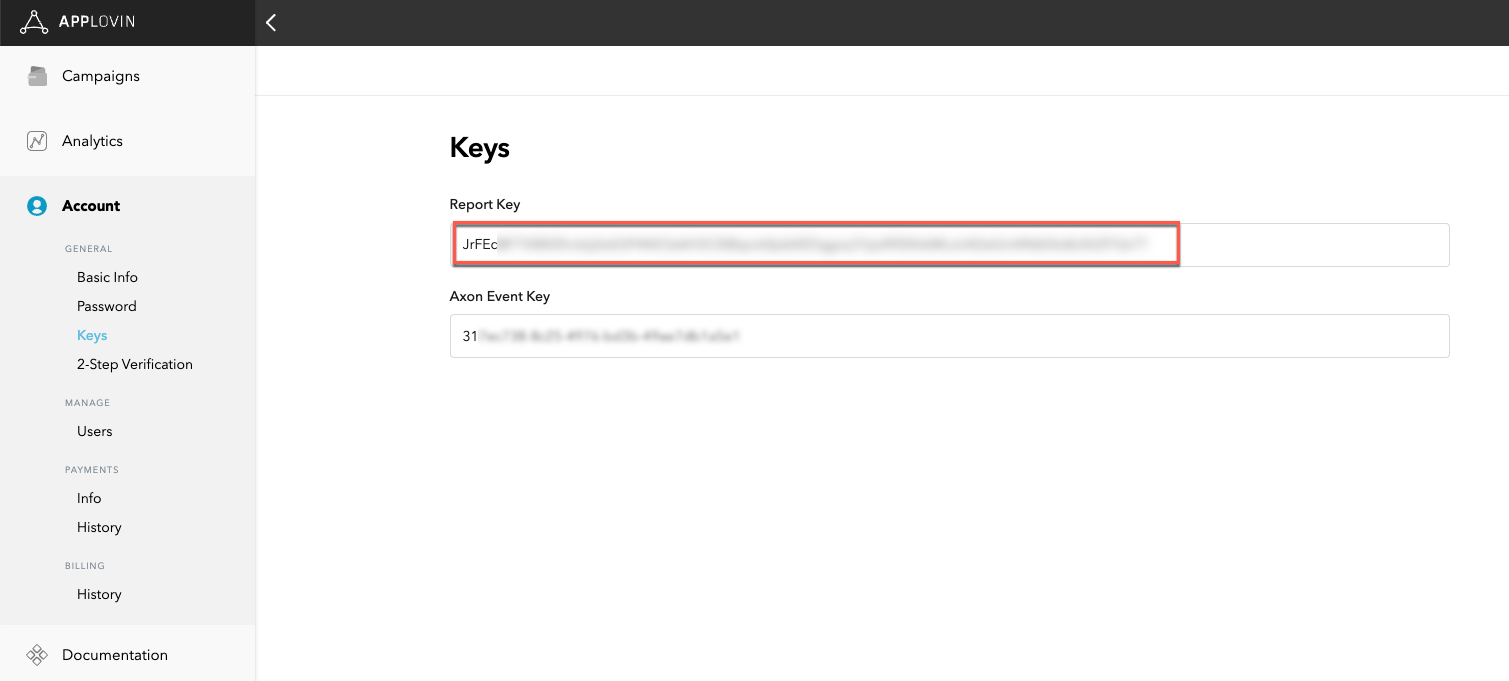
3\. Copy the Report Key. If you do not see a report key, double-check that you're logged in through the master user account — Not a sub-user account
4\. Paste the report key into the **Api-Key field** in the integration setup screen
## Step 5: Load history
{% hint style="warning" %}
**You can only load 45 days of history**
AppLovin makes only 45 days of history available in their API. If you have been advertising on the platform for longer than 45 days, there is no way to extract data beyond that timeframe.
{% endhint %}
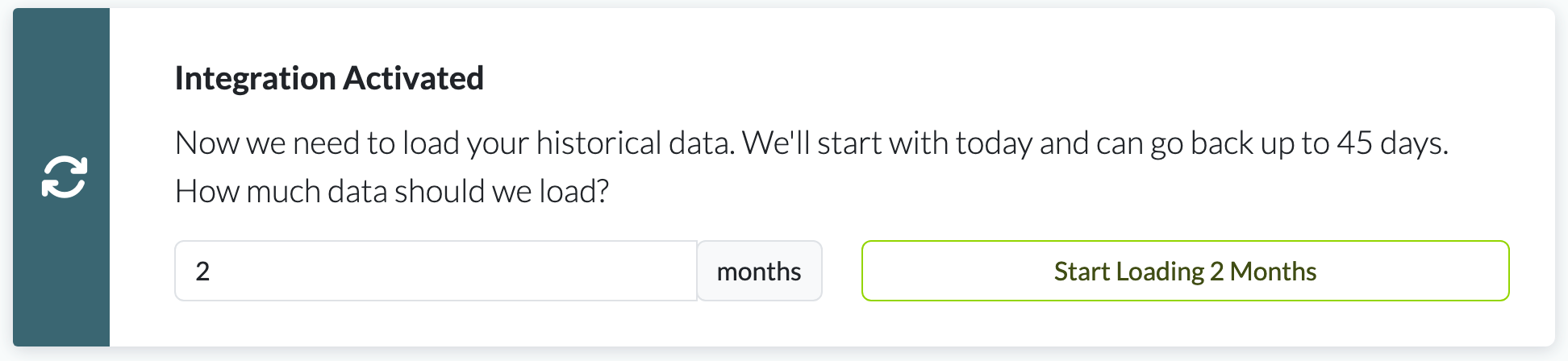
From the integration details screen, trigger a load of up to 45 days of history: