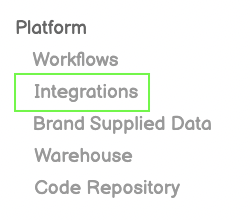
Click Integrations from Left-Side Menu Bar
Click Integrations from Left-Side Menu Bar
Click the New Integration Button on top-right of screen
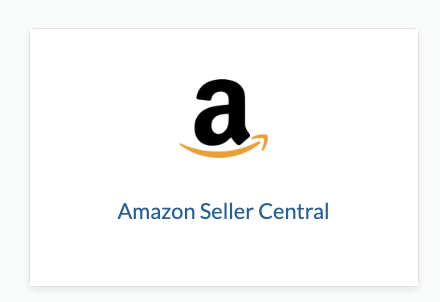
Click the Amazon Seller Central icon from the Integration Page
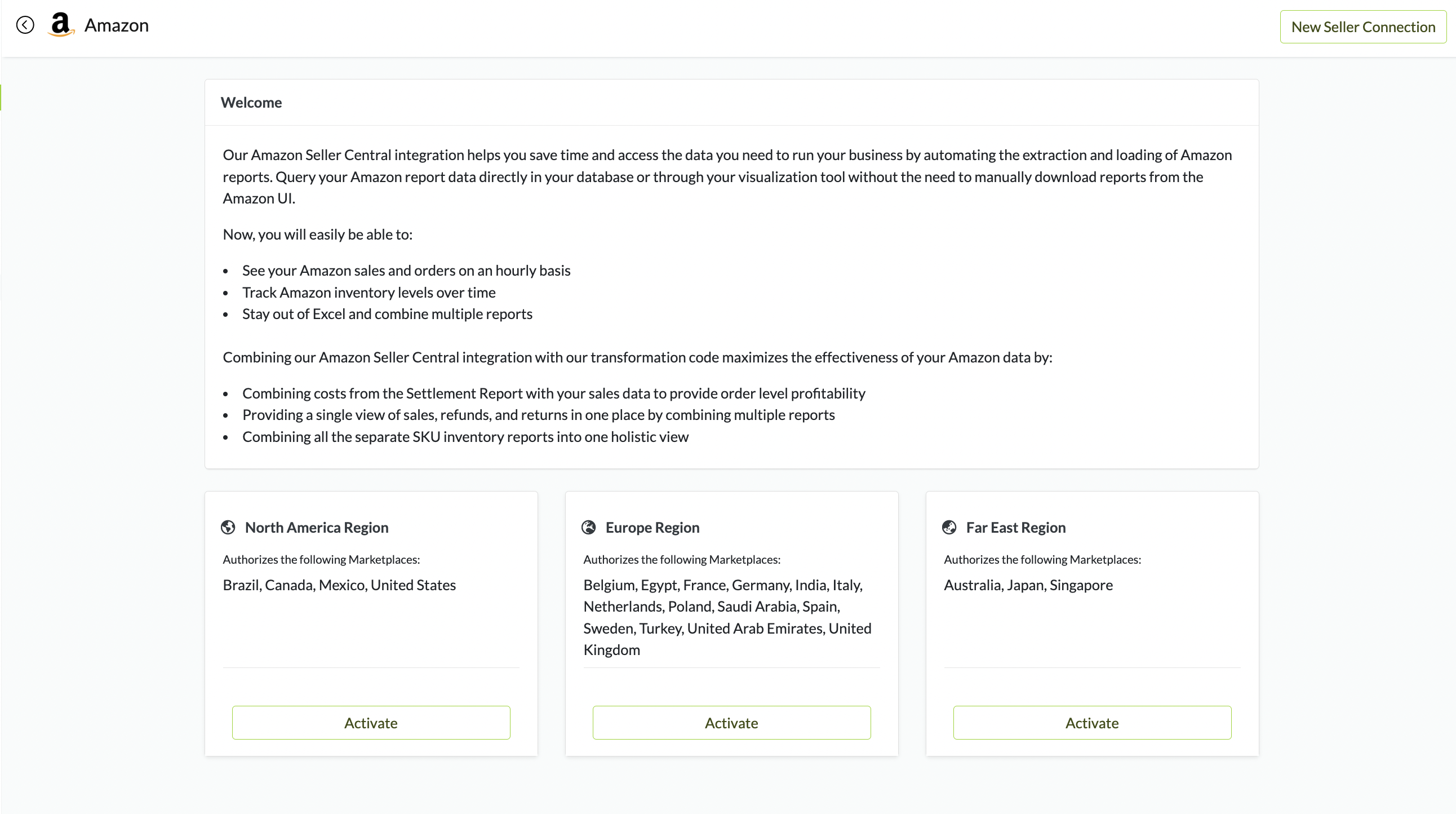
Choose which Region to Activate
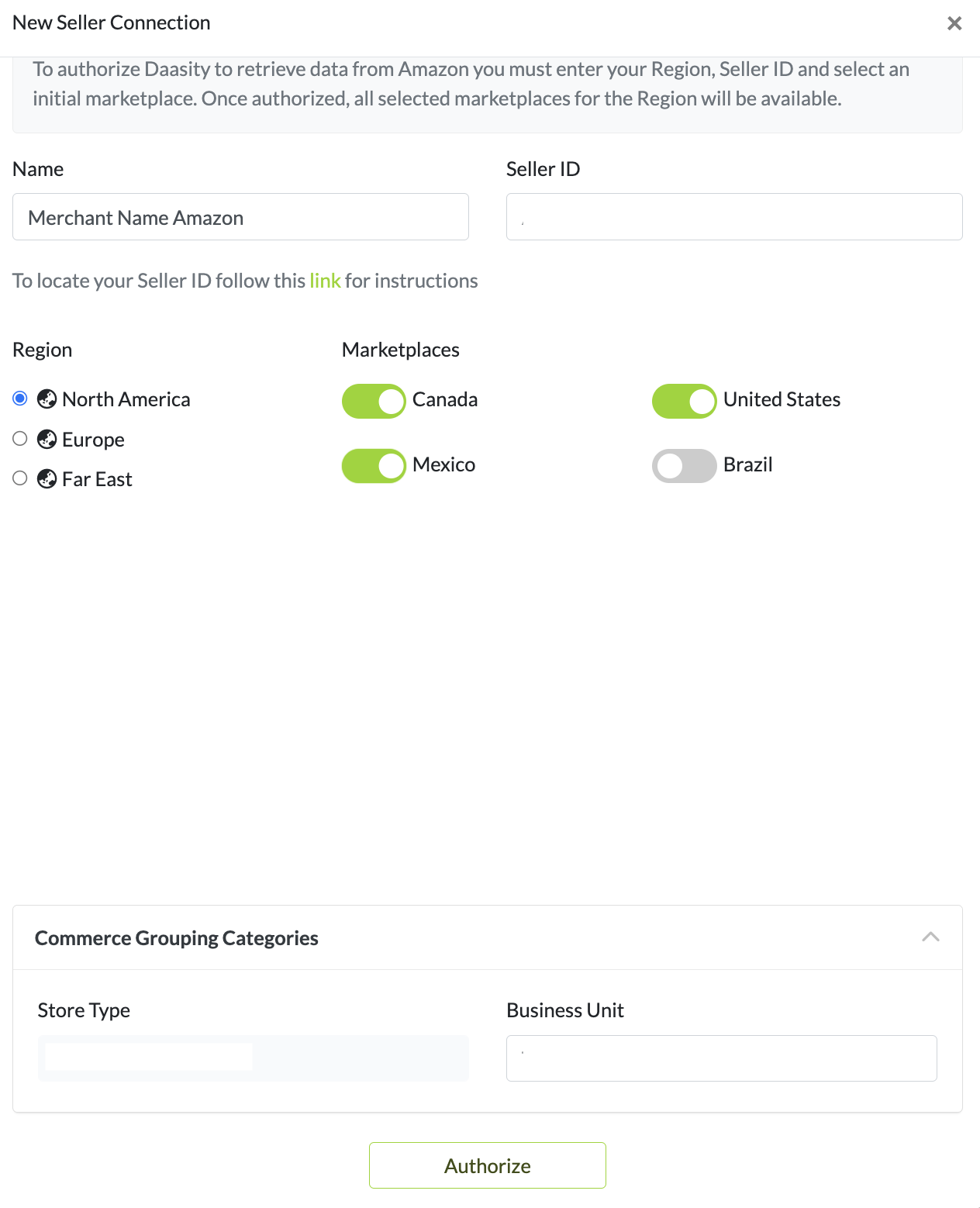
Toggle on the Regions
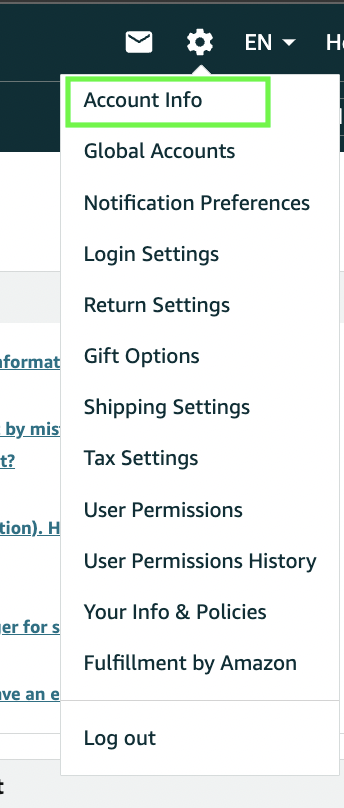
Account Info
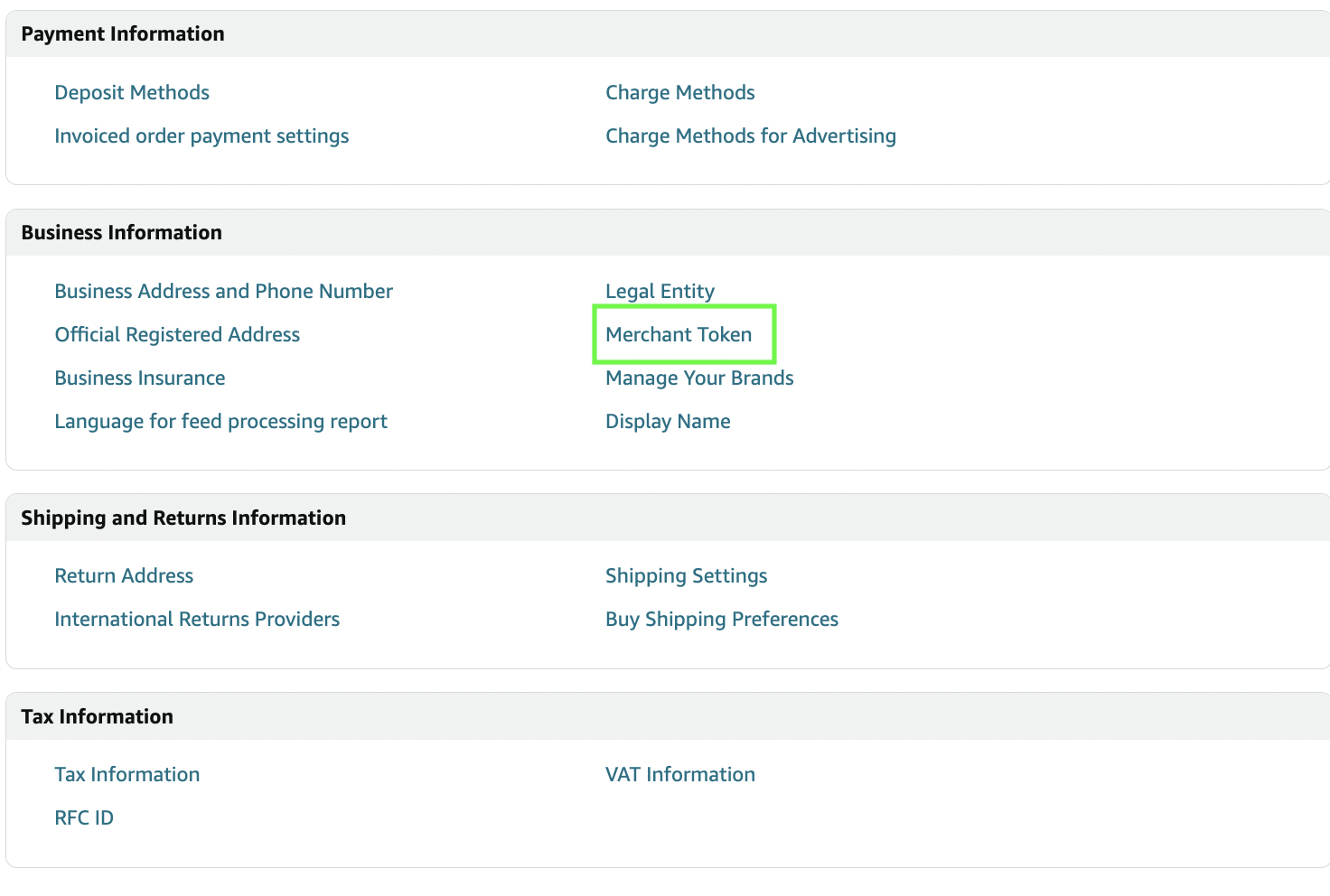
Click Merchant Token
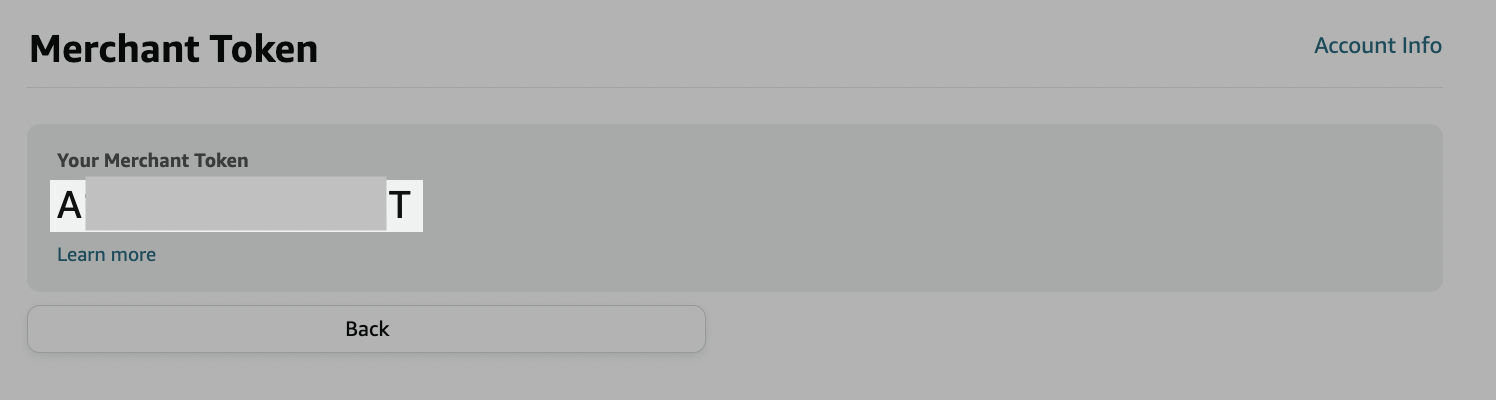
Copy your Merchant Token
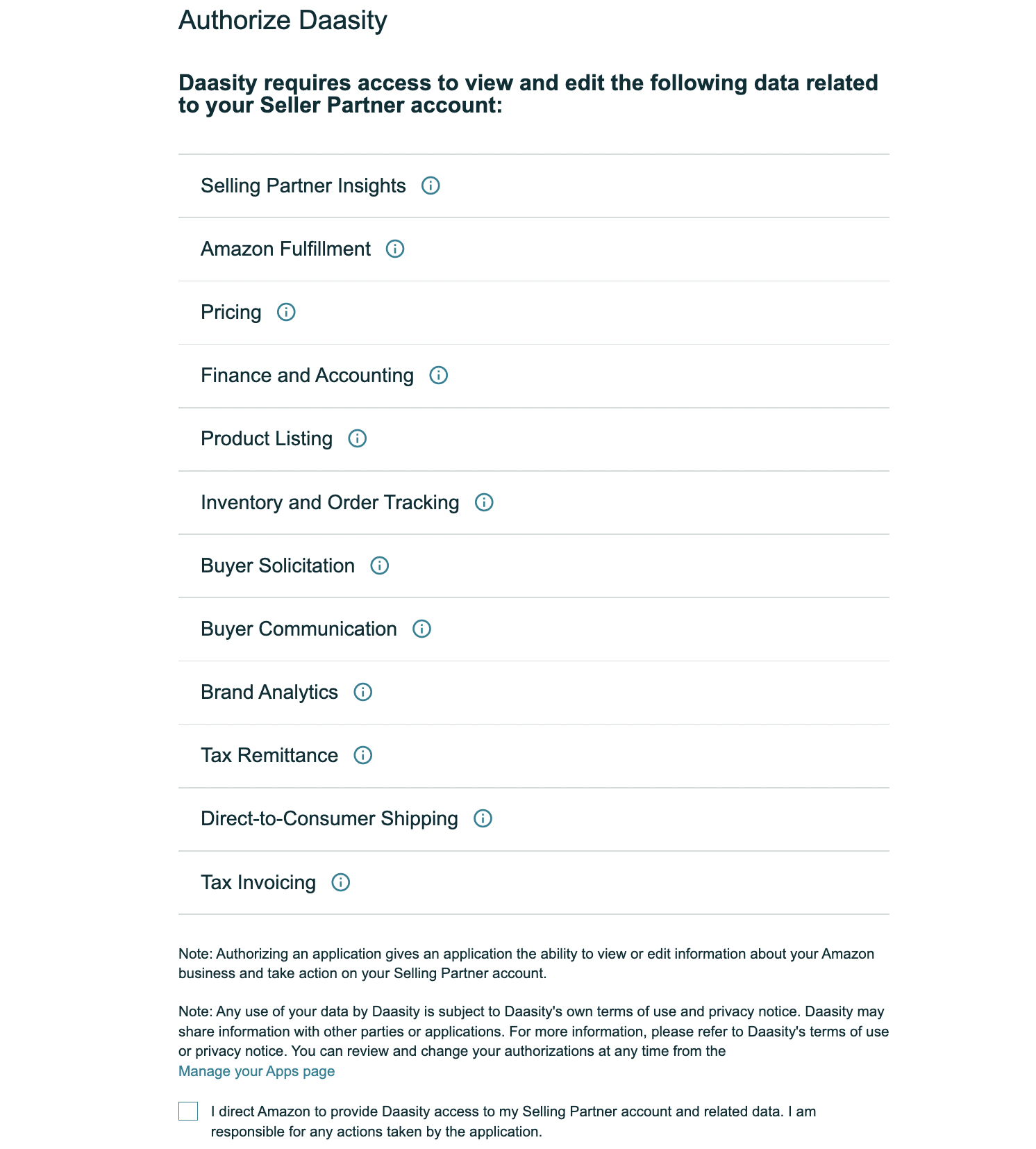
Login to Amazon Seller Central and Authorize Daasity to Connect
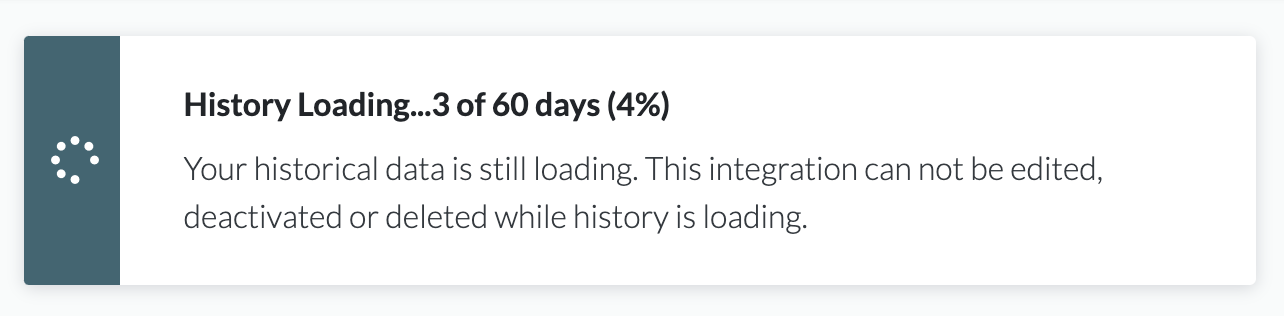
Historical Data will Load Automatically