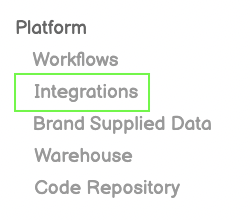
Click Integrations from Left-Side Menu Bar
Click Integrations from Left-Side Menu Bar
Click the New Integration Button on top-right of screen
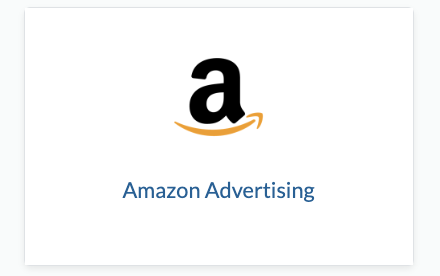
Click the Amazon Advertising icon from the Integration Page
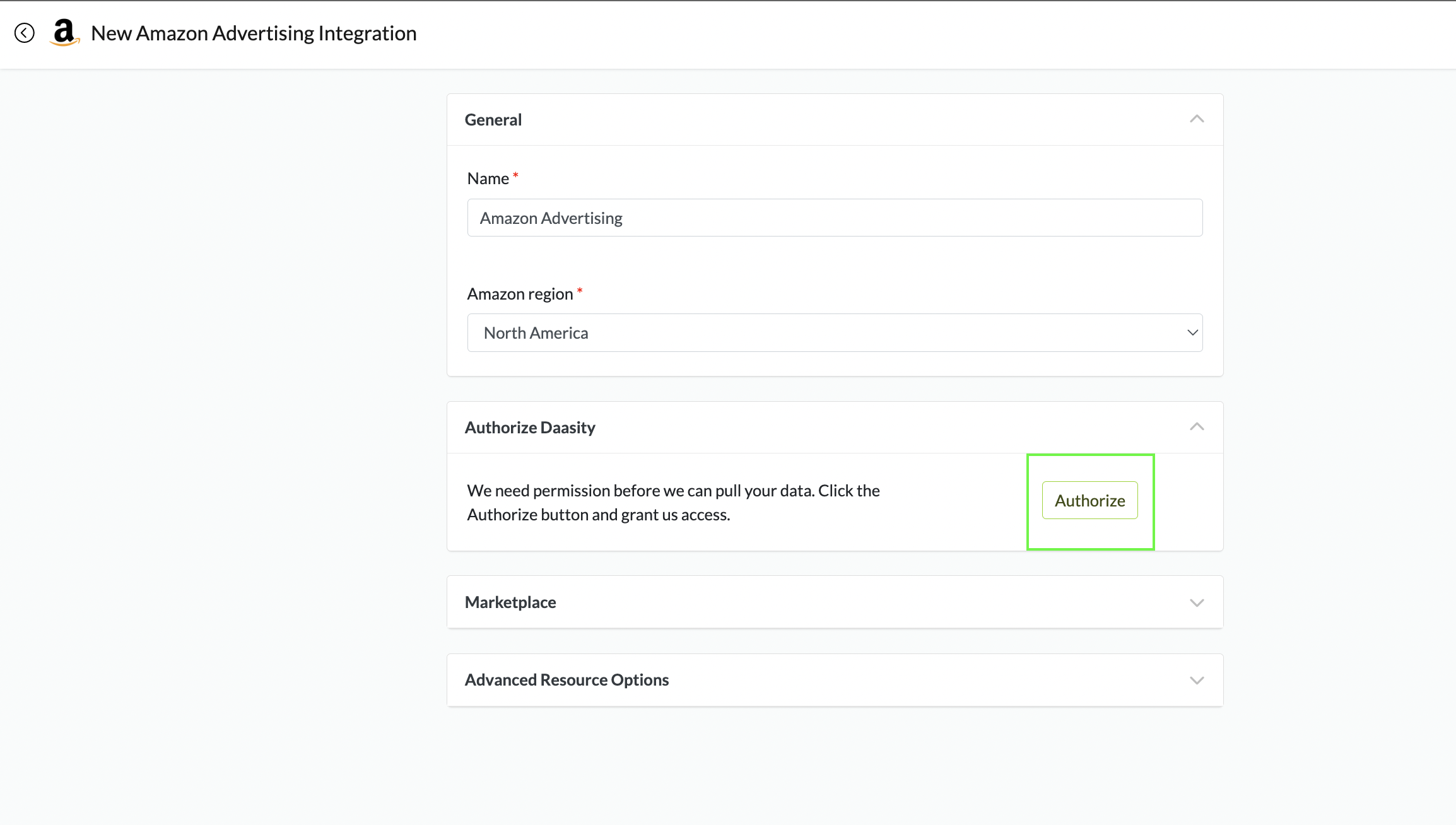
Authorize Daasity to Connect to API
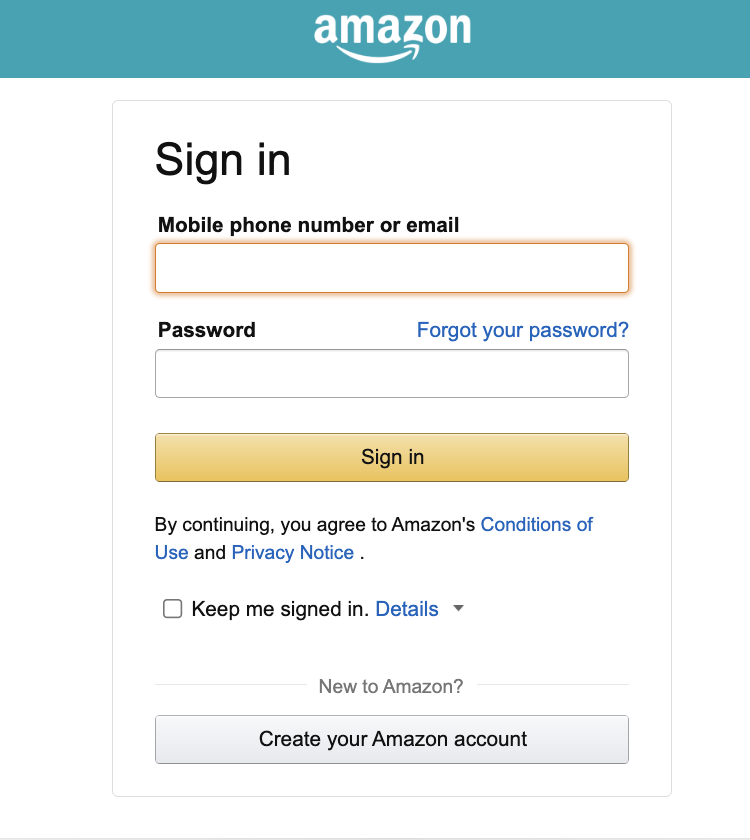
Sign in to your Amazon Account
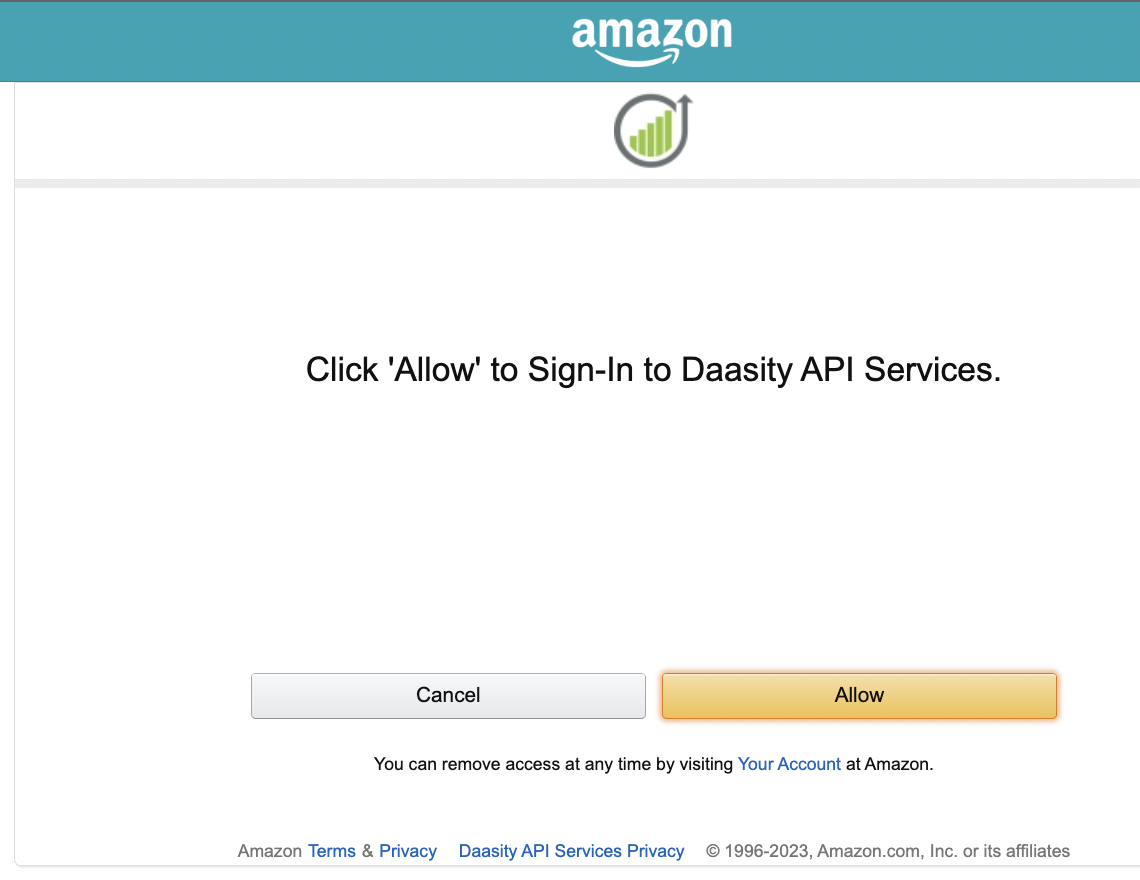
Allow Daasity to Connect to your Amazon API
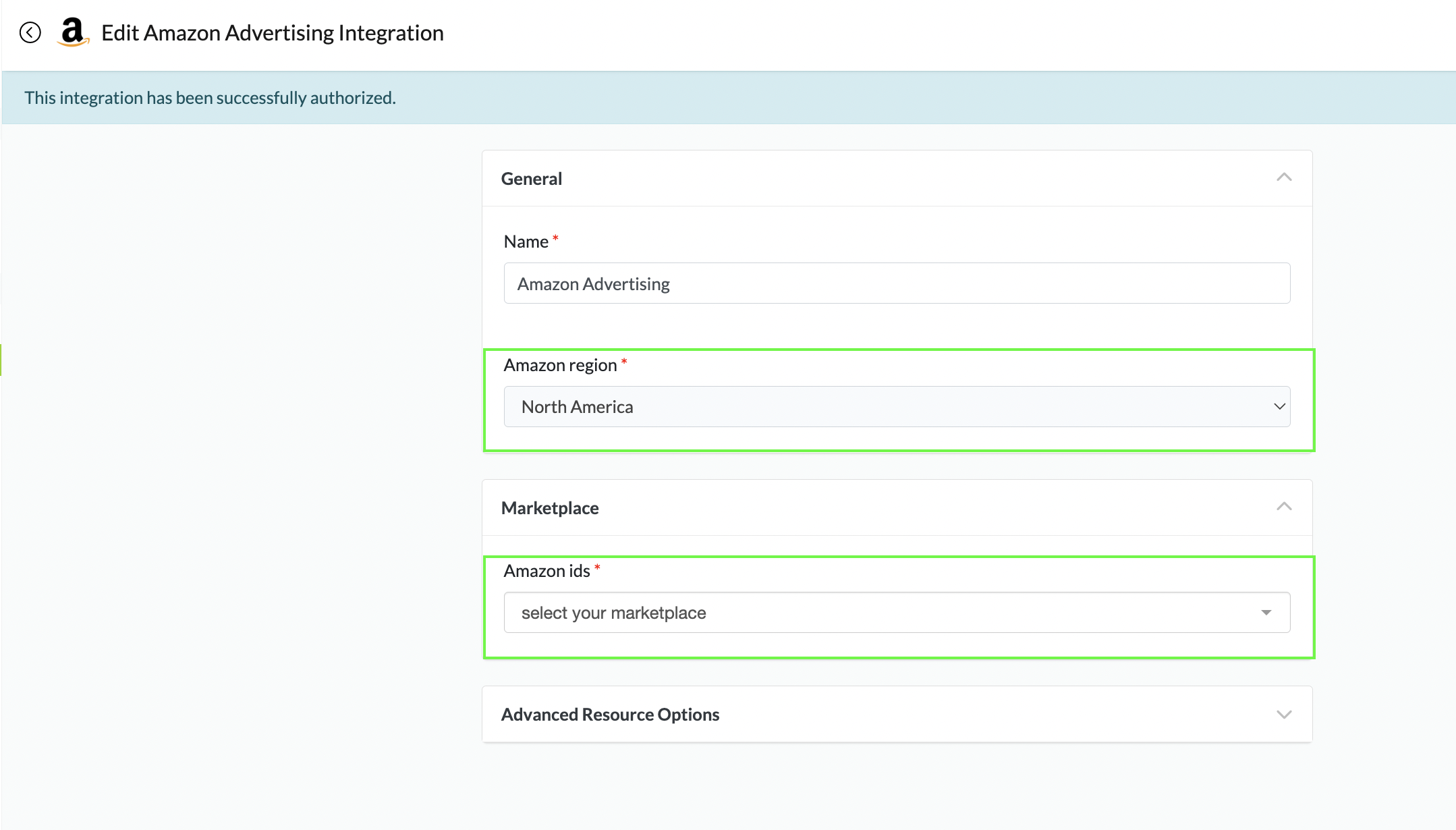
Connect Your Amazon Region and Marketplace IDs

Choose the Region from the Dropdown list
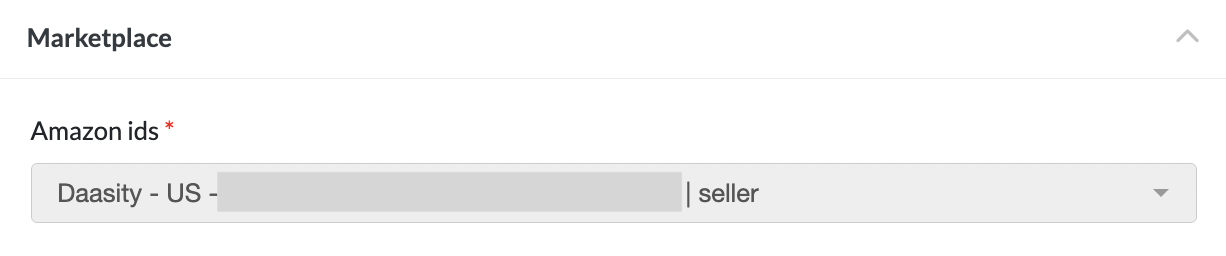
Choose the correct Amazon ID to Connect
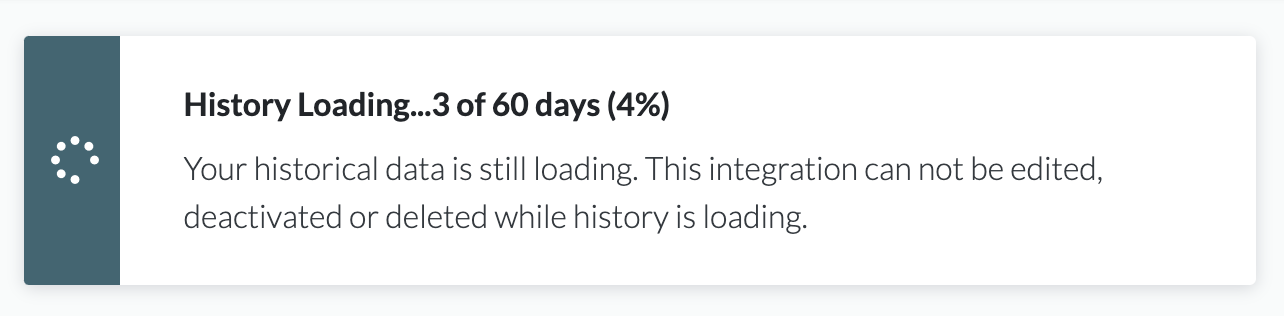
Due to Amazon API restrictions it can take time for data to load